



An intercom used to be a two-way communication device I used to prank my neighbours with as a kid. But I guess it's an AI customer service platform now?
Anyway, Intercom started as a customer messaging tool and grew into a broader AI customer service platform built around live chat, Fin, and outbound messaging. It feels polished, and setup moves quickly. But I kept running into the same problem: once the questions got more technical, more contextual, or more process-heavy, Fin lost accuracy, and the workflow lost flexibility.
That gap lines up with a point Dominic Jodoin, VP of Customer Engineering at Botpress, makes clearly: "Customers don’t want answers, they want answers that understand their situation."
The biggest issue with Intercom is that Fin's accuracy drops off a cliff on complex questions. I watched it serve outdated answers and miss context that a human agent would have caught in seconds. It produced AI hallucinations on edge cases that required nuanced product knowledge, and 130 G2 reviewers flagged the same problem.
Fin works fine for FAQ-level deflection, but teams dealing with technical support or multi-step workflows hit a wall fast.
Another pain point with Intercom is control, or the lack of it. Fin runs on a proprietary AI engine with no LLM selection, no custom logic, and no way to modify how the agent reasons through a conversation. When Fin gets something wrong, teams cannot fix the underlying behavior without waiting on Intercom's roadmap.
So I tested each alternative against four pillars:
- AI accuracy and depth: How well does the AI handle complex, multi-step queries beyond basic deflection
- Agent customization: LLM choice, custom logic, code access, and control over AI behavior
- Reporting flexibility: Custom dimensions and exportable dashboards outranked surface-level analytics
- Native integrations: Direct CRM, e-commerce, and messaging connections beat plugin-dependent setups
The list covers traditional help desks and conversational AI-first platforms for teams rethinking the category entirely.
1. Botpress
⭐ G2: 4.5/5 | Capterra: 4.5/5
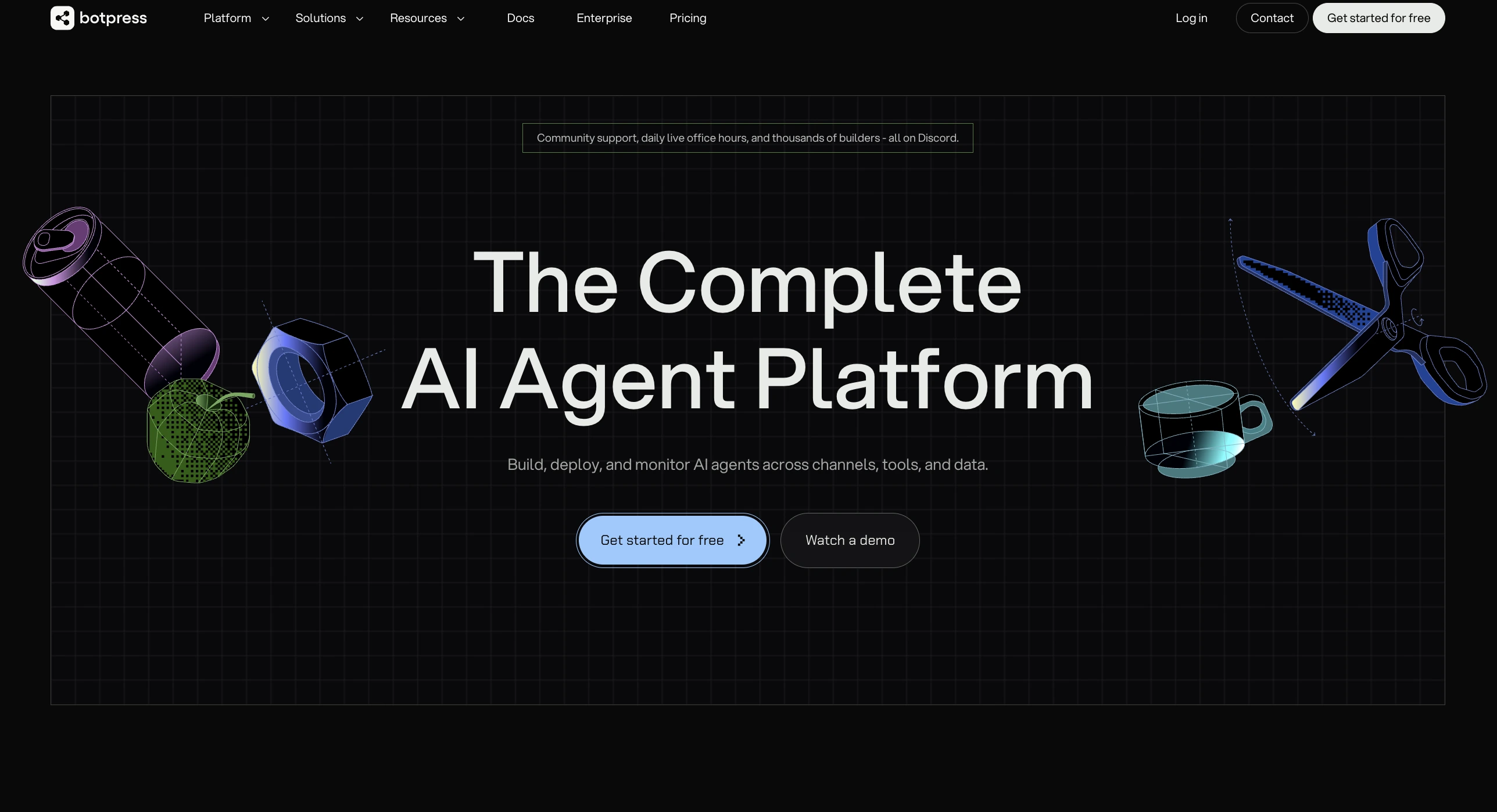
Botpress is an AI-agent platform for teams that want to build support agents with more control over logic, models, and handoff flows. It fits teams that need more than a fixed help-desk bot.
Intercom vs Botpress
Intercom keeps teams inside Fin’s closed AI stack, while Botpress gives teams direct control over models, workflows, and action-taking logic.
My Experience on Botpress
Within a couple of hours, I had an agent answering support questions through the visual builder, which made it easy to connect a knowledge base, define escalation rules, and deploy across web chat and messaging channels. The interface struck a balance: technical enough to expose real configuration, simple enough that a non-developer on the team could follow along.
The control layer is where Botpress separated itself from Intercom. I could pick different models for different steps, drop in code nodes when the logic needed tightening, and let the agent take backend actions instead of stopping at a suggestion. Fin does not give teams that level of orchestration over how the agent reasons or what it can do.
The trade-off showed up later, when I moved past starter flows into custom integrations and conditional branching. The documentation thinned out at that point, and I leaned harder on community threads to figure things out. Teams without a developer in the room will feel that gap on advanced builds.
Botpress Key Features
- Multi-LLM agent orchestration
- Visual builder with code nodes
- Human handoff with summaries
- Multichannel deployment from one build
- Provider-cost AI usage billing
Botpress Pros
- Visual builder for developers and non-developers
- 100+ integrations with CRMs and messaging
- Multi-LLM flexibility per workflow step
- Clean handoff with full conversation context
- Autonomous actions beyond chat replies
Botpress Cons
- Steep learning curve on advanced workflows
- Thin documentation past core features
- Complex builds need developer input
Botpress Pricing
Botpress bills AI usage separately at provider cost. Managed service uses introductory annual pricing on the public page, while Enterprise stays quote-based.
2. Zendesk
⭐ G2: 4.3/5 | Capterra: 4.5/5
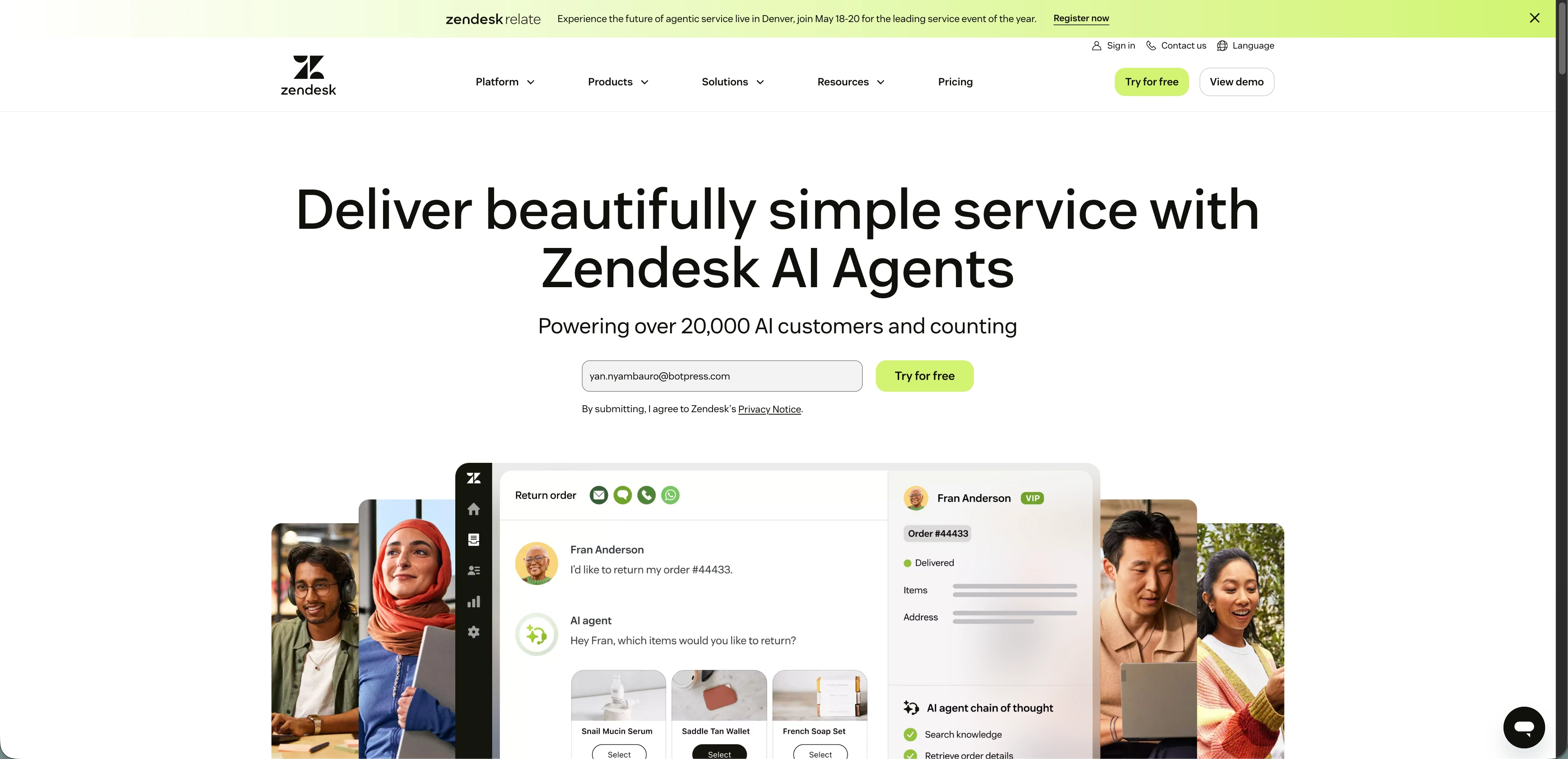
Zendesk is a mature support platform built around AI ticketing, routing, reporting, and broad channel coverage. It suits larger teams that care more about structure and operations than messenger polish.
Intercom vs Zendesk
Intercom deploys faster with stronger chat AI, while Zendesk delivers deeper reporting, SLA enforcement, and skills-based routing for large teams.
My Experience on Zendesk
Zendesk felt heavier than Intercom on first login, but the day-to-day ticketing experience earned its weight. Once I had views, routing, and tagging configured, the workspace held up well under volume. Agents could move through queues quickly, organize incoming requests, and reply faster than what I saw with most other desks I tested.
The friction came from getting there. Setup took longer than any other platform on this list, and I kept hitting walls when trying to customize things like ticket statuses and reporting fields. Several useful features also sat behind higher-tier plans, which made the real cost climb past the published seat price.
Zendesk is not built for small teams expecting same-day polish without an admin who knows the platform. Larger support operations that already run on tickets and SLAs will get more out of it than teams looking for a faster, lighter messenger experience.
Zendesk Key Features
- Skills-based routing
- Custom reporting dashboards
- Large integration marketplace
Zendesk Pros
- Efficient ticket management at scale
- Strong organization for high-volume queues
- Broad integration marketplace
Zendesk Cons
- Limited ticket status customization
- Steep learning curve on advanced setups
- Key features locked to higher tiers
Zendesk Pricing
Zendesk sells add-ons and Copilot bundles separately. Annual suite pricing is clearer than monthly pricing for teams comparing base support plans.
3. Freshdesk
⭐ G2: 4.4/5 | Capterra: 4.5/5
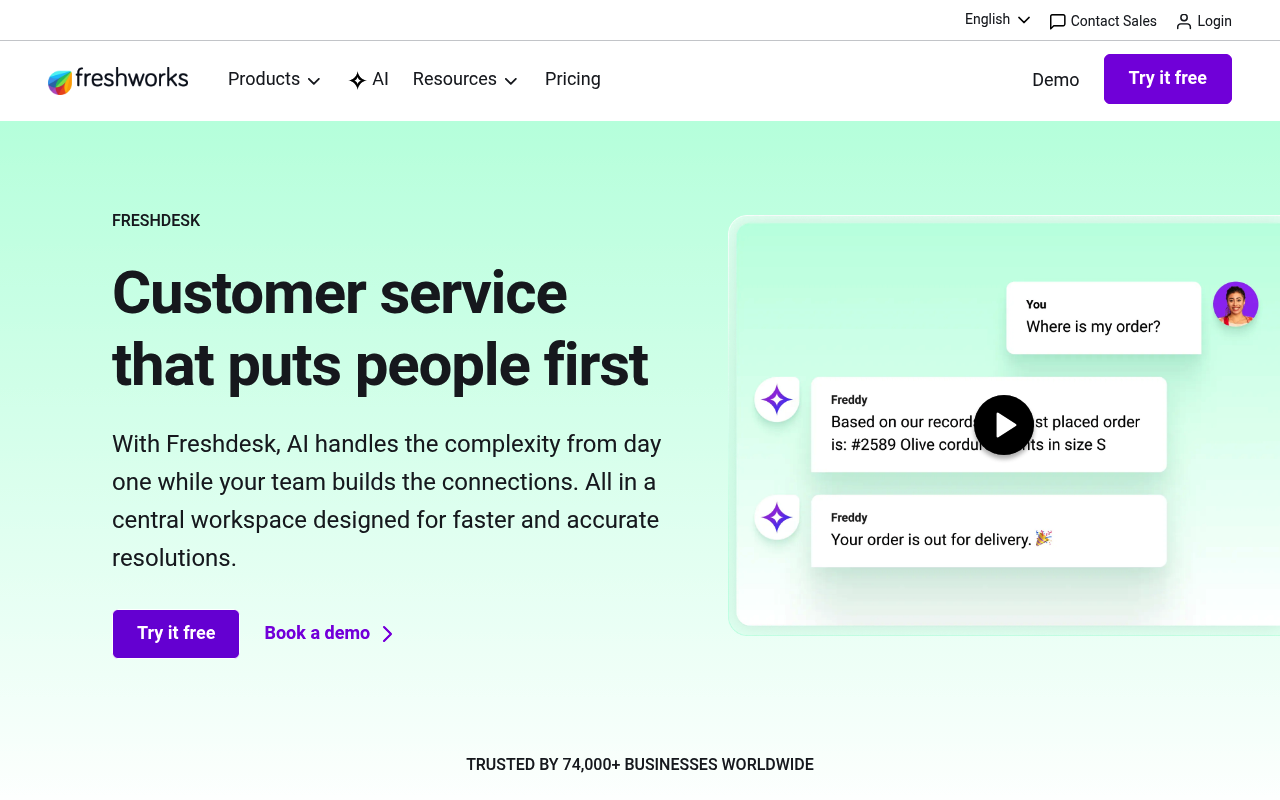
Freshdesk is a help desk for teams that want structured ticketing, SLA management, and approachable pricing. It fits growing teams that want order without buying a larger enterprise stack.
Intercom vs Freshdesk
Intercom leads on messenger-first support, while Freshdesk gives growing teams a more traditional ticketing system with clearer SLA tooling.
My Experience on Freshdesk
Freshdesk got me from setup to a working queue quickly, and that ease of use carried through to day-to-day ticket handling. Routing rules, SLA policies, and the customer portal came together without much friction. For teams already organized around tickets and response targets, that mechanical simplicity is what makes Freshdesk easier to operate than Intercom.
The automation layer pulled real weight. Once I had basic rules in place, repetitive ticket triage stopped eating into agent time, and assignment handled itself cleanly enough that smaller teams could run without constant manual oversight.
The cracks showed up at higher volume. I saw duplicate tickets get created during heavier testing, and the interface slowed down on multi-tab work. A few features I wanted, like deeper asset management and granular customization, were either missing or capped on lower tiers.
Freshdesk Key Features
- SLA controls and automations
- Customer portal and knowledge base
- Freshworks ecosystem integrations
Freshdesk Pros
- Easy setup with quick adoption curve
- Automation reduces routine ticket workload
- Clean ticket organization and tracking
Freshdesk Cons
- Duplicate tickets appear at high volume
- Interface slows down under heavy load
- Missing features like asset management
Freshdesk Pricing
Freshdesk includes the first 500 Freddy AI email sessions, then charges extra per 100 sessions. The table below reflects annual Freshdesk ticketing plans.
4. Help Scout
⭐ G2: 4.4/5 | Capterra: 4.6/5
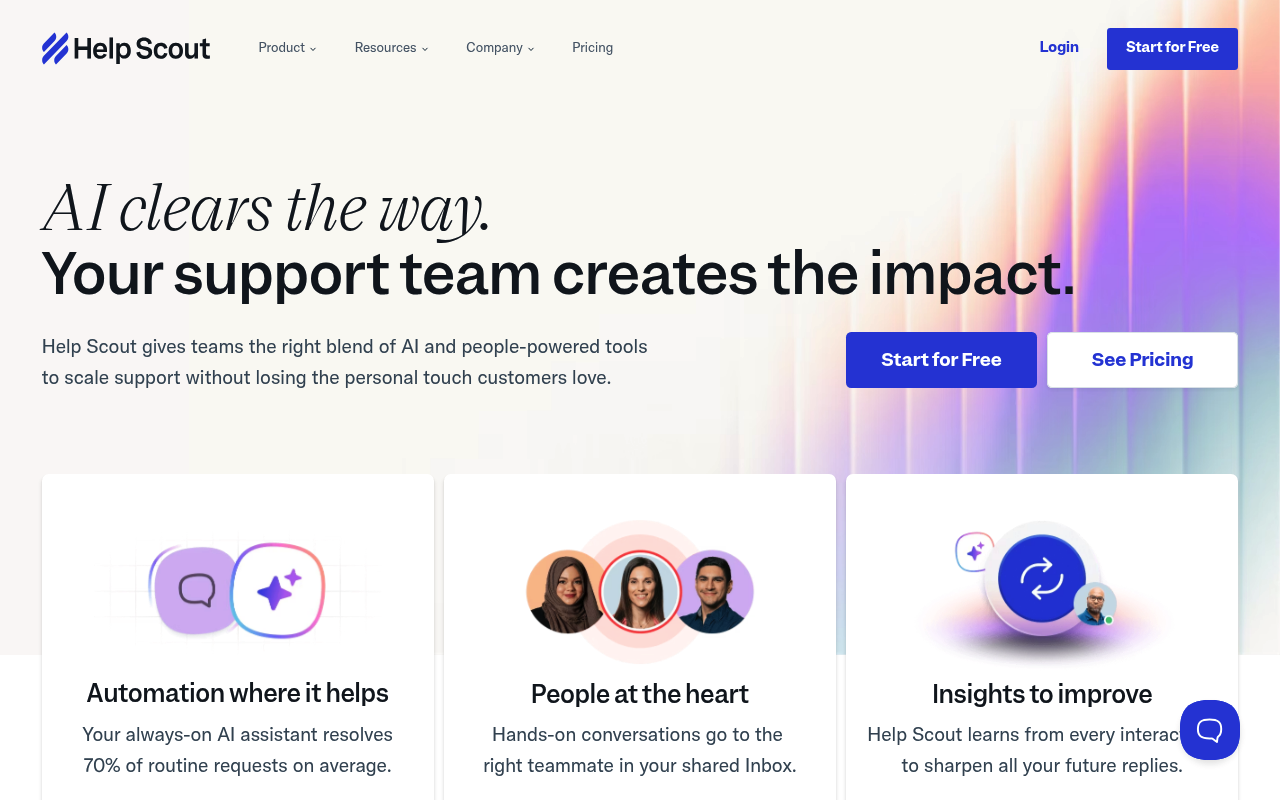
Help Scout centers support around a shared inbox and help center instead of a dense ticketing console. It suits teams that want fast adoption and an email-first service model.
Intercom vs Help Scout
Intercom offers more channels and automation depth, while Help Scout keeps support simpler with an inbox-first workflow that feels closer to email.
My Experience on Help Scout
Help Scout felt lighter than most platforms I tested. The inbox stayed easy to read even as threads piled up, while conversations, docs, and basic workflows came together quickly. The help center sat alongside the inbox in a way that made customer self-service straightforward to deploy without extra tooling.
The product team also ships updates often enough that the platform feels actively maintained, and customer support responded quickly the times I reached out during testing.
The cracks showed up on the analytics side. Reporting is shallow, customization options are thin once flows get more specific, and a few features I expected, like spam controls and deeper docs functionality, were either missing or limited. Teams running heavier support operations will outgrow Help Scout faster than teams using it as an email-first inbox.
Help Scout Key Features
- Shared inbox collaboration
- Beacon help widget
- Multiple Docs sites
Help Scout Pros
- User-friendly inbox interface
- Responsive customer support team
- Built-in knowledge base for self-service
Help Scout Cons
- Shallow reporting and analytics
- Limited customization for advanced workflows
- Missing features like spam controls
Help Scout Pricing
Help Scout charges AI Answers separately at $0.75 per resolution. The table below uses annual pricing from the Help Scout pricing page.
5. HubSpot Service Hub
⭐ G2: 4.4/5 | Capterra: 4.5/5
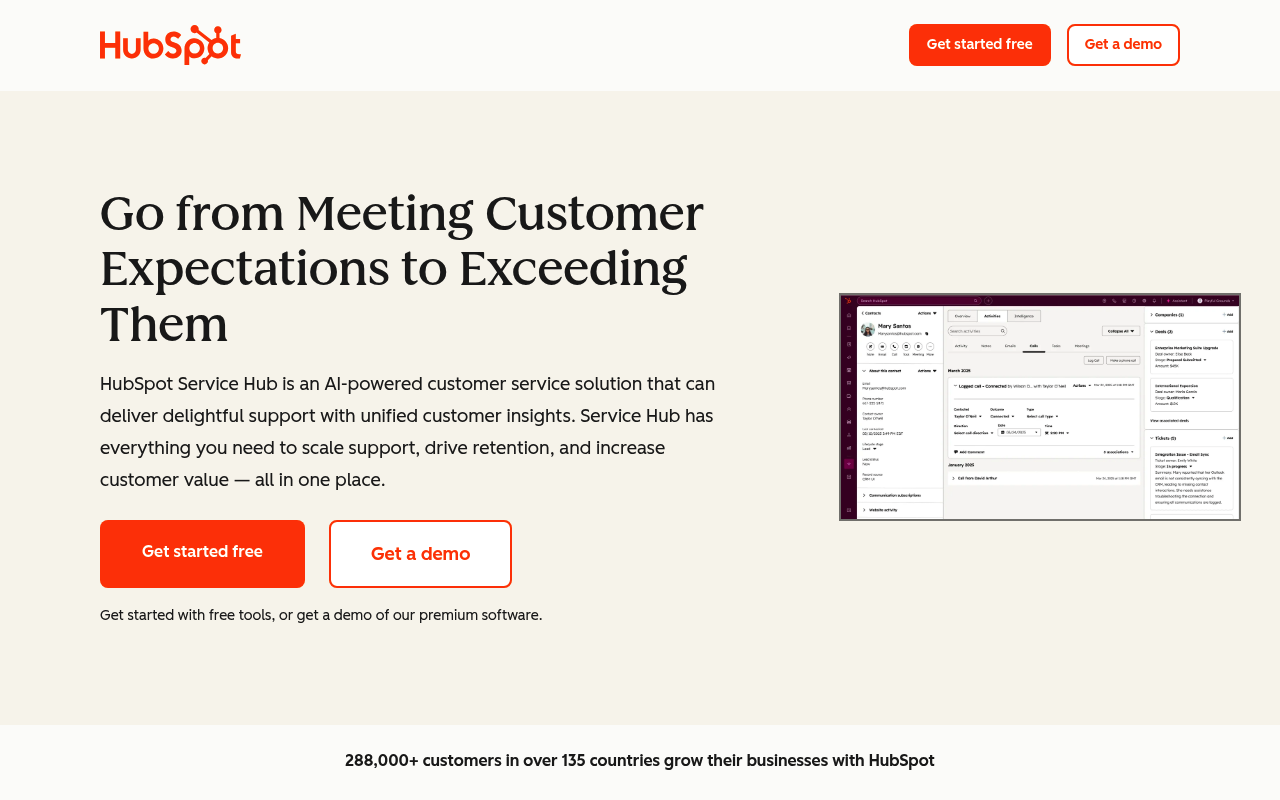
HubSpot Service Hub turns support into one layer of a larger CRM system. It works best for teams that already run sales and marketing inside HubSpot.
Intercom vs HubSpot Service Hub
Intercom wins on standalone conversational support, while HubSpot Service Hub wins when support needs to sit inside the same CRM as sales and marketing.
My Experience on HubSpot Service Hub
Service Hub makes the most sense when CRM context matters more than messenger polish. During testing, agents could see the customer record, past marketing activity, and sales context in the same system without stitching tools together. That all-in-one management is hard to get out of a standalone desk like Intercom.
The cracks showed up around customization. I ran into limits adjusting ticket statuses and processing options, and the ticket management workflow felt cumbersome once older threads stacked up. Those gaps become more noticeable as a support operation scales.
For teams already running sales and marketing inside HubSpot, the integrated context is hard to beat. For teams looking for a standalone support tool, Service Hub asks for more commitment to the wider HubSpot ecosystem than the support workflow alone justifies.
HubSpot Service Hub Key Features
- Shared CRM record
- Customer feedback tools
- HubSpot ecosystem integrations
HubSpot Service Hub Pros
- Ease of use across customer interactions
- Unified CRM, sales, and support data
- Responsive HubSpot customer support team
HubSpot Service Hub Cons
- Limited customization at higher scale
- Cumbersome management of older tickets
- Missing features hurt collaboration depth
HubSpot Service Hub Pricing
HubSpot’s public materials show promotional annual Starter pricing and onboarding fees on higher tiers. Verify the exact seat quote if you need bundle pricing.
6. Zoho Desk
⭐ G2: 4.4/5 | Capterra: 4.5/5
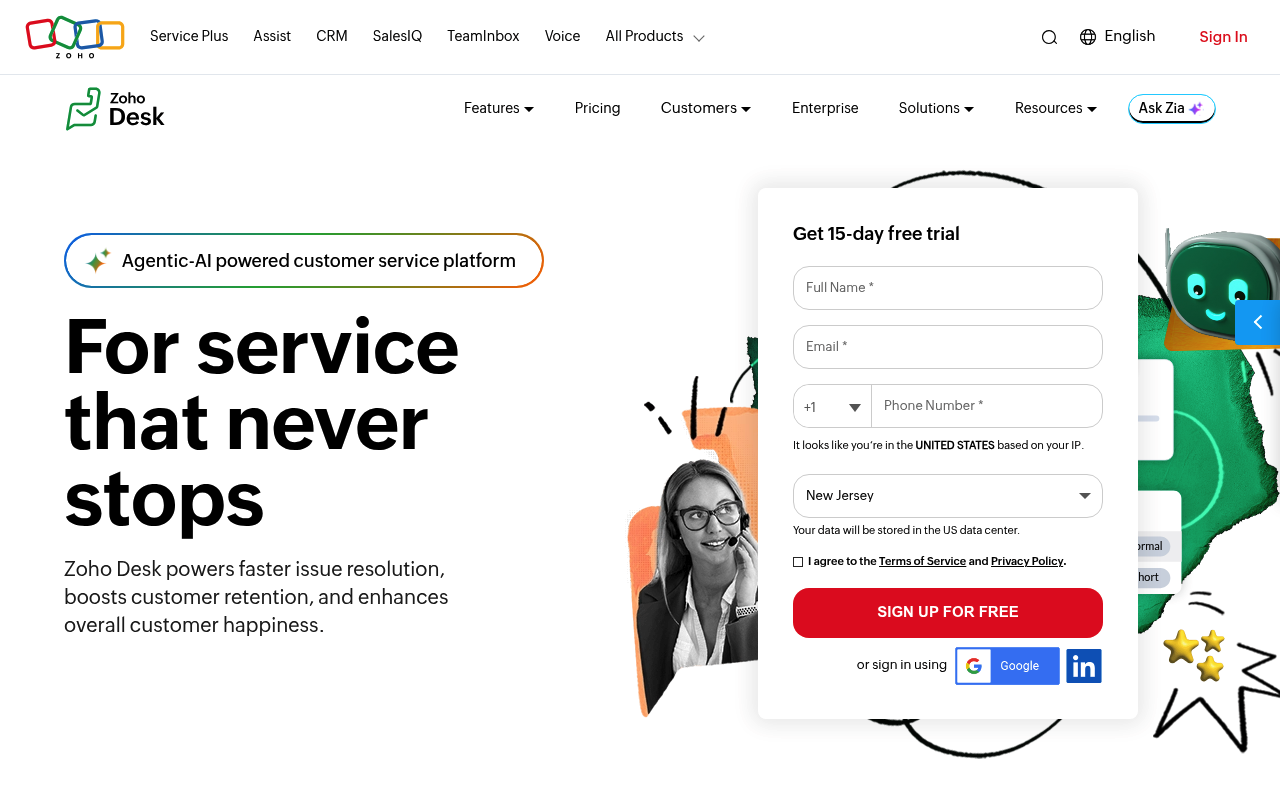
Zoho Desk is a multichannel help desk with automation, SLAs, and tight ties to the wider Zoho stack. It suits teams that already use Zoho or want a lower-cost operations tool.
Intercom vs Zoho Desk
Intercom emphasizes chat-led support, while Zoho Desk gives operations teams more workflow structure and closer ties to the Zoho ecosystem.
My Experience on Zoho Desk
Zoho Desk handled the basics cleanly. Ticket creation, assignment, and standard support workflows felt fast to learn, and automation rules pulled their weight on routine triage. The Blueprint builder gave me a visual way to map out support processes, and the Zoho CRM connection pulled useful account context into the ticket view.
The friction came when I went deeper. Customizing workflows beyond the defaults exposed an inconsistent UI, and onboarding a new agent into the configuration would take longer than I expected from a tool that started so easy. AI features are also split across tier and region, so plan-detail reading is mandatory before purchase.
For teams already running on Zoho, the integration benefits make the rough edges easier to live with. Teams coming in fresh will spend more time on setup than they would with Freshdesk or Help Scout.
Zoho Desk Key Features
- Blueprint workflow builder
- Zoho CRM connection
- Multi-department ticketing
Zoho Desk Pros
- Easy ticket management for daily support
- Automation handles routine triage cleanly
- Integrations across the Zoho ecosystem
Zoho Desk Cons
- Steep learning curve on customization
- Confusing UI on deeper workflows
- Complex onboarding for new agents
Zoho Desk Pricing
Zoho Desk prices vary by region and currency. The annual figures below reflect commonly listed USD annual rates used in North American comparisons.
7. Front
⭐ G2: 4.7/5 | Capterra: 4.5/5
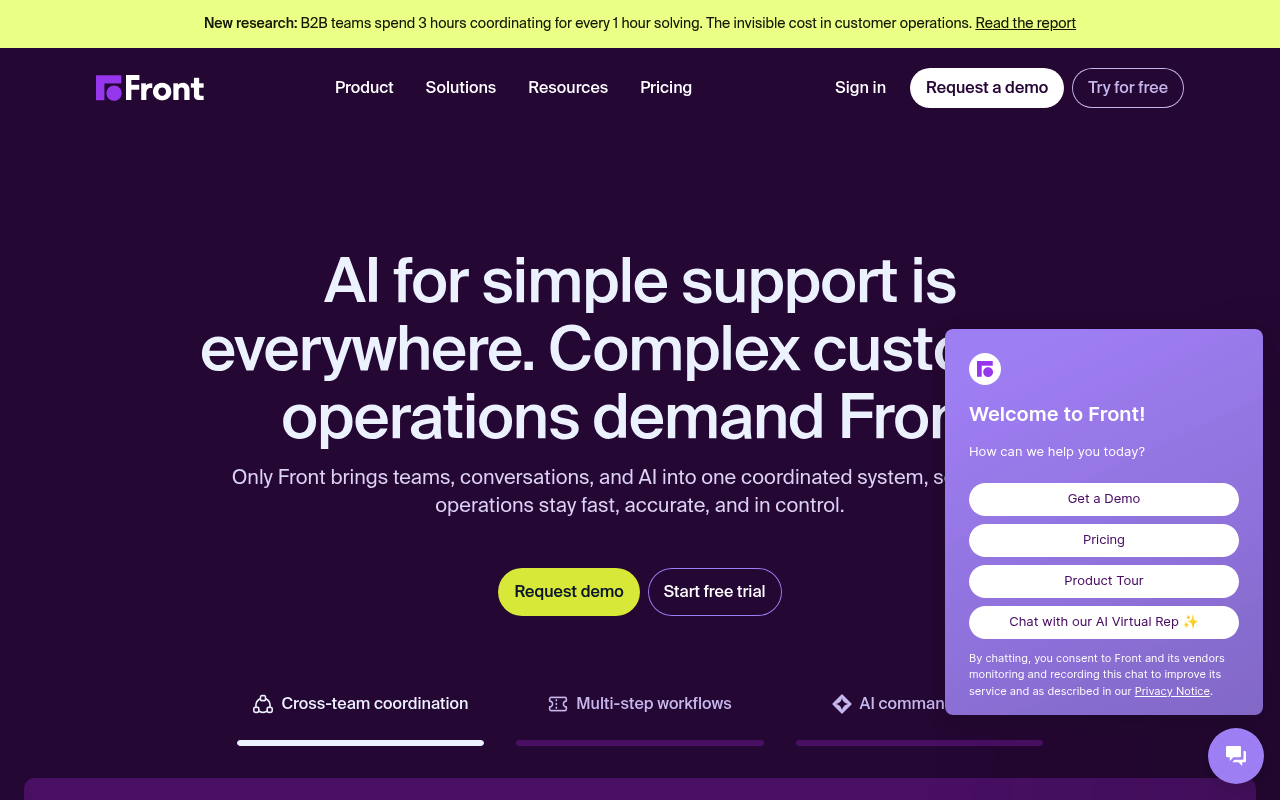
Front is a shared inbox platform for teams that want fast internal collaboration around customer messages. It fits support teams that still rely heavily on human coordination.
Intercom vs Front
Intercom centers automation and chat AI, while Front centers human collaboration through shared drafts, comments, and assignment workflows.
My Experience on Front
Front feels like a collaboration tool first and a support platform second. Shared drafts, internal comments, and clear ownership made team triage smoother than Intercom for email-heavy support work. Replies still felt personal because they came from real addresses rather than a platform-branded inbox, and the smart commenting kept side conversations out of the customer thread entirely.
The cracks showed up on the email-handling side. I ran into duplicate emails after time away from the inbox, and the calendar and inbox sync got out of step a couple of times during testing. Threaded conversations also got confusing on longer chains, which made some replies harder to track than they needed to be.
The AI layer also felt basic compared to the autonomous platforms in this list. Front works best when human collaboration is the bottleneck, not deflection volume.
Front Key Features
- Shared drafts
- Omnichannel inbox
- Assignment and collaboration
Front Pros
- Easy setup with quick team adoption
- Strong collaboration through comments and tagging
- Replies come from real email addresses
Front Cons
- Duplicate emails appear after time away
- Calendar and inbox sync get out of step
- Threaded conversations get confusing on long chains
Front Pricing
Front now uses newer annual seat pricing than many older comparison articles. AI access depends on add-ons or higher-tier packaging.
8. Gorgias
⭐ G2: 4.6/5 | Capterra: 4.7/5
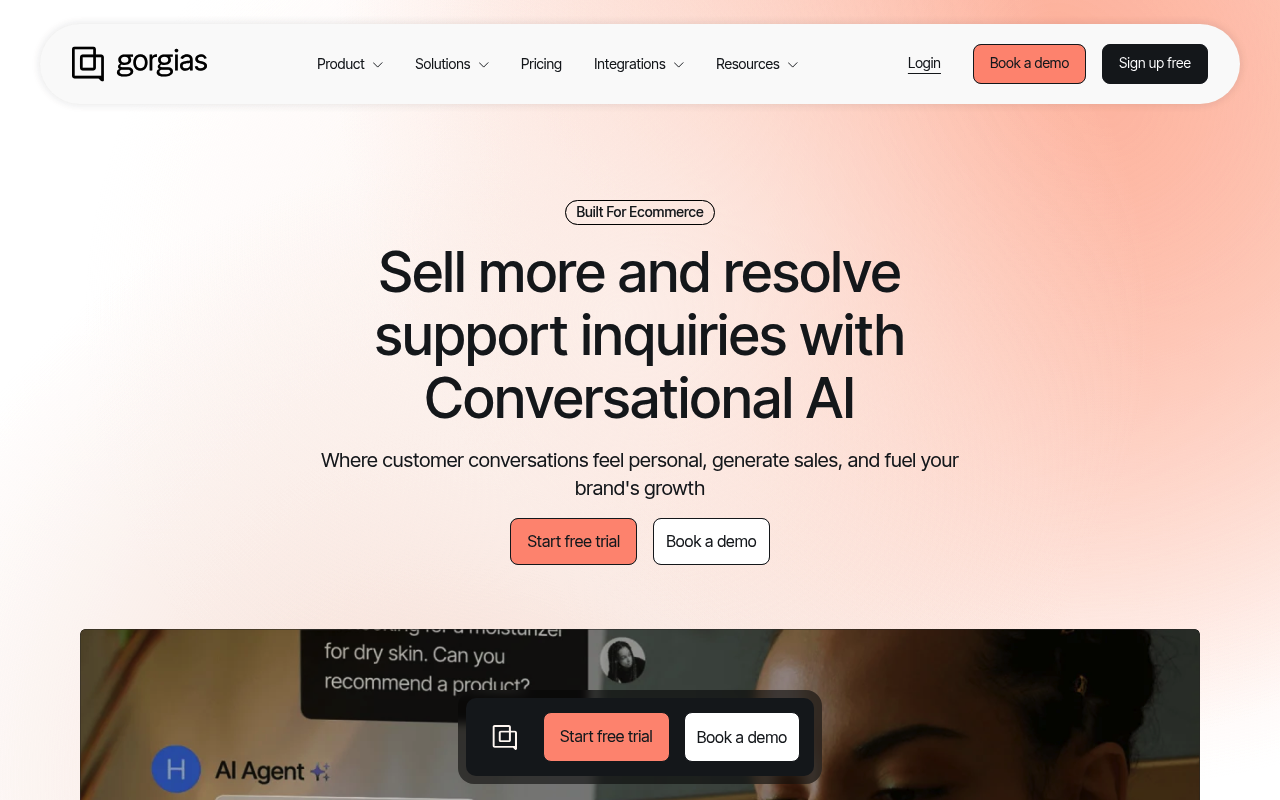
Gorgias is a support platform built for ecommerce brands that need order data and support actions in the same place. It suits Shopify-heavy teams in particular.
Intercom vs Gorgias
Intercom covers broader support use cases, while Gorgias focuses on ecommerce workflows like refunds, edits, and order actions inside the support queue.
My Experience on Gorgias
Gorgias made the most sense the moment I connected store data. Agents could see order context in the queue and complete real actions without sending customers elsewhere, which made it more useful than Intercom for support teams whose inbox revolves around orders, returns, and subscriptions. Multi-channel integrations also pulled communications into one place cleanly.
The platform's utility narrowed once I tested it outside ecommerce. On a manufacturing site, Gorgias struggled with context that did not tie back to a store, and revenue-focused features lost their value entirely.
Reporting was thinner than I expected. Custom report options felt limited, and accessing deeper historical data took workarounds. Add-on charges for AI and voice also stacked up faster than the headline pricing suggested.
Gorgias Key Features
- Native order actions
- Revenue attribution
- Shopify-centric support workflow
Gorgias Pros
- Native order context inside the support queue
- Strong multi-channel integration for ecommerce
- Action-taking inside tickets saves agent time
Gorgias Cons
- Limited custom reporting and historical data
- Add-on charges raise total cost quickly
- Steep learning curve during initial setup
Gorgias Pricing
Gorgias charges AI Agent resolutions separately and adds voice or SMS as optional extras. The table below reflects yearly billing for helpdesk plans.
9. Tidio
⭐ G2: 4.7/5 | Capterra: 4.7/5
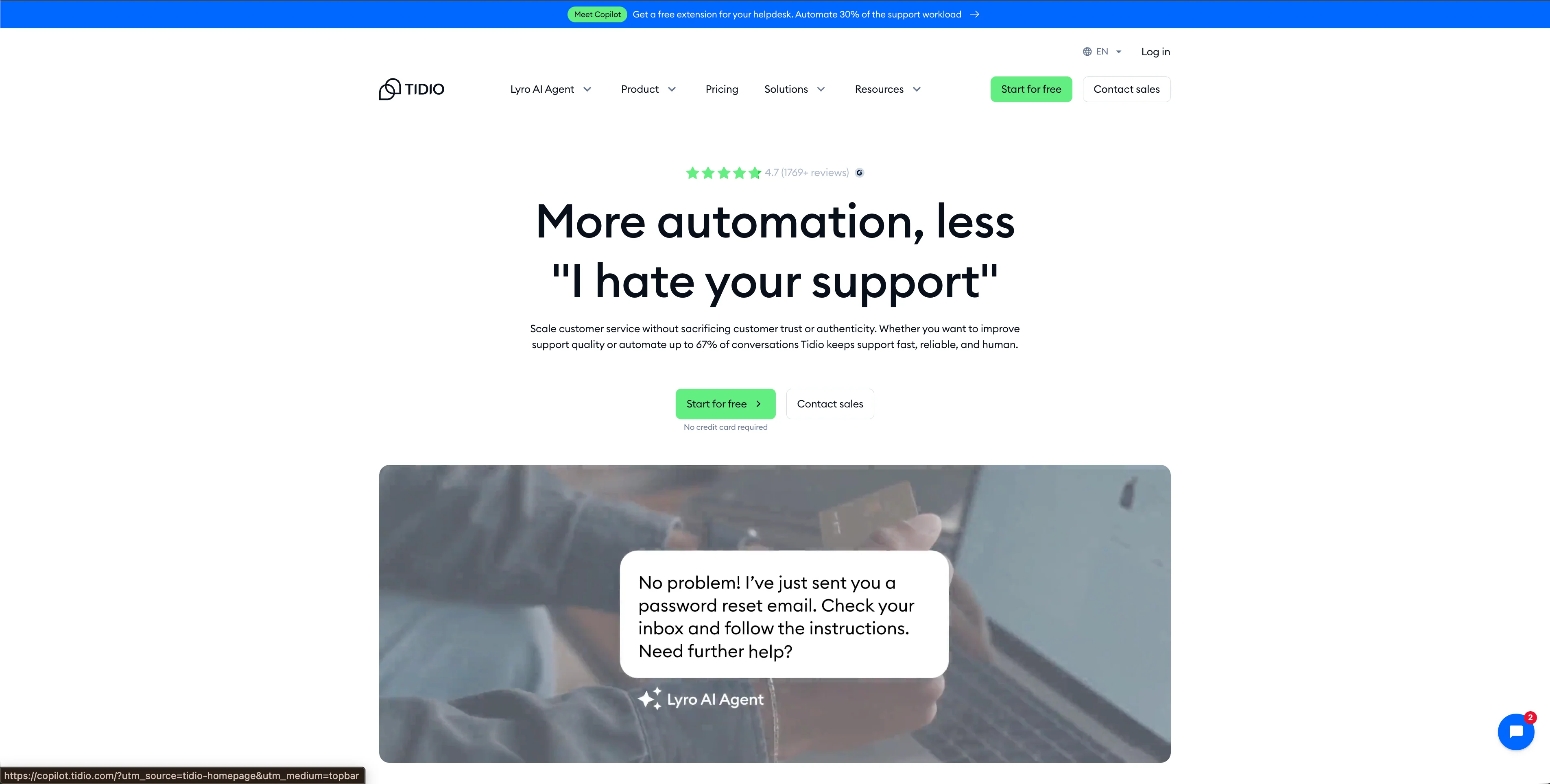
Tidio combines live chat, chatbot flows, and Lyro AI in a product that aims for fast setup. It suits small teams that want a working chat layer without a long implementation cycle.
Intercom vs Tidio
Intercom handles broader support workflows, while Tidio wins on speed to launch for small teams that mainly want live chat and basic automation.
My Experience on Tidio
Tidio's setup speed is the standout. The chat widget went live within minutes, which matters for small businesses that do not want weeks of implementation before they can start helping customers. Lyro handled common questions well during peak testing windows, and the no-code builder kept simple flows easy to manage.
The pricing model is where it gets harder. Tidio splits value across billable conversations, Lyro AI quota, flows, and seat limits, which makes the headline plan price look simpler than the full operating cost. Bundles climb fast for smaller teams trying to layer on AI.
I also ran into customization limits on chat workflows, and a few features felt thinner than I expected. Tidio works best for smaller teams prioritizing speed over depth.
Tidio Key Features
- Lyro AI agent
- No-code flow builder
- Live chat and lead capture
Tidio Pros
- Fast setup with chat widget live quickly
- Lyro AI handles common questions well
- No-code builder for simple flows
Tidio Cons
- Bundles get expensive for smaller teams
- Pricing model splits across multiple quotas
- Customization limits on chat workflows
Tidio Pricing
Tidio splits pricing across support plans and Lyro AI quotas. The table below uses current annual self-serve pricing published on Tidio’s pricing page.
10. LiveAgent
⭐ G2: 4.5/5 | Capterra: 4.7/5
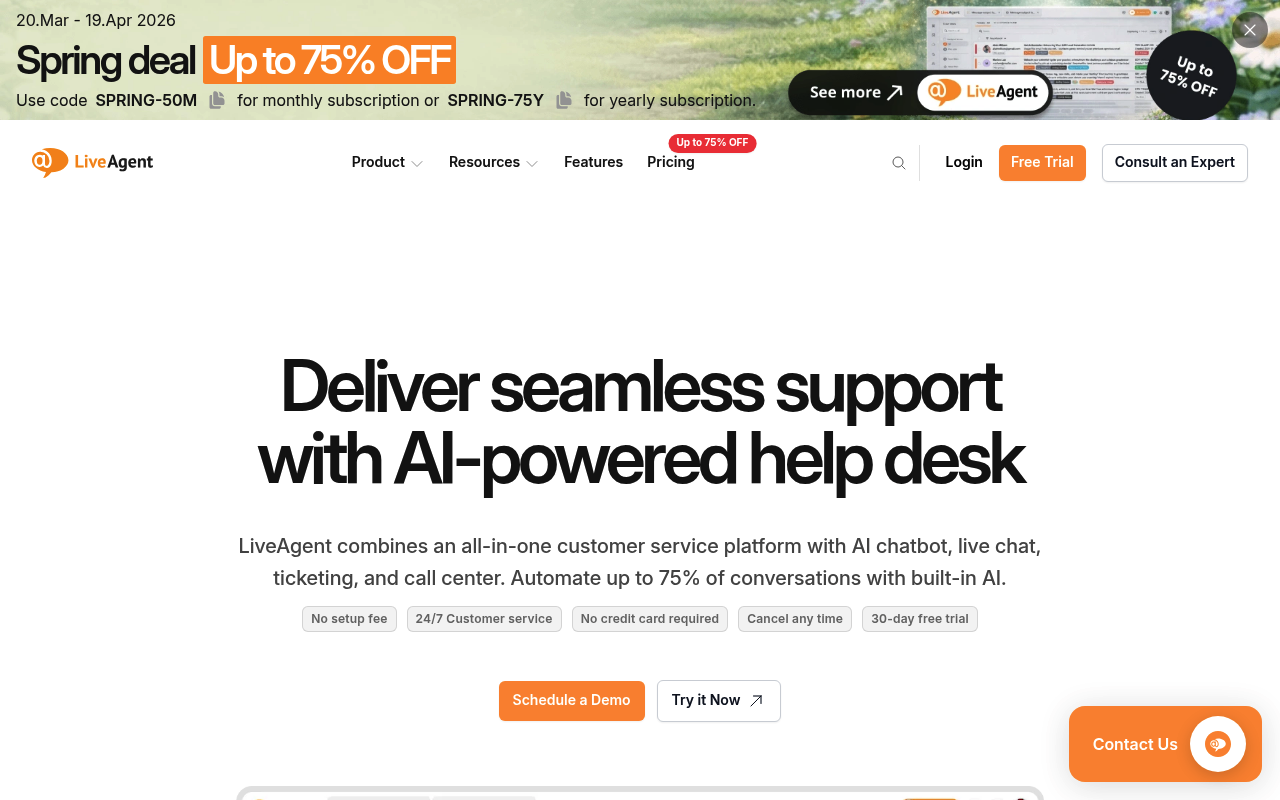
LiveAgent is an all-in-one help desk with ticketing, chat, and built-in call center tools. It suits teams that want phone support without stitching together extra voice software.
Intercom vs LiveAgent
Intercom delivers a better modern messenger, while LiveAgent gives support teams built-in call center features at a lower public entry price.
My Experience on LiveAgent
LiveAgent stands out because voice ships natively instead of bolted on. During testing, Interactive voice response, routing, and call recording were already part of the product rather than another vendor contract, which makes the platform attractive for teams still solving a lot of issues by phone. The help desk basics also worked well enough without much setup, and the ticketing core felt solid for day-to-day use.
LiveAgent's customer support team also responded quickly the times I reached out, which lined up with what most reviewers noted.
The interface is where the platform shows its age. Navigation took longer than it should have, the mobile app trailed the desktop experience noticeably, and integrations with WhatsApp and Facebook needed more troubleshooting than I expected. Teams that prioritize built-in voice over modern UI polish will get more value here than teams expecting Intercom-level interaction design.
LiveAgent Key Features
- Built-in call center
- Universal inbox
- SLA tracking
LiveAgent Pros
- Voice support ships natively
- Responsive customer support team
- Solid ticketing core for daily use
LiveAgent Cons
- Interface feels outdated and slows navigation
- Mobile app trails desktop experience
- Meta integrations need troubleshooting
LiveAgent Pricing
LiveAgent publishes clear annual pricing and separate monthly pricing. The table below uses its annual per-agent plans.
11. Gladly
⭐ G2: 4.8/5 | Capterra: 4.8/5
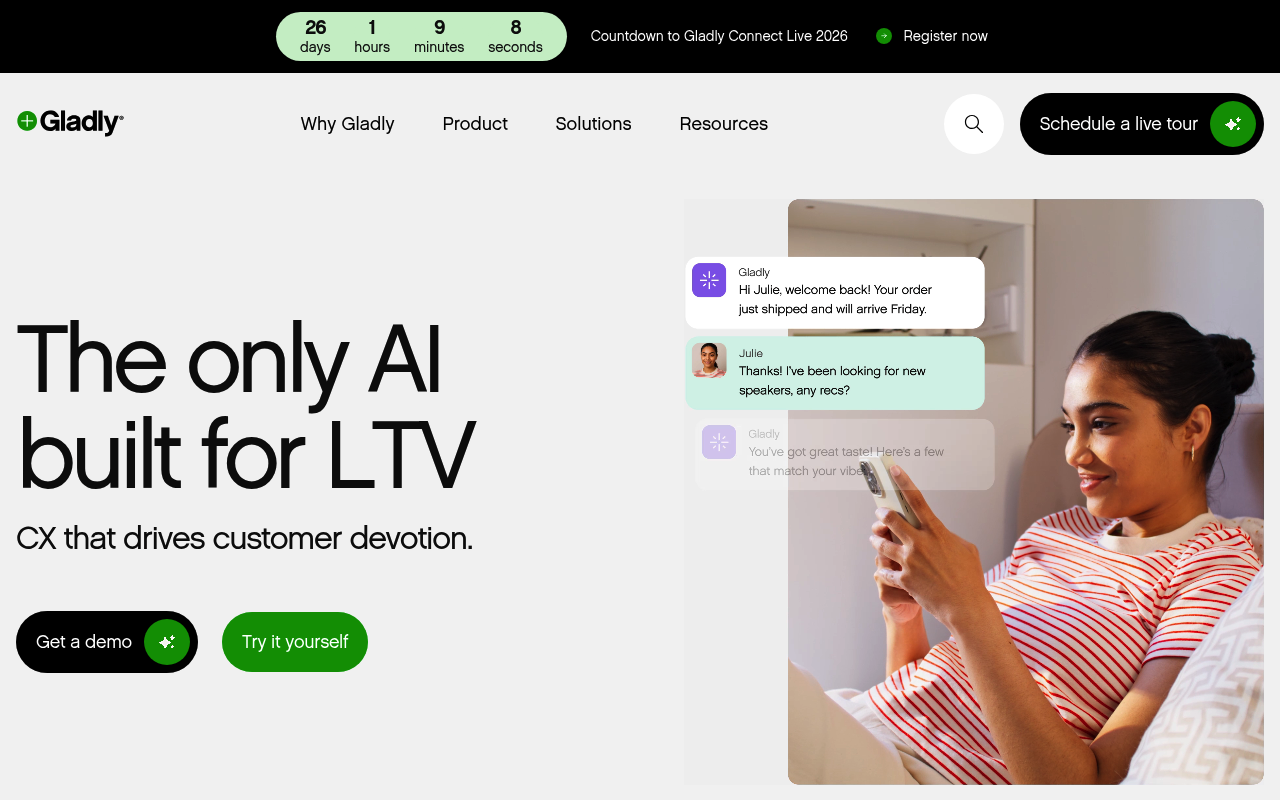
Gladly builds support around a continuous customer conversation instead of isolated tickets. It suits B2C brands that care about long-lived customer relationships across channels.
Intercom vs Gladly
Intercom centers chat-led service, while Gladly centers the customer record and keeps every channel inside one ongoing conversation thread.
My Experience on Gladly
Gladly's conversation model is what sets it apart. Instead of treating each inbound message like a separate work item, the platform keeps customer history together in one thread, which makes repeat interactions easier to understand and reduces the context switching that happens in ticket-centric tools. Built-in voice also strengthens the case for B2C brands handling heavy phone volume.
Onboarding lived up to its reputation. The ramp-up was smoother than I expected for a platform with this much under the hood, and agents found the interface easy to navigate once trained.
The limits showed up around customization and information management. Reporting felt thin compared to what I needed, and managing customer data across longer relationships got complicated quickly. A few features I wanted, like deeper third-party integrations and stronger AI accuracy, were either missing or limited.
Gladly Key Features
- Customer-centered timelines
- Built-in voice support
- People-focused support model
Gladly Pros
- Continuous customer conversation across channels
- Smooth onboarding for new agents
- Built-in voice for B2C support
Gladly Cons
- Reporting and visual customization feel limited
- Customer information management gets complex
- AI accuracy and integrations need work
Gladly Pricing
Gladly does not publish a clear annual plan grid on its public pricing materials. Telephony and AI-related costs may also apply depending on setup.
12. Ada
⭐ G2: 4.6/5 | Capterra: 4.5/5
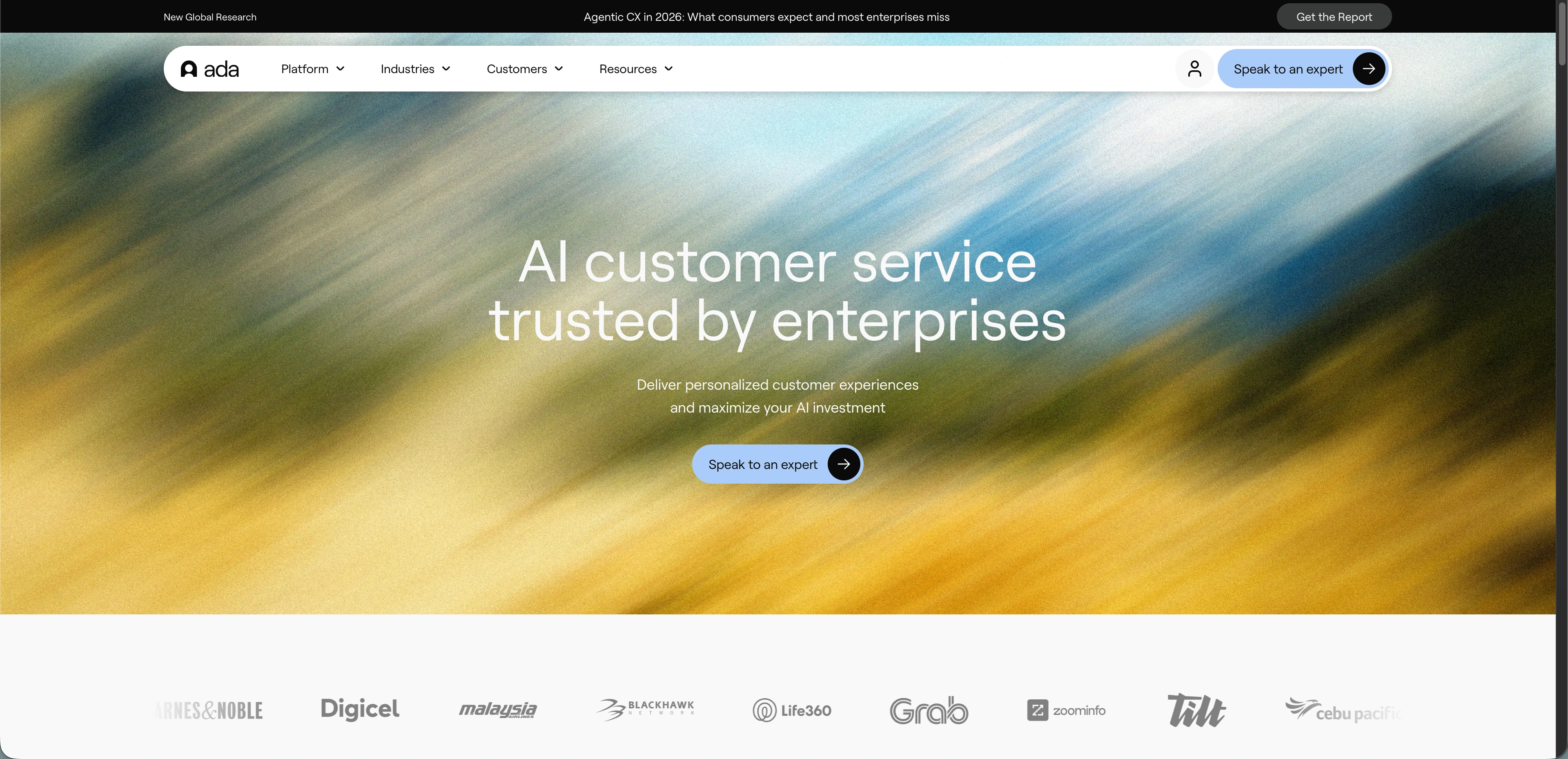
Ada is an automation layer for customer service teams that want AI handling before a human steps in. It suits teams that already have a help desk and want to automate around it.
Intercom vs Ada
Intercom bundles more of the support stack together, while Ada goes deeper on standalone AI automation layered over an existing help desk.
My Experience on Ada
Ada feels less like a replacement help desk and more like an AI system that sits on top of one. The no-code platform made it straightforward to design flows, train responses, and push the AI across channels, and the natural language processing held up well on common conversational patterns during testing.
Setup ran cleanly, and Ada's customer support team responded quickly the times I reached out. For teams already running a mature service stack, the platform layered on without much disruption.
The limits surfaced on integrations and reporting. A few of my custom integrations needed workarounds, and analytics felt thinner than I expected from an enterprise-grade automation layer. Pricing also stays quote-based, which makes shortlist comparisons harder. Ada makes the most sense for companies that already have a help desk and want a dedicated AI layer rather than an all-in-one platform.
Ada Key Features
- Standalone AI automation layer
- No-code flow builder
- Multichannel AI deployment
Ada Pros
- Strong NLP on common conversation patterns
- No-code builder for AI flow design
- Responsive customer support during implementation
Ada Cons
- Custom integrations often need workarounds
- Reporting and analytics feel thin
- Needs separate help desk for human handoff
Ada Pricing
Ada does not publish a standard annual pricing table. Buyers typically need a quote, and total cost can depend on automation scope and service stack.
13. Sierra

⭐ G2: 4.5/5
Sierra builds action-taking AI agents for enterprise support teams that want automation doing real work during the conversation. It suits large brands with complex systems behind support.
Intercom vs Sierra
Intercom targets a wider market with packaged support AI, while Sierra targets enterprise teams that want deeper automation and action-taking agents.
My Experience on Sierra
Sierra stood out for action depth rather than interface polish. During testing, the system could move beyond answering and actually perform changes inside the flow, which is the real promise of AI support for complex operations. The brand-voice controls also felt more deliberate than what most generic support bots offer, and integrations into enterprise systems pulled their weight where I tested them.
Implementation came with friction. I hit a few configuration snags during setup, and a couple of bugs surfaced that needed support intervention to resolve.
Pricing visibility was the other limitation. Sierra operates more like an enterprise program than a quick software purchase, and the lack of public pricing makes long-term cost evaluation harder than it should be. Sierra belongs on a shortlist only when the company already expects a heavier rollout and has use cases that justify action-taking automation at scale.
Sierra Key Features
- Action-taking AI agents
- Brand-voice controls
- Multi-model response checks
Sierra Pros
- Action-taking AI for complex workflows
- Strong brand-voice controls for enterprise
- Native integrations across enterprise systems
Sierra Cons
- Complex setup with reported bugs
- No public pricing for evaluation
- Heavy implementation for smaller teams
Sierra Pricing
Sierra does not publish a clean annual pricing menu on its public site. Pricing is typically handled through enterprise sales conversations.
14. Crisp
⭐ G2: 4.5/5 | Capterra: 4.5/5
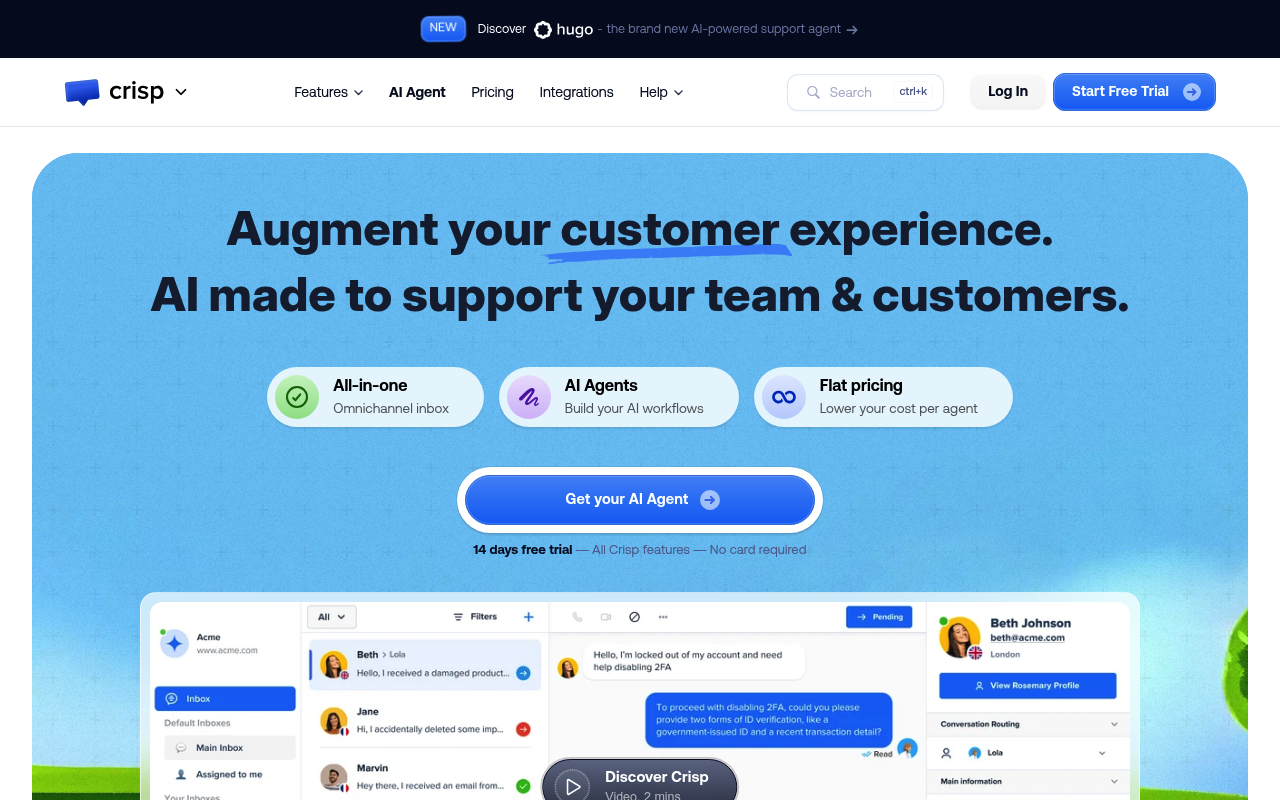
Crisp packages chat, inbox, AI tools, and help-center features around workspace pricing instead of seat-heavy pricing. It suits small and mid-sized teams that want cost predictability.
Intercom vs Crisp
Intercom charges more heavily around seats and AI usage, while Crisp uses flat workspace pricing for teams that want predictable collaboration costs.
My Experience on Crisp
Crisp got chat, email, and messaging channels flowing into one place quickly during testing. The interface stayed easy to navigate across channels, and the customer support team responded fast the times I reached out. The workspace pricing model also kept the cost line predictable as teammates joined, which is unusual for a tool with this much built-in.
The mobile app is where the platform showed its limits. A few features I used regularly on desktop were either missing or harder to access on iOS, which made on-the-go support harder than it should have been. Recent pricing changes also clipped capacity on lower-tier plans, and several higher-end support workflows sit in the Plus plan rather than the entry tier.
Crisp Key Features
- Workspace pricing
- Omnichannel inbox
- AI-assisted workflows
Crisp Pros
- User-friendly interface across multiple channels
- Strong customer support response times
- Workspace pricing scales without seat costs
Crisp Cons
- Mobile app trails desktop in features
- Pricing changes clipped lower-tier capacity
- Advanced workflows sit on higher tiers
Crisp Pricing
Crisp bills per workspace, not per seat, and includes AI credits by plan. The table below uses the current public monthly workspace prices.
15. Decagon
⭐ G2: 4.8/5
Decagon targets enterprise teams that want highly structured AI agents operating against complex backend workflows. It suits companies that see support automation as a major systems project.
Intercom vs Decagon
Intercom stays more accessible for general support teams, while Decagon focuses on enterprise AI operations with deeper workflow control and heavier implementation.
My Experience on Decagon
Decagon looks built for organizations that already know they need an enterprise AI program. The standout concept is the structured logic layer, which helps teams define how the agent should behave when the task moves beyond a simple answer. That makes the product interesting for support environments with harder workflows, approvals, or backend actions. AI integration also handled data evaluation cleanly during testing.
Implementation moved faster than I expected for a platform pitched at enterprise scale, and the customer support team responded quickly when I needed help during setup.
The limits surfaced around customization. Filters and tags felt static once I tried to adapt them to specific use cases, and a few features I expected from an enterprise platform were either missing or gated. Most teams shopping Intercom alternatives will find Decagon too much platform. For larger support organizations designing an AI operation around controlled workflows, it earns a place on the shortlist.
Decagon Key Features
- Structured AI operating procedures
- QA on AI decisions
- Backend action execution
Decagon Pros
- Structured logic layer for complex workflows
- Strong AI integration for data evaluation
- Quick implementation with responsive support
Decagon Cons
- Static filters and tags limit flexibility
- Missing features expected at enterprise tier
- Learning curve to optimize agent performance
Decagon Pricing
Decagon does not publish a standard annual pricing table on its public site. Buyers usually work through enterprise sales and implementation scoping.