



- Botpress is the best AI ticket triage tool in 2026 for full workflow control
- AI-native platforms build triage from scratch
- No tool ships accurate triage on day one; setup ranges from minutes to weeks
- Most tools charge per agent, but Botpress and Intercom use usage-based pricing
The average support team misroutes 15–25% of tickets manually. That’s wasted time, frustrated customers, and agents solving problems they were never meant to handle.
The best AI ticket triage tools improve routing accuracy with AI and reduce the number of misrouted tickets.
I tested many AI ticketing triage tools on my cousin’s company, and these six stood out the most to me. I evaluated each platform on how well it classifies, routes, prioritizes, and escalates tickets without constant babysitting.
1. Botpress
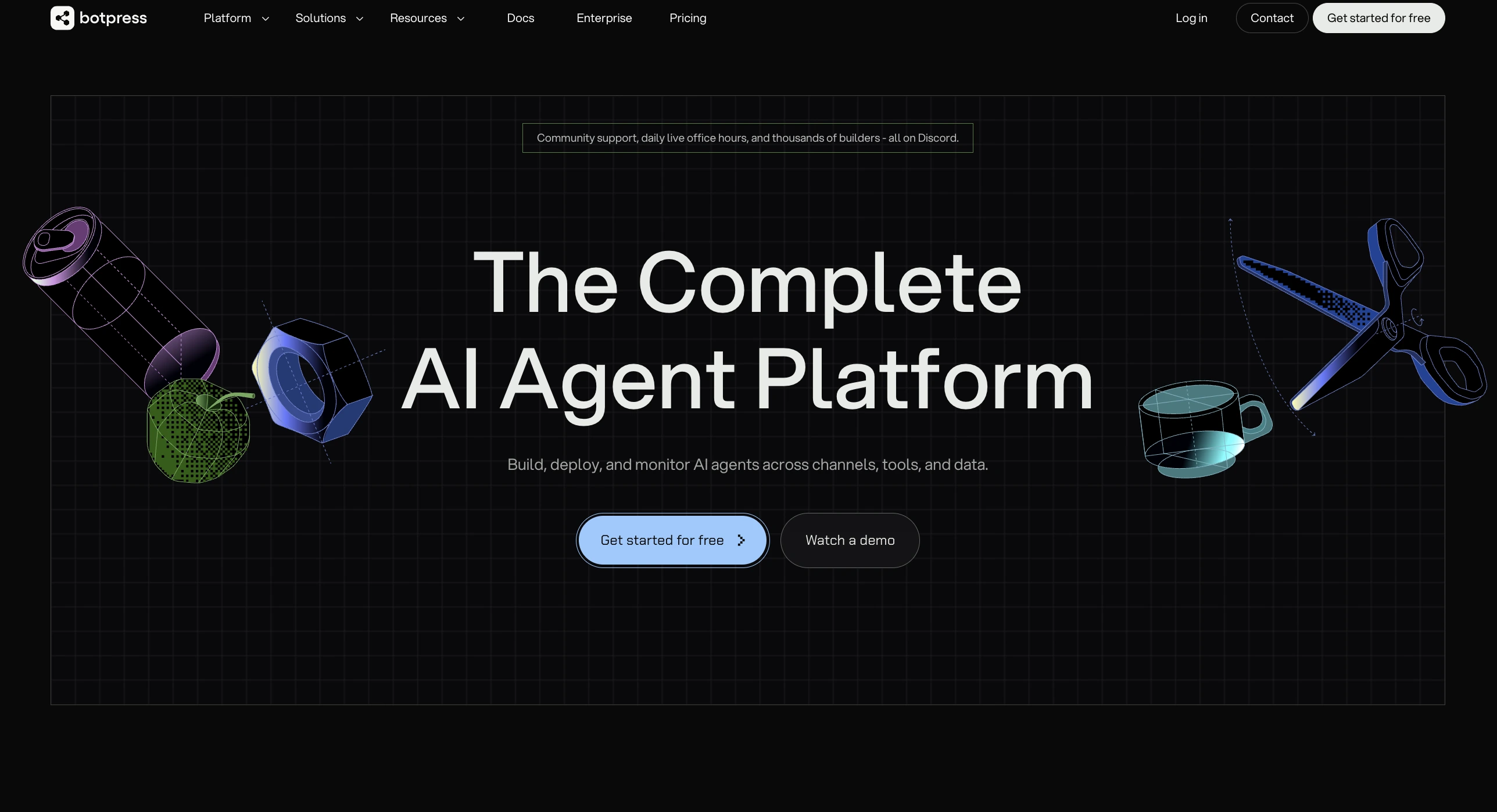
Best for: Teams that want to design AI ticket triage logic from scratch across any channel
Botpress is an AI agent platform that doubles as a triage engine. You build the triage workflow on a drag-and-drop canvas to classify intent, detect sentiment, route tickets, and escalate when confidence drops.
The platform also handles resolution. AI agents troubleshoot technical issues autonomously, pulling from knowledge bases and executing actions without waiting for a human.
That flexibility is why an agent platform belongs on this list. Most tools here bolt triage onto an existing help desk. Botpress treats triage as an agentic workflow problem with full control over every step.
It serves both sides of the conversation. Customers get deflection and resolution. Support agents get conversation summaries, suggested responses, and a unified inbox.
Teams can layer it on top of Zendesk or Freshdesk as an AI front end, or use Botpress Desk as a standalone support workspace. One agent logic serves both modes.
I built a working triage flow in under an hour. The handoff between AI and live agents was the smoothest I tested. Conversations pass back and forth without the customer noticing a seam.
Conversation summaries meant the agent picking up a handoff already had full context. The multichannel reach stood out too: one workflow served web chat, WhatsApp, email, and Slack without rebuilding anything.
The tradeoff is setup time. There is no pre-trained model on day one. The team builds triage logic, trains the knowledge base, and configures routing rules. For teams that want full control over how tickets move, that tradeoff pays off fast.
⭐ G2: 4.5/5 | Capterra: 4.5/5
Botpress Pros
- Classify, route, escalate, and resolve in one workflow canvas
- Seamless two-way handoff between AI agents and employees
- Works as AI layer on existing help desks or standalone
Botpress Cons
- No pre-trained triage model; accuracy depends on knowledge base quality
- Requires developer effort for advanced routing configurations
Botpress Pricing
2. Zendesk
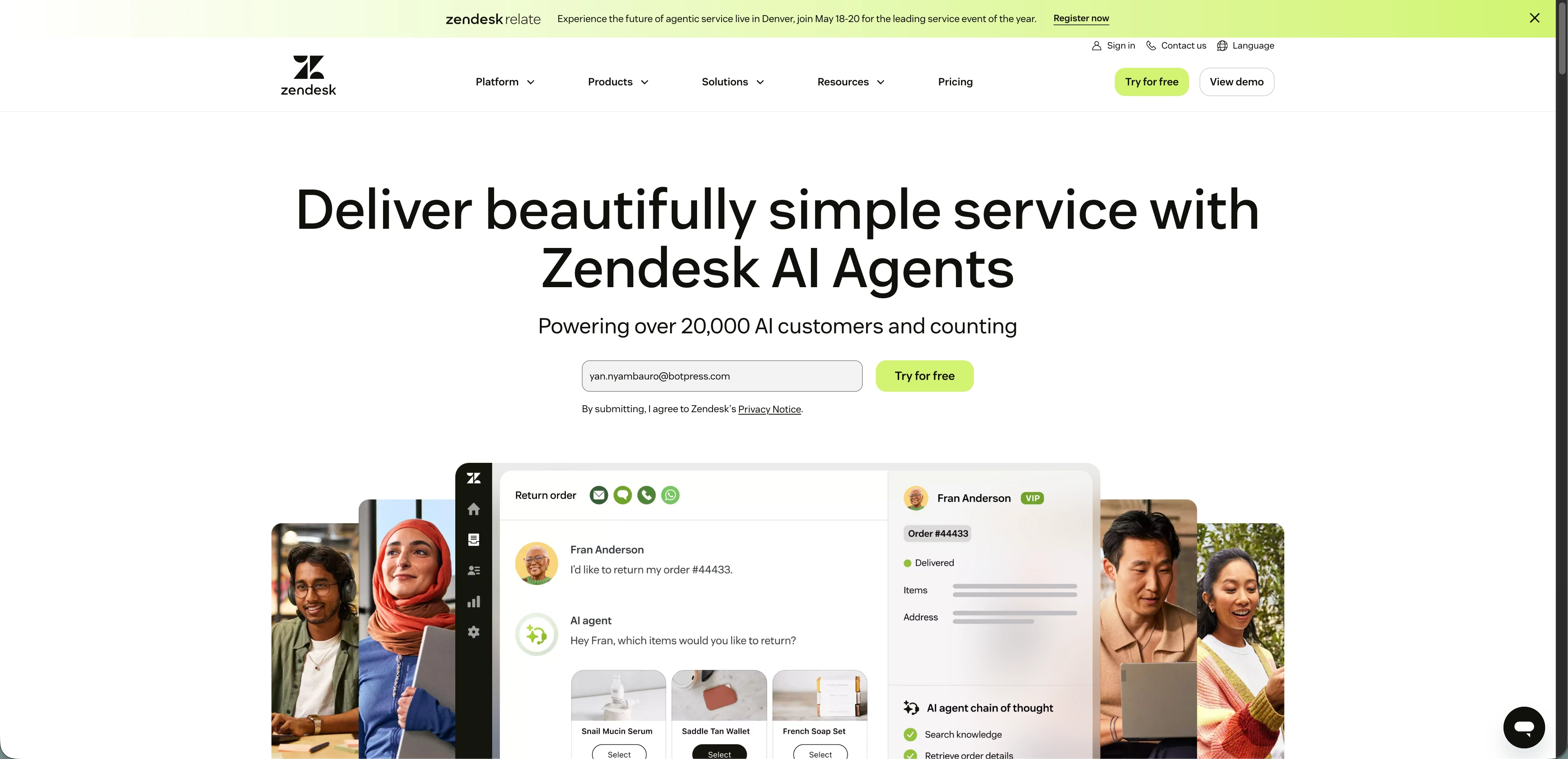
Best for: Zendesk-native teams scaling fast
Zendesk is a platform for ticketing, chat, and self-service and is the big kahuna in customer service. It pulls support requests from email, chat, voice, and social into a unified ticketing system where agents work from a single inbox.
Zendesk’s intelligent triage uses natural language understanding to scan the first message on every ticket and predict intent, sentiment, and language.
I toggled it on and had tickets getting tagged within minutes without needing any training data. The AI routing works through triggers that reference the predicted values, so a negative-sentiment cancellation request can land in the retention queue automatically.
⭐ G2: 4.3/5 | Capterra: 4.4/5
Zendesk Pros
- No setup data required to classify tickets
- Three-tier intent hierarchy with confidence scores enables granular triggers
Zendesk Cons
- Ticket triage accuracy reduces for specialized content
- Copilot add-on must be purchased for every agent seat
Zendesk Pricing
Note: Zendesk has lower pricing tiers, but they don’t include intelligent triage
3. Freshdesk Freddy AI
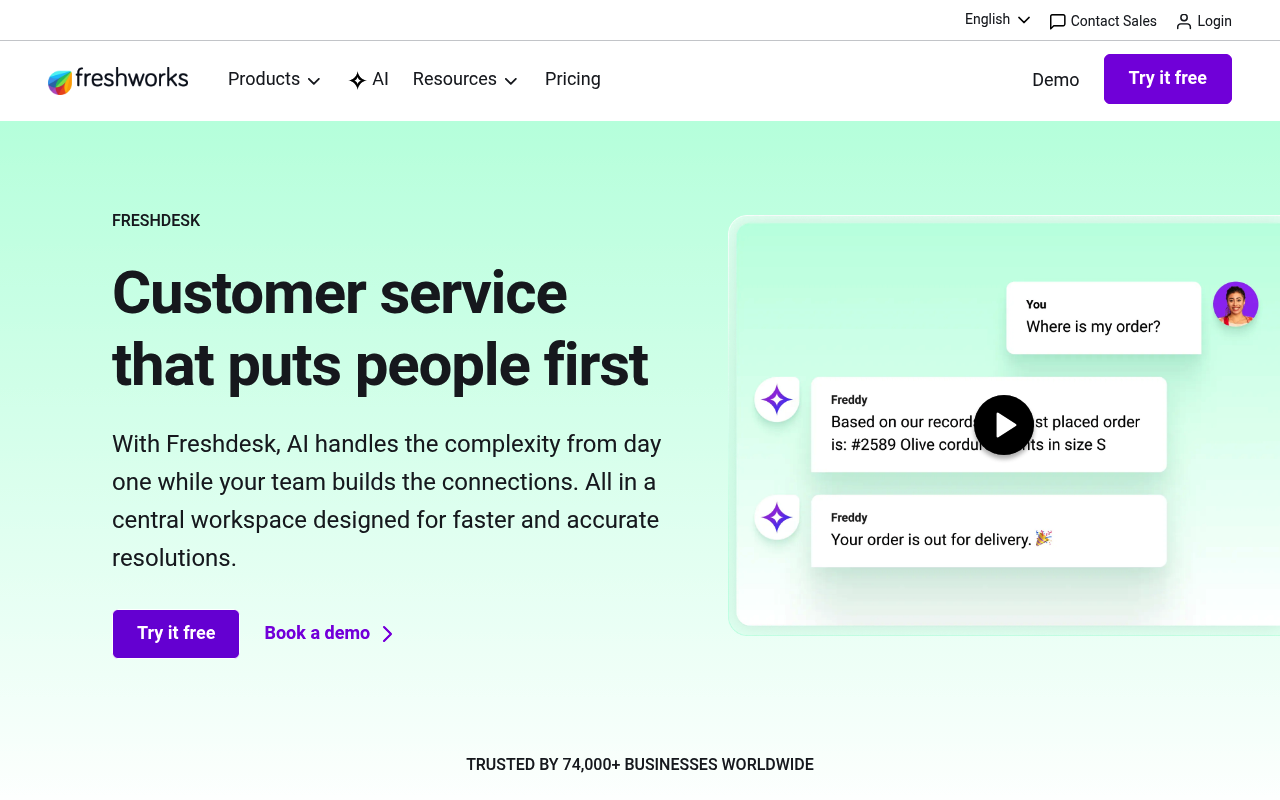
Best for: Freshdesk-native companies
Freshworks makes Freshdesk, a help desk platform for email, chat, phone, and social support. Tickets flow into a shared workspace where agents categorize, prioritize, and assign them manually.
Auto Triage predicts values for specific ticket fields like Priority, Group, Type, and Status using automation models trained on historical ticket data.
To access Freddy AI, I submitted a request in the admin panel. Freshdesk then trained field-specific models on the account data. Once live, Group predictions routed tickets to the correct team when automatic updates were enabled.
⭐ G2: 4.4/5 | Capterra: 4.5/5
Freshdesk Pros
- Predicts ticket fields, so output is immediately actionable
- Model trains on your team's data, so predictions match real workflows
Freshdesk Cons
- No routing, escalation logic, or ticket resolution
- Doesn’t learn from help centers or external knowledge sources
- No instant set-up process
Freshdesk Pricing
4. Intercom’s Fin
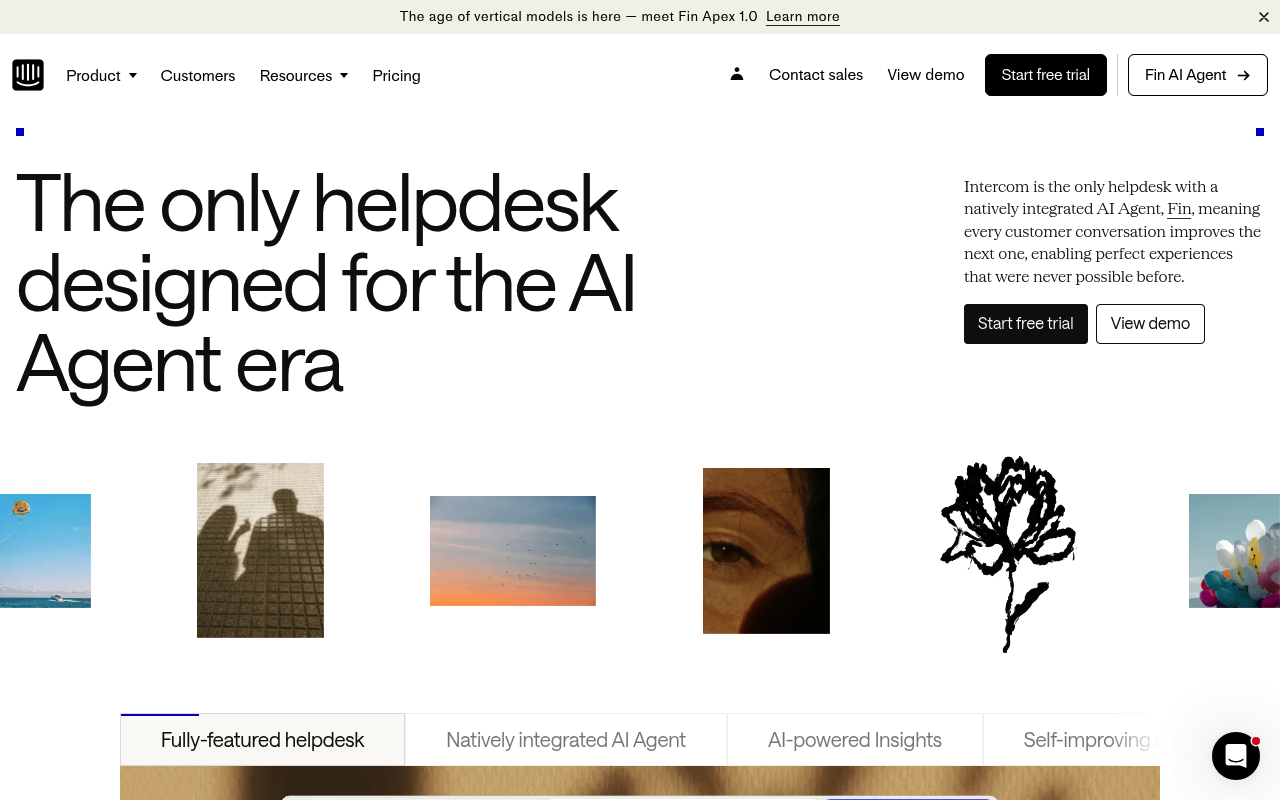
Best for: SaaS teams deflecting L1 tickets through chat
Intercom is a messaging-first customer service platform built around chat, email, and in-app support. Fin, its AI agent, flips the typical triage sequence. Instead of classifying a ticket and handing it off, Fin tries to resolve it first.
Fin detects attributes like topic, urgency, and sentiment. Those attributes can drive workflow branches if Fin cannot resolve the conversation. In my test, setup took under an hour, and escalations included the conversation context.
⭐ G2: 4.5/5 | Capterra: 4.5/5
Intercom Fin Pros
- Resolves and classifies inquiries in one step
Intercom Fin Cons
- Costs rise as automation improves
- Charges apply even if the user drops off mid-conversation
- Advanced routing requires higher-tier plans
Intercom Pricing
Fin AI Agent is available on all plans. Resolution charges are usage-based at $0.99/resolution with no volume cap.
5. HubSpot Service Hub
Best for: HubSpot-based organizations
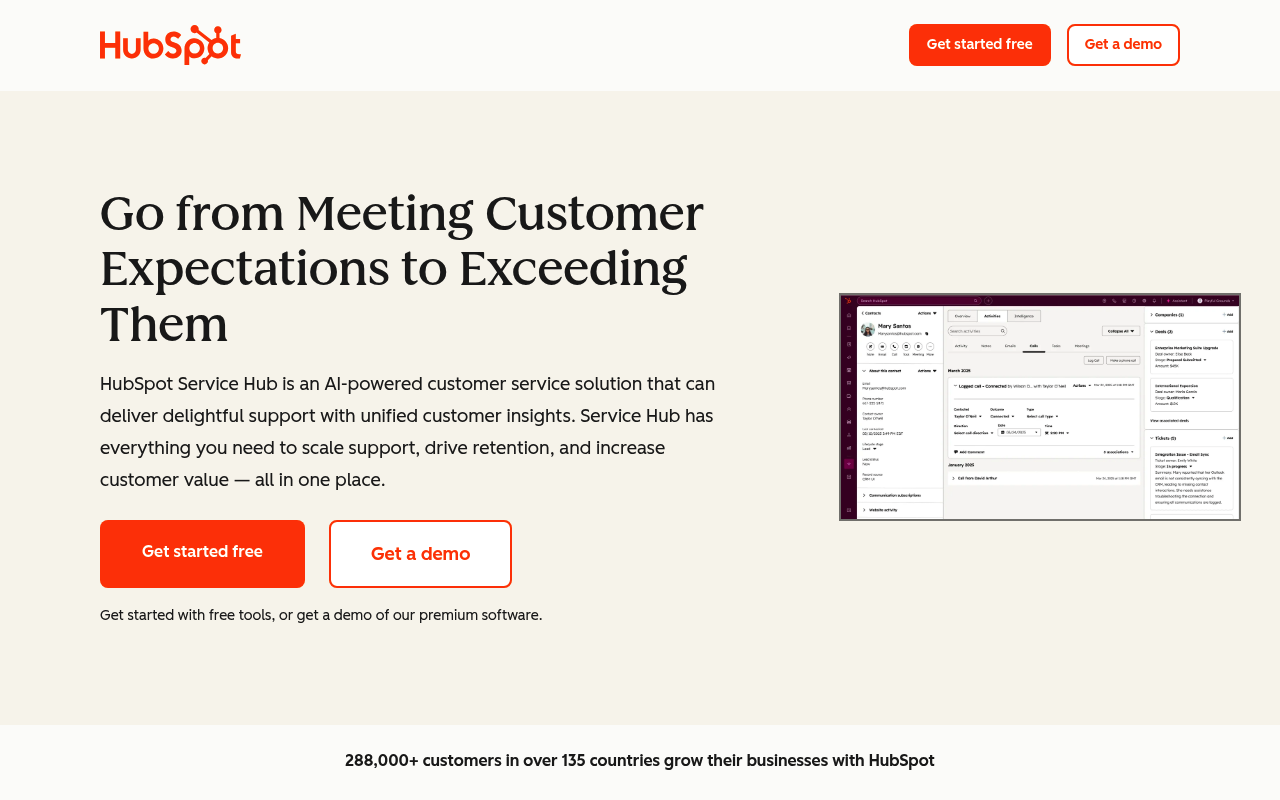
HubSpot is an all-in-one CRM platform spanning marketing, sales, and service. Service Hub is the support arm, and Breeze powers the AI features: category identification, language detection, and ticket naming.
I enabled Help Desk on the Enterprise plan and AI features activated by default. Tickets were categorized and summarized immediately, no configuration needed. Compared to others on this list, the triage is thin.
HubSpot earns its spot is CRM context. Every ticket carries deal stage, revenue, lifecycle status, and past interactions, so routing rules can factor in customer value rather than just ticket content.
⭐ G2: 4.4/5 | Capterra: 4.4/5
HubSpot Service Hub Pros
- Full CRM context on every ticket enables value-based routing decisions
- AI features activate by default on Enterprise with no configuration needed
HubSpot Service Hub Cons
- Only two AI-populated triage fields: Category and Language
- No AI priority prediction, no structured sentiment, no intent hierarchy
- Enterprise tier required ($150/seat, 10-seat minimum, $1,500 onboarding)
- Category analyzes only the first message with no dynamic re-evaluation
HubSpot Pricing
6. Salesforce Einstein
Best for: Salesforce-native enterprises
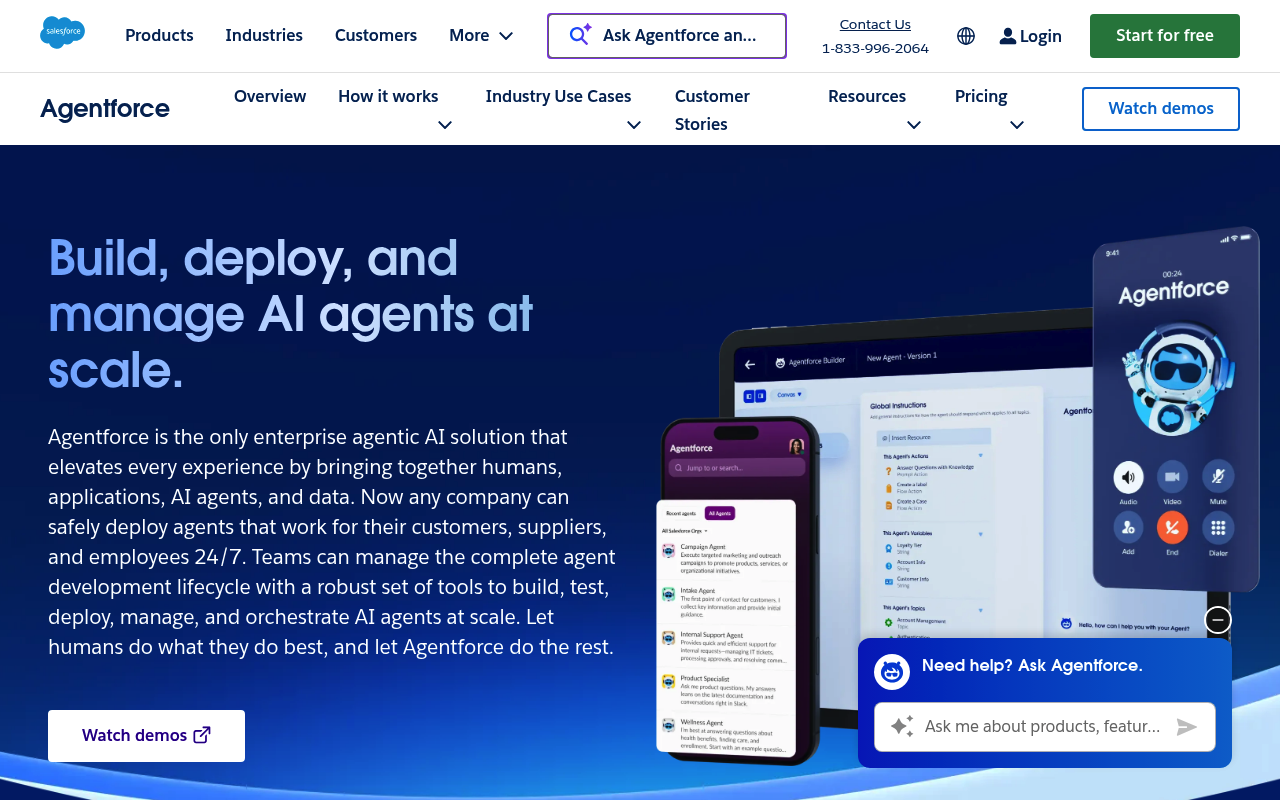
Salesforce is the dominant CRM platform, and Service Cloud handles customer support. Einstein for Service layers AI on top, covering everything from case creation to resolution.
The triage-specific features are Case Classification and Case Routing. Classification uses natural language processing to read the case subject and body to predict field values like Type, Priority, and Reason. Routing then assigns cases to the right queue based on those predictions.
Salesforce Einstein had the most involved setup I tested. Prediction fields, confidence thresholds, and assignment rules all require manual configuration. But the payoff is a real feedback loop. The model retrains every 30 days on closed cases, so agent corrections and chatbot analytics improve accuracy over time.
⭐ G2: 4.4/5 | Capterra: 4.5/5
Salesforce Einstein Pros
- Agent corrections feed into monthly retraining — accuracy improves with use
- Predicts picklist, lookup, and checkbox fields with configurable confidence tiers
Salesforce Einstein Cons
- Requires a Salesforce admin at minimum, developer for customization
- Needs 400+ closed cases per field, with 10,000+ for reliable predictions
- Cannot access external knowledge sources like Confluence or Google Docs
- Entry point is $225/user/mo, rising to $500/user/mo for the full AI stack
Salesforce Einstein Pricing