


تقرير Gartner يُظهر أن 91٪ من قادة خدمة العملاء يواجهون ضغوطًا لإضافة الذكاء الاصطناعي إلى منظومة الدعم هذا العام. إذا كنت تشعر بهذا الضغط، فربما تبحث عن بديل لـ Help Scout يقدم أكثر من مجرد صندوق وارد مشترك.
Help Scout هو منصة مكتب مساعدة مبنية حول دعم العملاء عبر البريد الإلكتروني. يوفر للفرق الصغيرة صندوق وارد مشترك، وقاعدة معرفة، وأدوات أتمتة أساسية. لسنوات، أدى الغرض بشكل جيد.
استخدمت Help Scout لمدة عام تقريبًا لإدارة الدعم عبر منتجين. استغرق الإعداد أقل من يوم، لكن ظهرت المشاكل بسرعة عندما تجاوز عدد التذاكر بضع مئات أسبوعيًا. التقارير كانت سطحية، وقاعدة المعرفة وفرت قالبًا واحدًا فقط، والتحول في 2024 إلى التسعير حسب عدد جهات الاتصال جعل فاتورتنا الشهرية تقفز دون سابق إنذار.
مراجعات G2 تشير إلى نفس الإحباطات: ميزات محدودة، تخصيص ضعيف، وتسعير غير متوقع.
قضيت أشهرًا أختبر عشرات الأدوات من حيث التسعير، قدرات الذكاء الاصطناعي، تغطية القنوات، وسهولة الإعداد. إليك ما وجدته.
1. Botpress
Help Scout مقابل Botpress
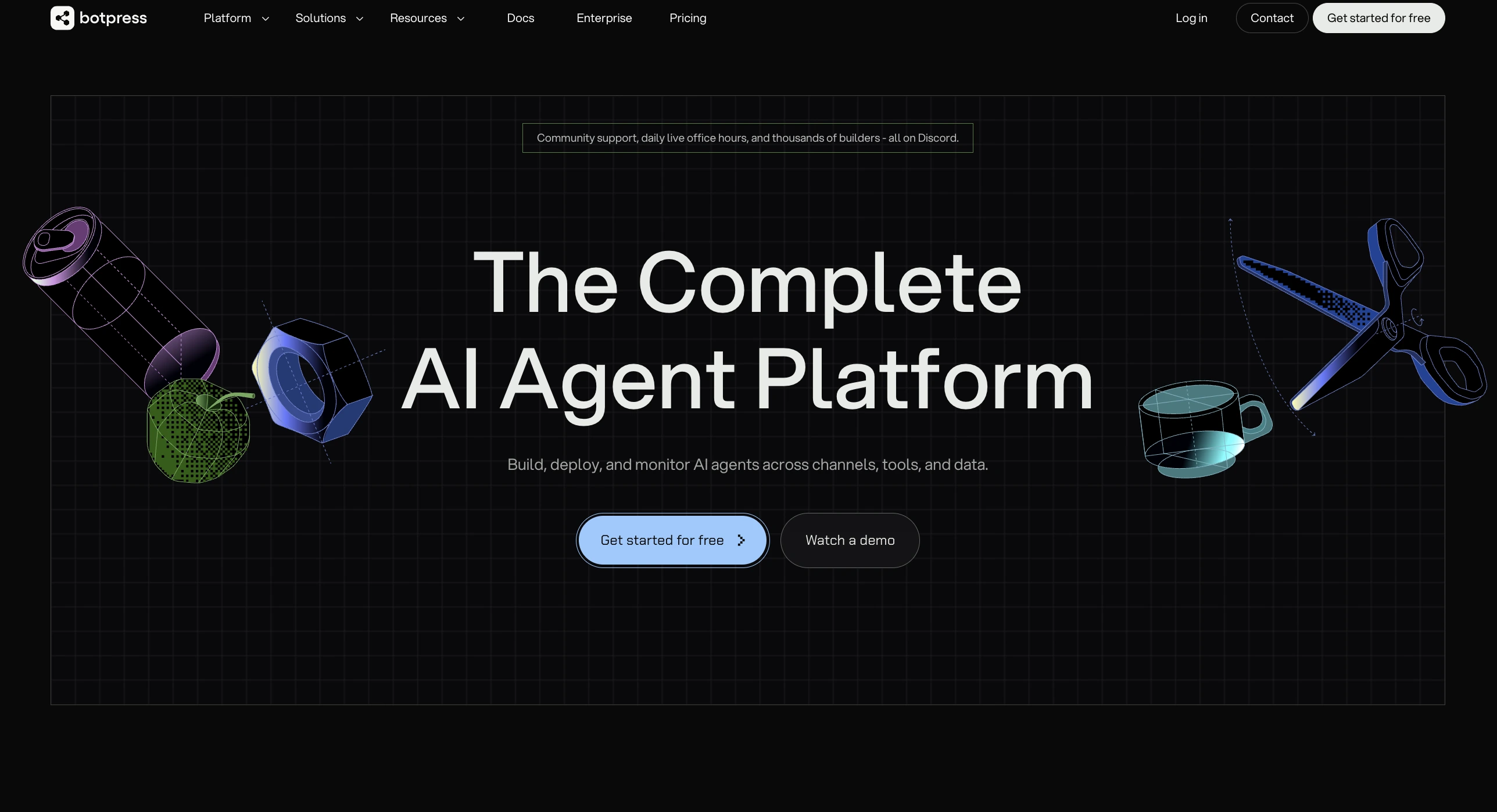
Help Scout يوفر للموظفين صندوق وارد مشترك، بينما Botpress يمنحك وكيل ذكاء اصطناعي يحل التذاكر وينقلها للبشر بسلاسة.
نظرة عامة على Botpress
Botpress هو منصة دعم عملاء معتمدة على الذكاء الاصطناعي للشركات الصغيرة والمتوسطة والشركات المتوسطة. يمكن أن يحل محل مكتب المساعدة لديك أو يعمل فوقه.
بدأت اختبار Botpress كمنصة دعم مستقلة واكتشفت أنه يعمل في وضعين. يمكنك نشره لإدارة التذاكر بالذكاء الاصطناعي — معالجة الاستفسارات وتصعيدها للموظفين عبر صندوق وارد موحد. أو يمكنك ربطه بمكتب مساعدة موجود مثل Zendesk أو Freshdesk كطبقة ذكاء اصطناعي تحل الاستفسارات قبل وصولها لطابور الموظفين. هذه المرونة جعلته المنصة الوحيدة التي اختبرتها ولم تجبرني على الانتقال الكامل.
تعامل الوكيل الذكي مع استكشاف المشكلات التقنية بشكل أفضل مما توقعت. قمت بتدريبه على قاعدة بيانات معرفية للمنتج وأدلة استكشاف الأخطاء الداخلية. عندما قدّم أحد العملاء تذكرة حول فشل في التكامل، قام الوكيل بإرشاده خلال خطوات التشخيص، وحدد السبب الجذري، وقدم رابطًا للحل — دون تدخل بشري.
نظام التسليم بين الذكاء الاصطناعي والبشر استحق الذكر. عندما وصل الذكاء الاصطناعي إلى حدوده، نقل ملخصًا كاملًا للموظف البشري، الذي حل المشكلة وأعاد المحادثة للذكاء الاصطناعي للمتابعة. هذا التكامل البشري قلل بشكل ملحوظ من متوسط وقت المعالجة.
الخطة المجانية منحتني مساحة كافية لبناء واختبار وكيل دعم عامل قبل دفع أي شيء. أضافت خطة Plus تسليمًا للبشر وتحليلات بسعر أقل من أي مكتب مساعدة تقليدي في هذه القائمة.
⭐ G2: 4.5/5 | Capterra: 4.5/5
الميزات الرئيسية في Botpress
- إدارة تذاكر بالذكاء الاصطناعي مع حل وتصعيد مستقل
- تسليم سلس بين الذكاء الاصطناعي والبشر ذهابًا وإيابًا
- صندوق وارد موحد عبر الويب وواتساب والبريد الإلكتروني والشبكات الاجتماعية
- ملخصات محادثة تُنشأ عند كل تسليم
- يعمل كمنصة مستقلة أو طبقة ذكاء اصطناعي على الأنظمة القديمة
مزايا Botpress
- يحل تذاكر الدعم دون تدخل بشري
- يتم نشره فوق مكاتب المساعدة الحالية أو بشكل مستقل
- الخطة المجانية تتضمن وكيل ذكاء اصطناعي كامل الوظائف
- تكلفة LLM تُحسب حسب أسعار المزود، دون زيادة
- يدعم أكثر من 100 لغة مع ترجمة تلقائية
عيوب Botpress
- تتطلب سير العمل المتقدمة بعض المعرفة بـ TypeScript
- منحنى تعلم أكثر حدة من صناديق الوارد المشتركة التقليدية
- سوق تكاملات أصغر
أسعار Botpress
2. Freshdesk
Help Scout مقابل Freshdesk
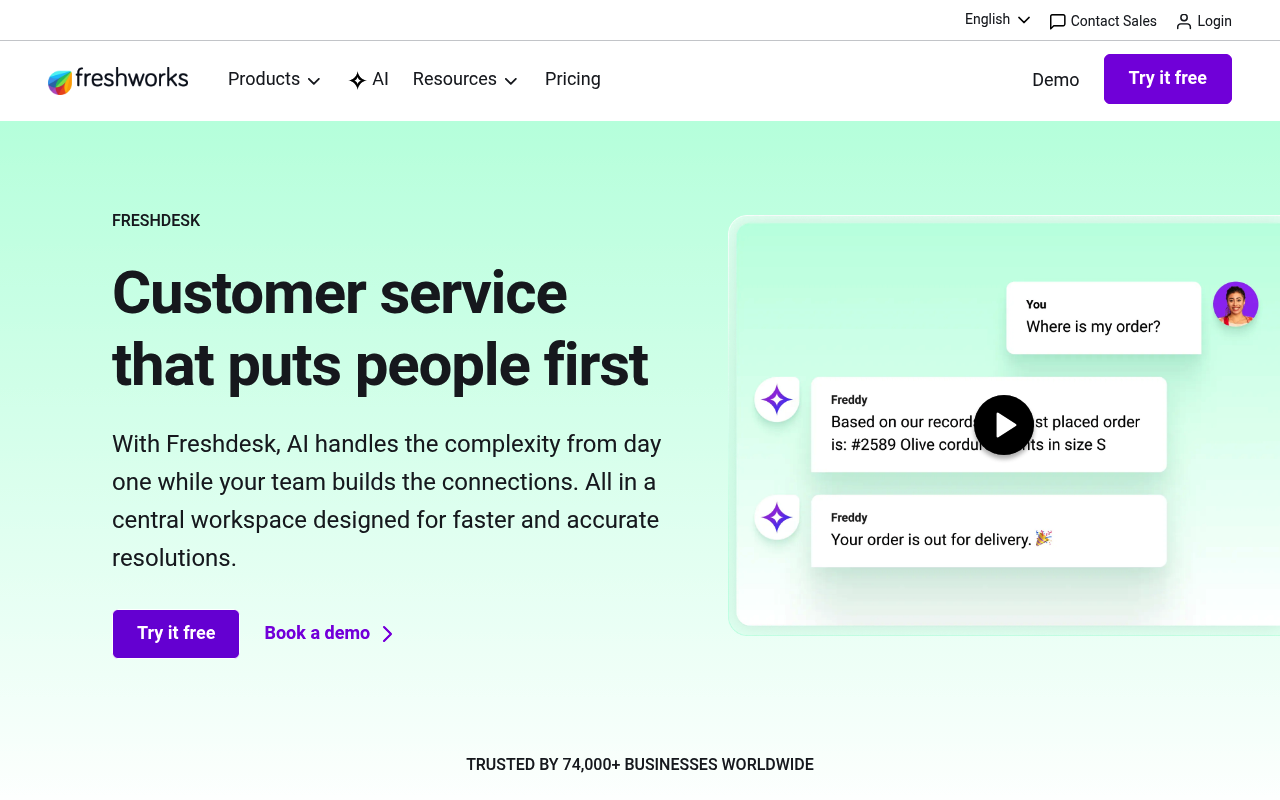
Help Scout يدير البريد الإلكتروني والدردشة، بينما Freshdesk يغطي البريد والهاتف وواتساب والشبكات الاجتماعية مع تتبع SLA مدمج.
نظرة عامة على Freshdesk
Freshdesk هو مكتب مساعدة سحابي مع إدارة تذاكر متعددة القنوات وأتمتة بالذكاء الاصطناعي. يُذكر اسمه باستمرار في نقاشات "بدائل Help Scout" — ولسبب وجيه.
أنشأت مساحة عمل Freshdesk في حوالي 20 دقيقة باستخدام الخطة المجانية. جمع الصندوق الوارد الموحد البريد والدردشة وصفحة فيسبوك دون أي موصلات خارجية. مؤقت SLA منحني شيئًا لم يوفره Help Scout أبدًا: عد تنازلي مرئي لكل تذكرة مفتوحة.
Freddy AI منح المنصة مكانها في هذه القائمة. اختبرت وكيل الذكاء الاصطناعي على تذاكر إعادة تعيين كلمة المرور وحالة الطلب، وحقق معدل احتواء يقارب 40٪. AI Copilot اقترح ردودًا قللت بشكل ملحوظ من متوسط وقت المعالجة. مع ذلك، تسعير Freddy حسب الجلسة يتراكم بسرعة — 500 جلسة مجانية تبدو سخية حتى تنتهي في أسبوع مزدحم خلال ثلاثة أيام.
خطة Growth بسعر 15$/للموظف/شهريًا بدت معقولة مقارنة بسعر Help Scout الأساسي، لكن إضافة Freddy AI Copilot وتقارير Pro دفعت الفاتورة إلى حوالي 78$/للموظف.
⭐ G2: 4.4/5 | Capterra: 4.5/5
الميزات الرئيسية لـ Freshdesk
- وكيل Freddy AI للحل المستقل
- إدارة تذاكر متعددة القنوات عبر البريد والهاتف والشبكات الاجتماعية
- إدارة SLA مع قواعد تصعيد تلقائي
مزايا Freshdesk
- خطة مجانية متاحة حتى موظفين اثنين
- أكثر من 1000 تكامل في السوق
عيوب Freshdesk
- تقسيم خطوط المنتجات (Freshdesk مقابل Omni) يسبب ارتباكًا
- مراجعات Trustpilot تشير لصعوبات في الفوترة والإلغاء
- التقارير المخصصة تتطلب خططًا أعلى
تسعير Freshdesk
3. Zoho Desk
Help Scout مقابل Zoho Desk
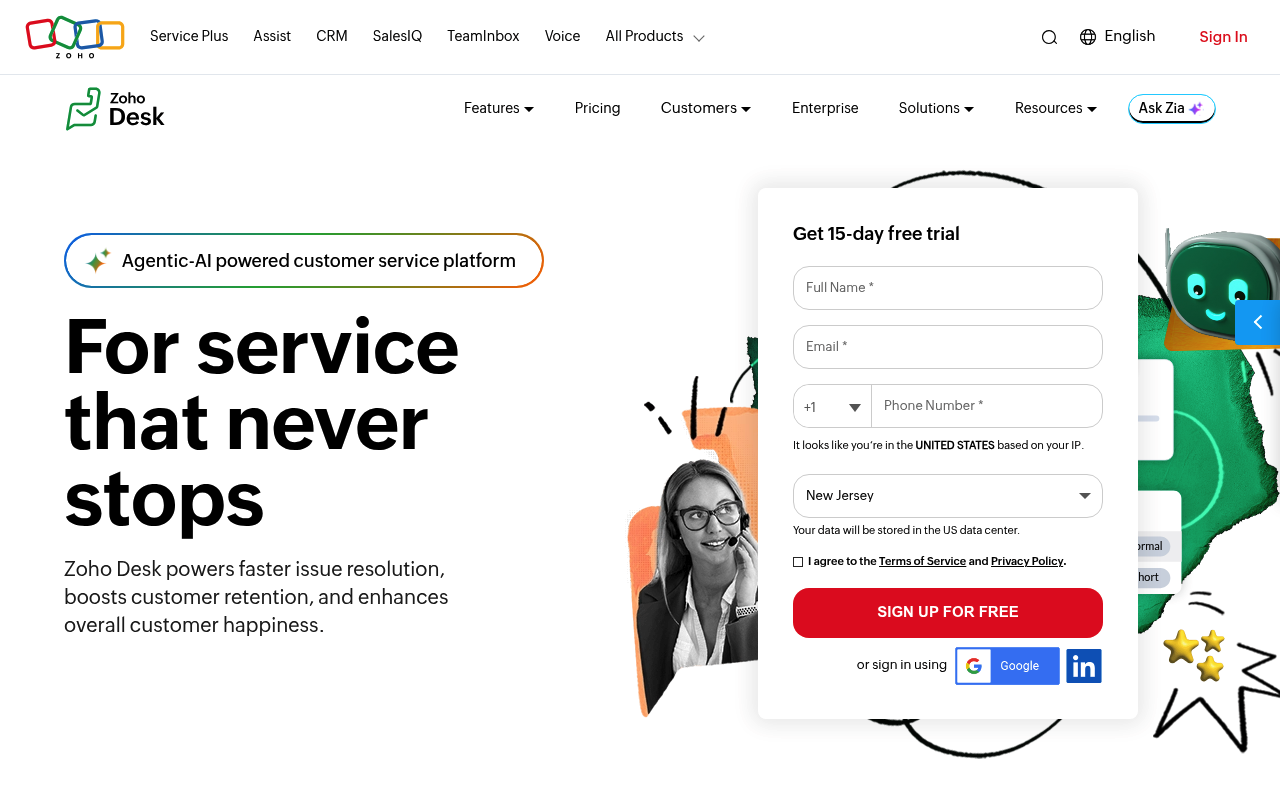
Help Scout يركز على بساطة البريد الإلكتروني، بينما Zoho Desk يقدم إدارة تذاكر متعددة الأقسام مع تكامل CRM أصلي يبدأ من 7$/للموظف.
نظرة عامة على Zoho Desk
Zoho Desk هو منصة مكتب مساعدة مع CRM مدمج وإدارة تذاكر متعددة القنوات. إذا كنت تستخدم منتج Zoho بالفعل، فهذا الخيار يستحق النظر.
اختبرت Zoho Desk جنبًا إلى جنب مع مساحة عمل Zoho CRM، وكان التكامل طبيعيًا — سجلات العملاء، تاريخ التذاكر، وبيانات الصفقات كلها في عرض واحد دون موصلات أو برامج وسيطة. هذا السياق الموحد منح الموظفين معلومات أكثر لكل تذكرة مما وفره Help Scout.
منشئ الأتمتة Blueprint كان مميزًا. رسمت عملية RMA متعددة الخطوات في أقل من ساعة باستخدام أتمتة بدون كود، وفرض النظام سير العمل تلقائيًا. أتمتة Help Scout بدت سطحية بالمقارنة.
الخطة المجانية تدعم ثلاثة موظفين، ما يجعل الاختبار سهلًا دون نقاش ميزانية. بسعر 14$/للموظف في Standard، يتفوق على Help Scout بفارق كبير — لكن Zia AI لا يتوفر إلا عند 40$/للموظف في Enterprise.
⭐ G2: 4.4/5 | Capterra: 4.5/5
الميزات الرئيسية لـ Zoho Desk
- أتمتة سير عمل مرئية عبر Blueprint
- تكامل أصلي مع أكثر من 45 تطبيق Zoho
- إدارة تذاكر متعددة الأقسام مع إعدادات منفصلة
مزايا Zoho Desk
- الخطة المجانية تدعم حتى ثلاثة موظفين
- مزامنة CRM سلسة لسياق كامل للعميل
عيوب Zoho Desk
- وكلاء الذكاء الاصطناعي متاحون فقط في خطة Enterprise
- منحنى تعلم حاد مع واجهة مزدحمة
- تطبيق الهاتف يفتقر لبعض ميزات سطح المكتب
أسعار Zoho Desk
4. Front
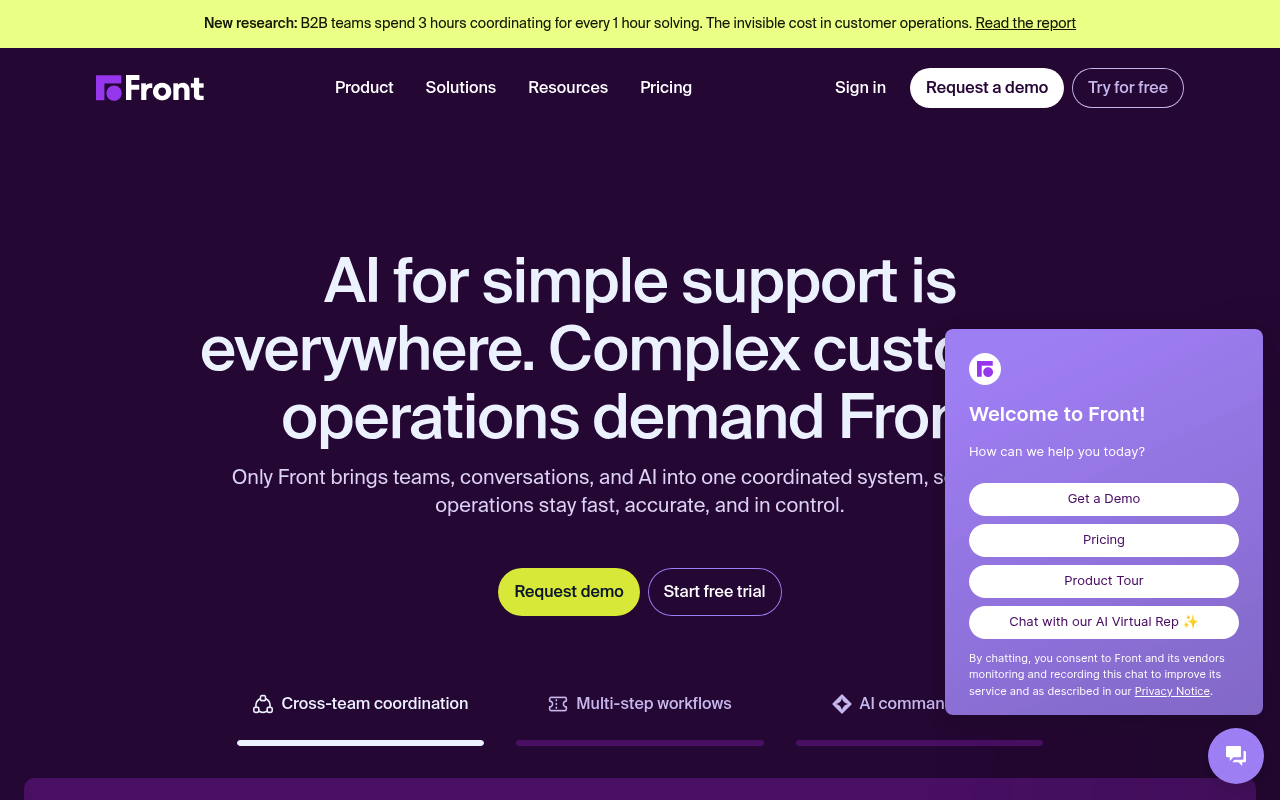
Help Scout مقابل Front
Help Scout ينظم الدعم حول التذاكر، بينما Front يمزج البريد الشخصي والمشترك في صندوق وارد تعاوني.
نظرة عامة على Front
Front هو منصة صندوق وارد تعاوني للفرق التي تعتمد على العمليات. يحتل موقعًا فريدًا بين عميل البريد الإلكتروني ومكتب المساعدة، وهذا المزيج يناسب فرق الأعمال بين الشركات.
ربطت ثلاث عناوين بريد إلكتروني مشتركة وقناة Slack في أول جلسة. واجهة Front تشبه عميل البريد الإلكتروني القياسي، لذا لم يحتج فريقي إلى تدريب — بدأوا بالرد مباشرة. التعليقات الداخلية و@الإشارات كانت ضمن محادثات العملاء، مما ألغى رسائل Slack "هل رأيت تلك التذكرة؟" التي كنا نرسلها باستمرار.
المسودات المشتركة سمحت لوكيلين بكتابة رد معًا قبل الإرسال، وتوزيع الرسائل وجه المحادثات دون إعادة توجيه. التحليلات منحتني تفاصيل زمن الاستجابة على مستوى الفريق لم توفرها خطة Help Scout Standard.
خطة Starter محدودة بـ 10 مقاعد وتبدأ من 25$/للمقعد/شهريًا. تجاوز هذا الحد يجبرك على الانتقال إلى 65$/للمقعد في Professional. ميزات الذكاء الاصطناعي مثل Copilot وSmart QA تكلف كل منها 20$/للمقعد إضافية.
⭐ G2: 4.7/5 | Capterra: 4.5/5
الميزات الرئيسية لـ Front
- مسودات مشتركة تعاونية مع تعليقات مدمجة
- صندوق وارد متعدد القنوات عبر البريد والدردشة والرسائل القصيرة والشبكات الاجتماعية
- إدارة تذاكر مرنة حسب سير العمل
مزايا Front
- إعداد سريع
- أدوات التعاون الداخلي تقلل الضوضاء الخلفية
- أكثر من 110 تكاملات أصلية
عيوب Front
- إضافات الذكاء الاصطناعي تكلف 20$/للمقعد
- تمت إزالة المزامنة الثنائية مع Outlook
- لا يوجد دعم هاتفي مدمج
أسعار Front
5. تيديو
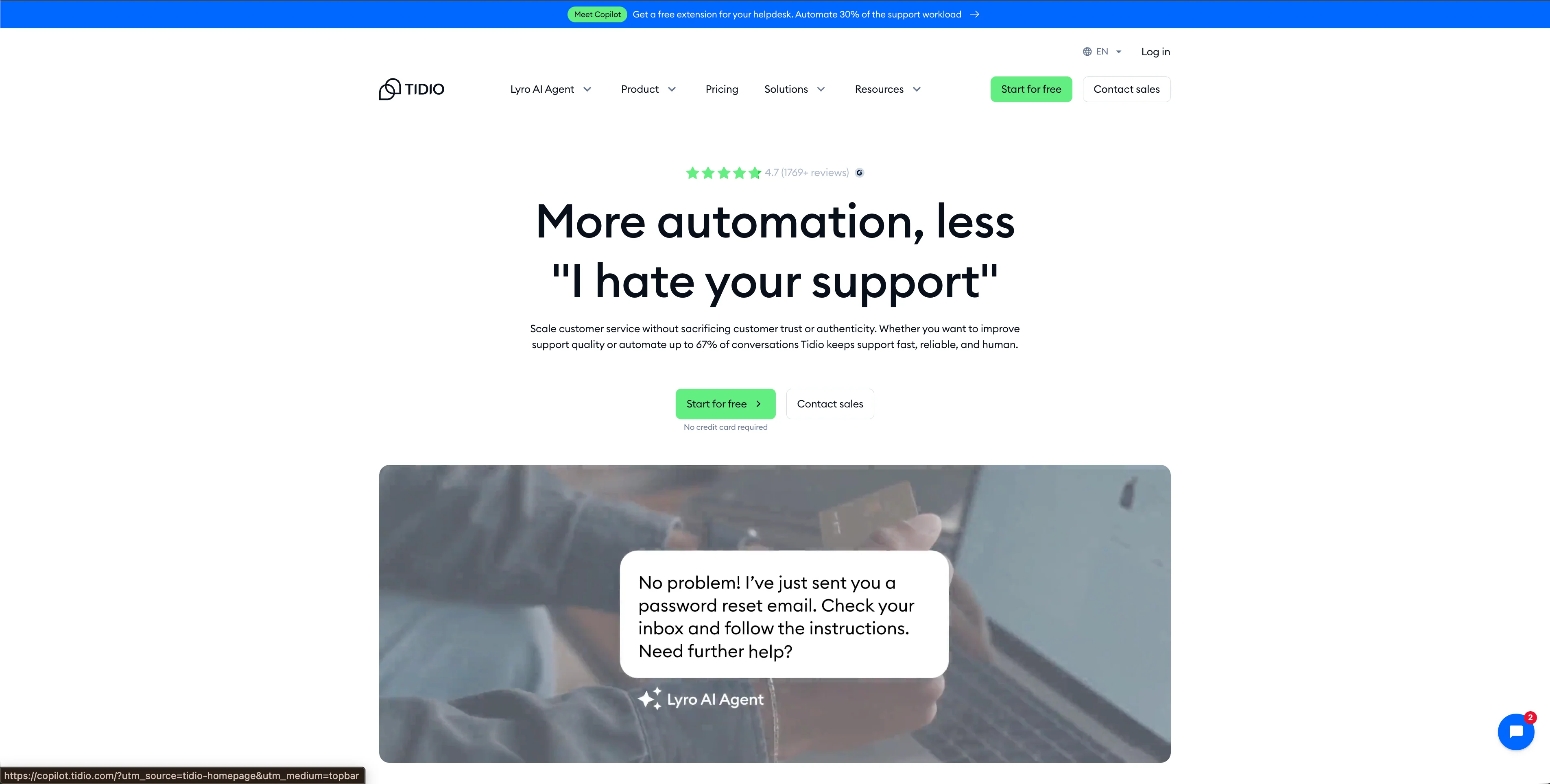
Help Scout مقابل Tidio
Help Scout يوجه الدعم عبر البريد الإلكتروني، بينما Tidio يركز على الدردشة المباشرة، تتبع الزوار في الوقت الفعلي، وروبوت دردشة بالذكاء الاصطناعي.
نظرة عامة على Tidio
Tidio هو منصة خدمة عملاء تركز على الدردشة مع وكيل ذكاء اصطناعي مدمج ومنشئ روبوتات مرئي. لفرق التجارة الإلكترونية على Shopify، هو وسيلة سريعة لإضافة الدردشة والأتمتة دون الحاجة للبرمجة.
قمت بتثبيت Tidio على متجر Shopify تجريبي وكان لدي ودجت دردشة يعمل بسرعة. منشئ التدفقات بالسحب والإفلات سمح لي بإنشاء تسلسل عربة مهجورة وروبوت حالة الطلب قبل الغداء. تتبع الزوار في الوقت الفعلي أظهر لي من على الموقع، الصفحات التي شاهدوها، ومن أين جاءوا.
Lyro، وكيل الذكاء الاصطناعي في Tidio، تعامل مع الأسئلة الشائعة حول الشحن والإرجاع بدقة جيدة. استخرج الإجابات من قاعدة المعرفة وصعّد أي شيء لم يستطع حله. في الاستفسارات البسيطة، حافظ على أوقات الحل أقل بكثير من متوسط موظفيّ.
لكن التسعير يحتاج إلى تنبيه. Tidio يحاسب حسب عدد المحادثات، وليس المقاعد. يبدو ذلك أبسط حتى تضيف Lyro AI وFlows، حيث يتم تسعير كل منهما بشكل منفصل. خطة Growth تبدأ من 59$/شهريًا لـ 250 محادثة، لكن إضافة Lyro (39$/شهريًا) وFlows (29$/شهريًا) رفعت التكلفة الفعلية إلى أكثر من 125$/شهريًا. كل الخطط الذاتية الخدمة محدودة بـ 10 موظفين، وتجاوز هذا الحد يجبرك على الانتقال إلى خطة Plus بسعر 749$/شهريًا.
⭐ G2: 4.7/5 | Capterra: 4.7/5
الميزات الرئيسية لـ Tidio
- وكيل Lyro AI لحل الاستفسارات تلقائيًا
- منشئ روبوتات دردشة مرئي بالسحب والإفلات (Flows)
- تتبع الزوار في الوقت الفعلي مع تحليلات السلوك
مميزات تيديو
- تحقيق قيمة بسرعة
- تكامل عميق مع Shopify
عيوب تيديو
- Lyro AI وFlows يتم احتسابهما كإضافات منفصلة
- جميع الخطط الذاتية الخدمة محدودة بـ 10 وكلاء
أسعار Tidio
6. كريسب
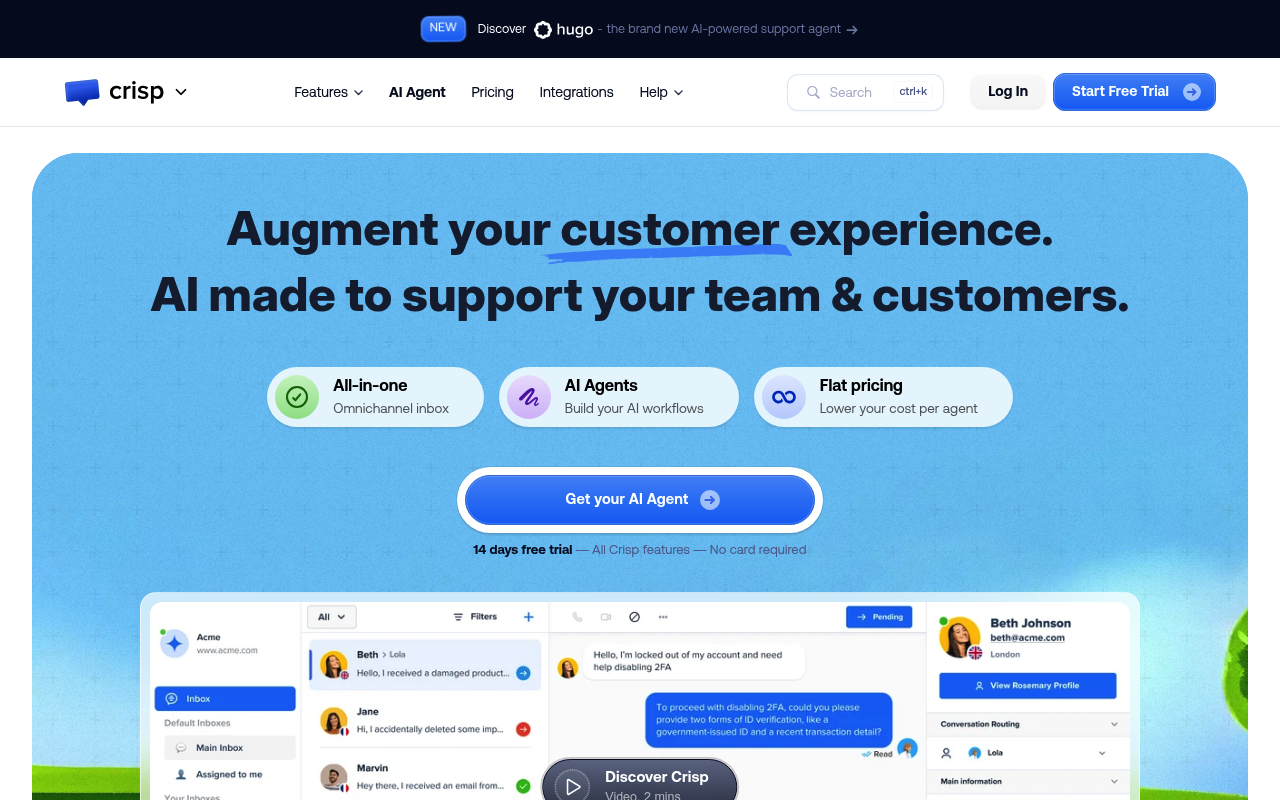
Help Scout مقابل كريسب
Help Scout يفرض رسومًا لكل مستخدم ويركز على البريد الإلكتروني، بينما كريسب يفرض سعرًا ثابتًا لكل مساحة عمل مع محادثات غير محدودة.
نظرة عامة على Crisp
كريسب هو منصة مراسلة تركز على الدردشة مع نظام إدارة علاقات العملاء (CRM) مدمج، وقاعدة معرفة، وروبوت دردشة بالذكاء الاصطناعي. بالنسبة للفرق الناشئة التي تراقب كل دولار، فإن تسعير كريسب لكل مساحة عمل يزيل القلق من إضافة مقعد وكيل آخر.
أنشأت مساحة عمل كريسب وربطت أداة دردشة، وصندوق بريد إلكتروني مشترك، وروبوت دردشة واتساب في فترة بعد ظهر واحدة. كان صندوق البريد الموحد سريع الاستجابة، وتم تجميع المحادثات من جميع القنوات في عرض واحد بشكل منظم. ميزة MagicBrowse — ميزة التصفح المشترك في كريسب — سمحت لي برؤية ما ينظر إليه العميل على شاشته بالضبط، مما قلل بشكل كبير من وقت حل المشكلات المتعلقة بواجهة المستخدم.
بناء روبوت الدردشة بالذكاء الاصطناعي تطلب صبرًا أكثر مما توقعت. كريسب يسمي تدفقاته "السيناريوهات"، وبناء أي شيء يتجاوز روبوت الأسئلة الشائعة الأساسي يتطلب تجميع عدة عناصر معًا. بعد أن فهمت المنطق، عملت الروبوتات بشكل موثوق — لكن منحنى التعلم كان حادًا.
خطة Essentials تشمل 10 وكلاء، ودعم متعدد القنوات، وقاعدة معرفة، وذكاء اصطناعي مقابل رسوم شهرية ثابتة. إضافة وكيل عاشر لم تغير الفاتورة.
⭐ G2: 4.5/5 | Capterra: 4.6/5
الميزات الرئيسية لـ Crisp
- تسعير ثابت لكل مساحة عمل مع محادثات غير محدودة
- تصفح مشترك MagicBrowse لمشاركة الشاشة مباشرة
- صندوق بريد موحد عبر الدردشة والبريد الإلكتروني وواتساب وSMS
مزايا Crisp
- 10 وكلاء مشمولين في Essentials مقابل 95€/شهريًا
- لا توجد رسوم لكل رسالة أو لكل محادثة
عيوب Crisp
- الذكاء الاصطناعي غير المحدود يتطلب Plus بسعر 295€/شهريًا
- التقارير تفتقر لتتبع اتفاقيات مستوى الخدمة والفلاتر المتقدمة
- رسائل البريد الإلكتروني الغنية بـ HTML تظهر كنص عادي في صندوق الوارد
- منشئ روبوت الدردشة يحتاج إلى منحنى تعلم حاد
تسعير Crisp
7. زين ديسك
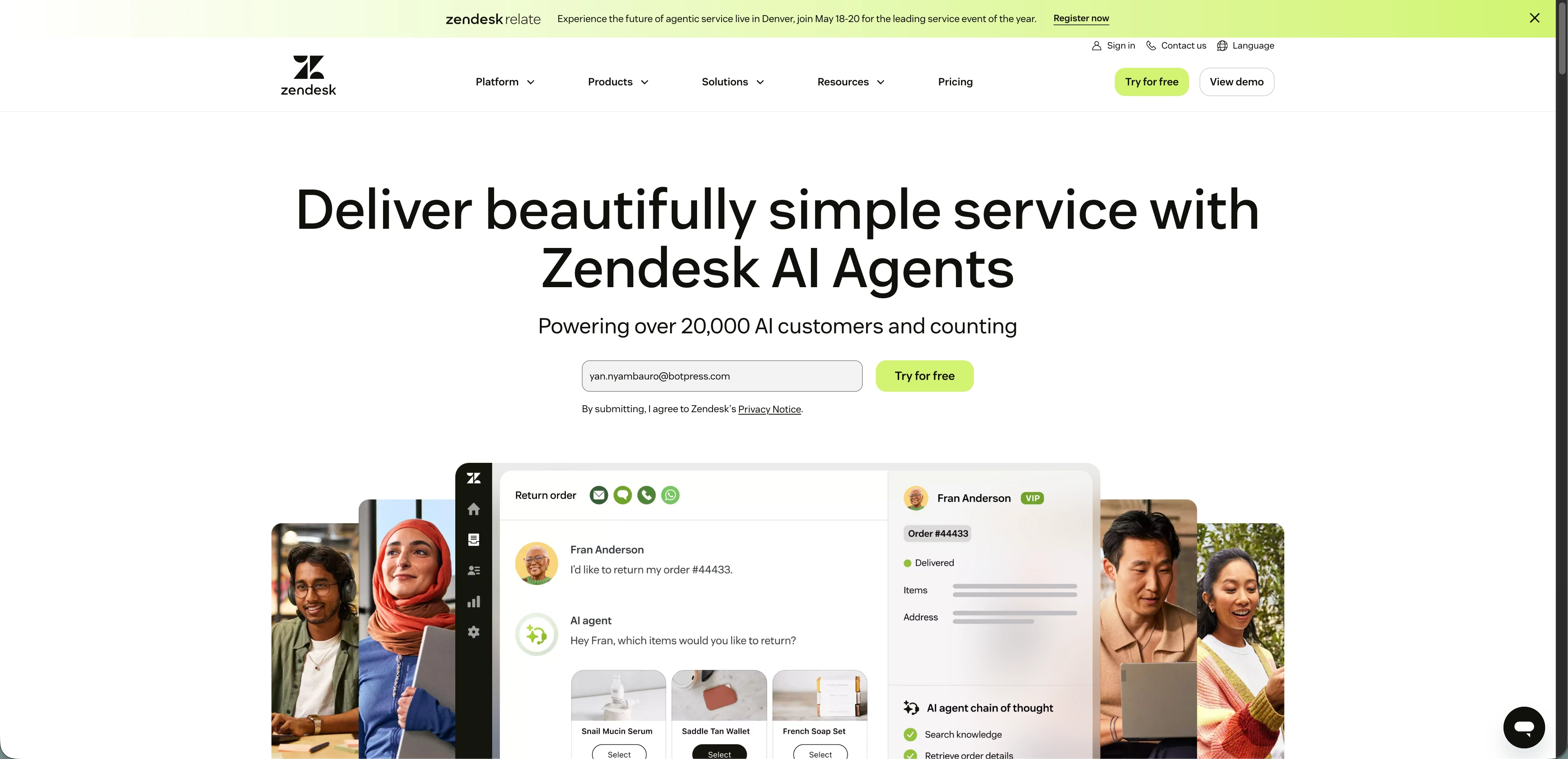
Help Scout مقابل زين ديسك
Help Scout يبقي الأمور بسيطة للفرق الصغيرة، بينما زين ديسك يضحي بالبساطة مقابل تخصيص عميق ودعم صوتي أصلي.
نظرة عامة على Zendesk
زين ديسك هو منصة خدمة عملاء متعددة القنوات مع تذاكر، وصوت، وأتمتة بالذكاء الاصطناعي. يهيمن على حصة السوق لسبب — لكن هذا الحجم يأتي بتعقيد لا تحتاجه معظم الفرق الصغيرة.
بدأت تجربة زين ديسك Suite متوقعًا تدفق إعداد مصقول، لكن فريقي قضى ثلاثة أيام في إعداد حقول التذاكر، وقواعد التوجيه، ومحفزات اتفاقيات مستوى الخدمة قبل أن نتمكن من التعامل مع محادثة واحدة. Help Scout استغرق فترة بعد ظهر واحدة.
بعد الانتهاء من الإعداد، ظهرت الإمكانيات. توجيه التذاكر بناءً على المهارات أرسل تذاكر الفواتير إلى وكلاء مدربين ماليًا والأسئلة التقنية إلى الهندسة تلقائيًا. لوحة تحكم التحليلات Explore سمحت لي ببناء تقارير مخصصة لا يمكن لتقارير Help Scout منافستها. الدعم الصوتي الأصلي يعني أنني تعاملت مع المكالمات الهاتفية داخل نفس مساحة العمل دون الحاجة لأداة خارجية.
تسارعت قصة الذكاء الاصطناعي في زين ديسك عبر الاستحواذات: Ultimate وKlaus وForethought جميعها أُدمجت في المنصة خلال 18 شهرًا. لكن كل ميزة ذكاء اصطناعي تكلف إضافيًا، والإضافات تتراكم بسرعة.
⭐ G2: 4.3/5 | Capterra: 4.4/5
الميزات الرئيسية لـ Zendesk
- دعم صوتي أصلي مع مركز اتصال مدمج
- توجيه التذاكر بناءً على المهارات عبر الأقسام
- أكثر من 1,800 تكامل في السوق
مميزات Zendesk
- تغطية متعددة القنوات، بما في ذلك الهاتف ووسائل التواصل الاجتماعي
- لوحات تحكم تحليلات مخصصة عبر Zendesk Explore
- الامتثال لـ HIPAA وFedRAMP متوفر
عيوب Zendesk
- منحنى تعلم حاد
- أدوات الذكاء الاصطناعي وضمان الجودة تتطلب إضافات مدفوعة
- دعم بائع ضعيف
- تكاليف كل وكيل ترتفع بسرعة مع الإضافات
- واجهة مستخدم قديمة
أسعار Zendesk
8. إنتركم
Help Scout مقابل إنتركم
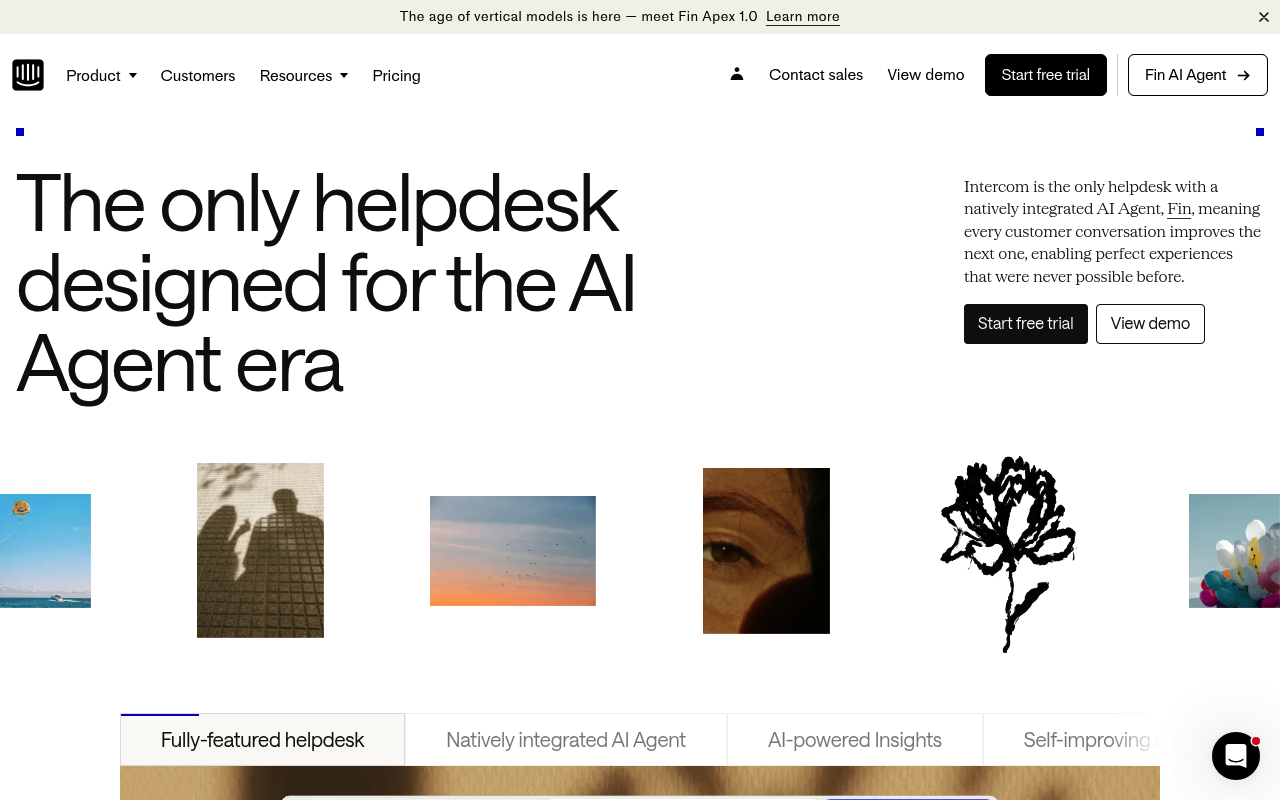
Help Scout يدير الدعم عبر صندوق بريد مشترك، بينما وكيل الذكاء الاصطناعي في إنتركم يحل معظم الاستفسارات قبل أن يراها الإنسان.
نظرة عامة على إنتركم
إنتركم هو منصة خدمة عملاء تركز على الذكاء الاصطناعي مع وكيل ذكاء اصطناعي مدمج، ورسائل، ومكتب مساعدة. وضع نفسه كمنصة دعم "تركز على الذكاء الاصطناعي" قبل أن تصبح هذه العبارة مبتذلة تسويقيًا — والمنتج يثبت ذلك.
نشرت Fin، وكيل الذكاء الاصطناعي في إنتركم، على مركز مساعدة تجريبي به حوالي 200 مقالة قاعدة معرفة. خلال فترة بعد ظهر واحدة، أجاب Fin على أسئلة العملاء عبر الدردشة والبريد الإلكتروني بإجابات دقيقة ومحاورة تستشهد بمصادرها. عندما لم يستطع Fin حل شيء ما، حوله إلى وكيل بشري مع كامل سياق المحادثة — دون الحاجة لإعادة الشرح.
ميزة الإجراءات في Fin كانت بارزة. قمت بإعداد تدفق عمل بالذكاء الاصطناعي لإلغاء الاشتراك يتحقق من الهوية، ويعرض خصمًا للاحتفاظ، ولا يصعد إلى إنسان إلا إذا أصر العميل. Help Scout كان سيتطلب وكيلًا بشريًا في كل خطوة.
نموذج التسعير لكل حل يخلق توترًا. عند 2,000 حل شهريًا، يضيف Fin وحده حوالي $2,000 فوق تكاليف المقاعد. الميزات الأساسية للعملية محجوزة خلف مستويات Advanced وExpert، وكل خطة تتطلب عقدًا لمدة 12 شهرًا.
⭐ G2: 4.5/5 | Capterra: 4.5/5
الميزات الرئيسية لإنتركم
- وكيل Fin AI مع تسعير $0.99 لكل حل
- إجراءات لتدفقات عمل مؤتمتة متعددة الخطوات
- محاكاة لاختبار البيئة قبل النشر
مزايا Intercom
- إجابات الذكاء الاصطناعي تستشهد بمصادر قاعدة المعرفة تلقائيًا
- تعدد القنوات عبر الدردشة والبريد الإلكتروني وواتساب والهاتف
عيوب Intercom
- عقد لمدة 12 شهرًا مطلوب لكل الخطط
- الميزات الأساسية محجوزة خلف مستوى Advanced
- إضافة Copilot تكلف $35 إضافية
- منحنى تعلم حاد لإعداد تدفقات العمل
أسعار Intercom
9. HubSpot Service Hub
Help Scout مقابل HubSpot Service Hub
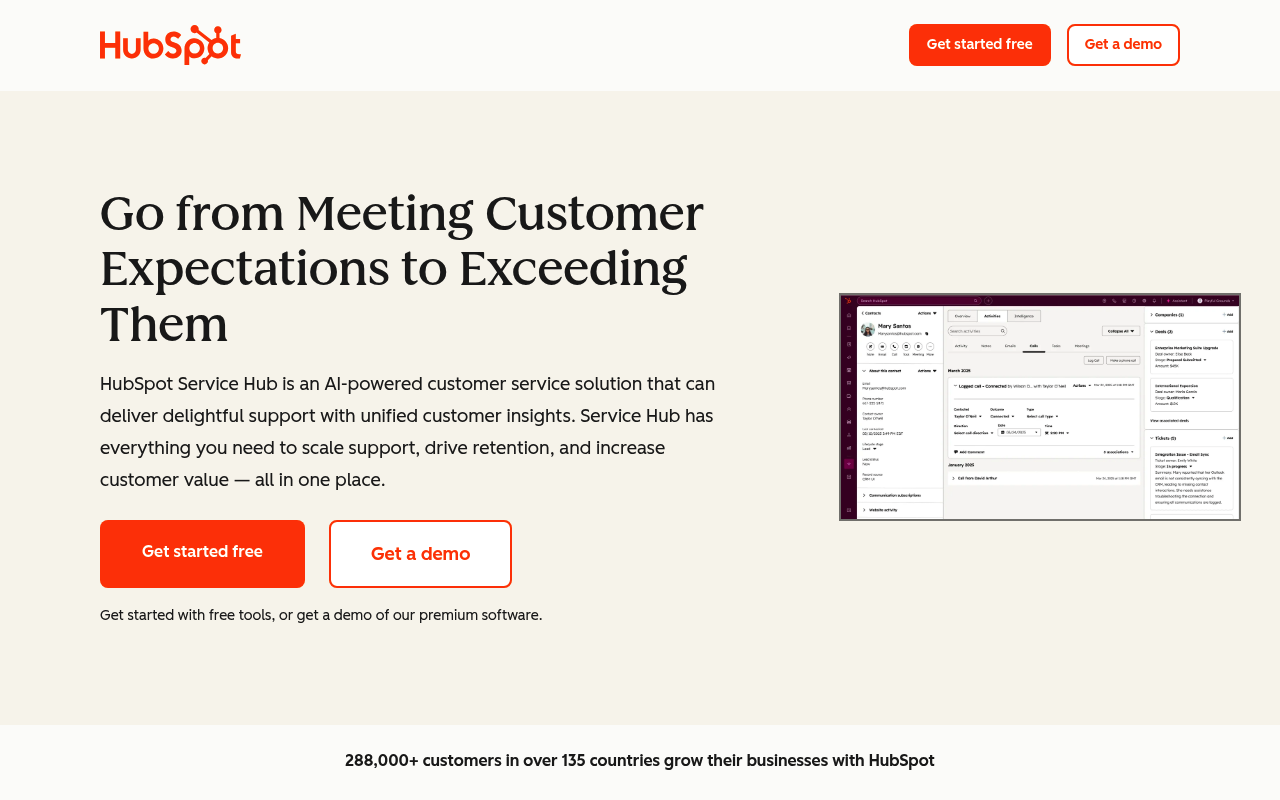
Help Scout يدير الدعم بشكل منفصل، بينما HubSpot Service Hub يربط كل تذكرة بنظام إدارة علاقات العملاء الذي يستخدمه فريق المبيعات لديك بالفعل.
نظرة عامة على HubSpot Service Hub
HubSpot Service Hub هو مكتب مساعدة مدمج مع CRM مع تذاكر، ودردشة مباشرة، وأتمتة بالذكاء الاصطناعي. إذا كانت شركتك تستخدم HubSpot بالفعل للمبيعات أو التسويق، فإن إضافة Service Hub تشعر وكأنها فتح تبويب جديد وليس برنامجًا جديدًا.
اختبرت Service Hub داخل بوابة HubSpot موجودة بها بيانات Sales Hub نشطة. عندما وصلت تذكرة دعم، استطعت رؤية سجل صفقات العميل، وتفاعل البريد التسويقي، وآخر ملاحظات مكالمة مبيعات دون مغادرة عرض التذكرة. هذا السياق بين الفرق ساعد وكلائي على تخصيص الردود بطرق لم يستطع صندوق بريد Help Scout المنفصل تحقيقها.
Breeze، مجموعة الذكاء الاصطناعي في HubSpot، حل الأسئلة الشائعة من قاعدة المعرفة وصاغ ردودًا لسلاسل أطول. أدوات الملاحظات — CSAT وNPS واستبيانات مخصصة — تغذي مباشرة لوحات تحكم CRM، مما يخلق حلقة مغلقة بين جودة الدعم وصحة العميل.
المقابل هو حجز الميزات. قاعدة المعرفة، بوابة العملاء، وتتبع اتفاقيات مستوى الخدمة كلها تتطلب Professional، والتي تحمل رسوم إعداد إلزامية بقيمة $1,500.
⭐ G2: 4.4/5 | Capterra: 4.4/5
الميزات الرئيسية لـ HubSpot Service Hub
- نظام CRM موحد مع بيانات المبيعات والتسويق والدعم
- وكلاء Breeze AI لحل التذاكر تلقائيًا
- تقييم صحة العملاء مع لوحات تحكم ملاحظات مغلقة
مزايا HubSpot Service Hub
- رحلة العميل الكاملة مرئية في كل تذكرة
- أكثر من 1,500 تكامل في السوق
- المستوى المجاني يشمل تذاكر أساسية ودردشة مباشرة
عيوب HubSpot Service Hub
- قاعدة المعرفة واتفاقيات مستوى الخدمة محجوزة خلف Professional
- رسوم إعداد إلزامية ($1,500–$3,500)
- عقود سنوية بدون استرداد أثناء المدة
- التذاكر المغلقة لا تعيد الفتح تلقائيًا عند رد العميل
- قيمة محدودة بدون Hubs أخرى من HubSpot
أسعار HubSpot Service Hub
10. جورجيس
Help Scout مقابل جورجيس
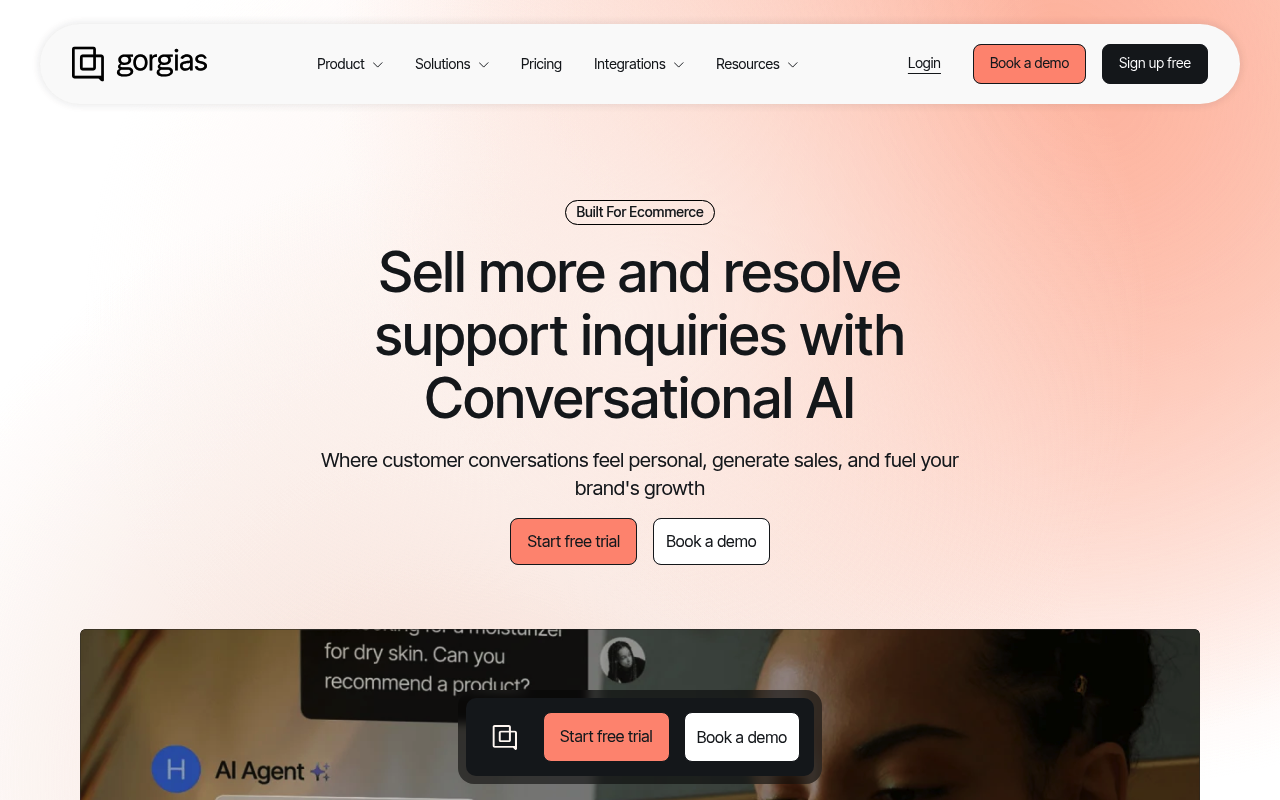
Help Scout هو صندوق بريد مشترك للأغراض العامة، بينما يسمح جورجيس للوكلاء بتعديل الطلبات، ومعالجة الاستردادات، والتحقق من الشحن داخل التذكرة.
نظرة عامة على Gorgias
جورجيس هو مكتب مساعدة ومنصة ذكاء اصطناعي مصممة خصيصًا للعلامات التجارية للتجارة الإلكترونية. إذا كنت تدير متجر Shopify ويقضي فريق الدعم نصف يومه في التنقل بين التبويبات، فإن جورجيس يجمع هذا التدفق في شاشة واحدة.
ربطت جورجيس بمتجر تطوير Shopify، وكان عمق التكامل واضحًا فورًا. ملفات العملاء جلبت سجل الطلبات، والقيمة مدى الحياة، وحالة الاشتراك تلقائيًا. استطاع وكلائي إلغاء طلب، إصدار استرداد جزئي، وإنشاء ملصق إرجاع دون مغادرة المحادثة — إجراءات تتطلب ثلاث أدوات منفصلة في Help Scout.
تعامل وكيل الذكاء الاصطناعي مع الأسئلة بعد الشراء حول التتبع، ونوافذ التسليم، وأهلية الإرجاع مع إعداد بسيط. جلب الإجابات من القوالب وبيانات الطلب، وليس فقط مقالات قاعدة المعرفة، مما جعل الردود محددة وليست عامة.
نموذج الفوترة حسب التذكرة يعمل جيدًا عندما يكون الحجم متوقعًا، لكن الارتفاعات الموسمية تؤثر بقوة. التذاكر الزائدة وحلول الذكاء الاصطناعي تحمل رسومًا منفصلة، لذا يمكن لأسبوع عطلة مزدحم أن يضاعف الفاتورة.
⭐ G2: 4.6/5 | Capterra: 4.6/5
الميزات الرئيسية لـ Gorgias
- تكامل عميق مع Shopify مع إجراءات الطلب داخل التذكرة
- وكيل ذكاء اصطناعي مع استردادات مؤتمتة ومعالجة الإرجاع
- إسناد الإيرادات يربط الدعم بتأثير المبيعات
مزايا Gorgias
- مقاعد وكلاء غير محدودة في جميع الخطط فوق Starter
- تدفقات عمل مخصصة للتجارة الإلكترونية توفر وقت الوكيل
- مساعد التسوق بالذكاء الاصطناعي يحول التذاكر إلى إيرادات
عيوب Gorgias
- حلول الذكاء الاصطناعي تُحتسب مرتين كتذكرة ورسوم ذكاء اصطناعي
- استخدام محدود خارج التجارة الإلكترونية المبنية على Shopify
- دعم الصوت وSMS يكلف إضافيًا كإضافات
أسعار Gorgias
11. لايف إيجنت
Help Scout مقابل لايف إيجنت
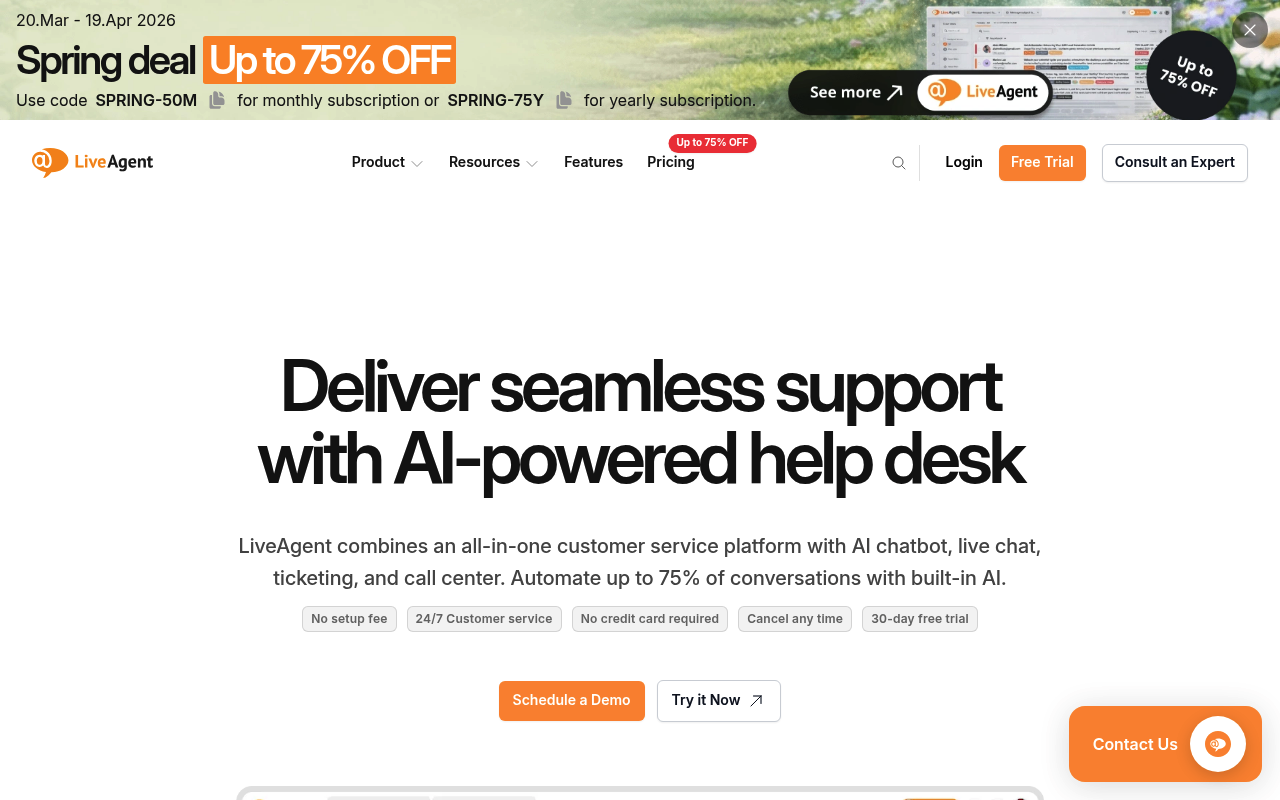
Help Scout يركز على البريد الإلكتروني والدردشة، بينما يضيف لايف إيجنت مركز اتصال مدمج مع IVR وتسجيلات غير محدودة.
نظرة عامة على LiveAgent
لايف إيجنت هو مكتب مساعدة شامل مع دردشة مباشرة، وتذاكر، ومركز اتصال أصلي. قد لا يفوز بجوائز التصميم، لكن للفرق التي تحتاج دعمًا هاتفيًا دون أداة خارجية، يقدم لايف إيجنت الكثير في اشتراك واحد.
اختبرت خطة Medium من لايف إيجنت وشغلت مركز الاتصال خلال ساعة. تم توجيه المكالمات الواردة إلى الوكلاء المناسبين باستخدام قوائم IVR، وتم تسجيل كل مكالمة تلقائيًا. جمع صندوق البريد الشامل البريد الإلكتروني والدردشة والهاتف ورسائل التواصل الاجتماعي في قائمة واحدة — خطوة للأمام عن Help Scout، حيث تتطلب المكالمات الهاتفية تكاملًا منفصلًا.
كشف تصادم الوكلاء أشار عندما فتح وكيلان نفس التذكرة في الوقت نفسه، مما منع الردود المكررة التي كانت تربك فريقي في Help Scout. نظام التحفيز — الشارات، لوحات الصدارة، والمكافآت — بدا سطحيًا في البداية، لكن وكلائي تنافسوا فعليًا لإغلاق التذاكر أسرع بعد الأسبوع الأول.
ظهرت العيوب في الواجهة. لوحة التحكم تبدو متأخرة سنوات عن المنافسين الأحدث بصريًا، وتطبيق iOS للجوال كان بطيئًا بشكل ملحوظ.
⭐ G2: 4.5/5 | Capterra: 4.7/5
الميزات الرئيسية لـ LiveAgent
- مركز اتصال مدمج مع IVR وتسجيل مكالمات
- كشف تصادم الوكلاء على التذاكر النشطة
- تحفيز مع لوحات الصدارة وشارات الأداء
مزايا LiveAgent
- دعم هاتفي مشمول بدءًا من خطة Medium
- تجربة مجانية لمدة 30 يومًا دون الحاجة لبطاقة ائتمان
- أكثر من 200 تكامل أصلي
عيوب LiveAgent
- الواجهة تبدو قديمة مقارنة بالمنافسين الجدد
- تطبيق iOS للجوال يفتقر للمزايا والاستقرار
- تجميع رسائل البريد الإلكتروني يربك العملاء أحيانًا
- قنوات وسائل التواصل الاجتماعي تكلف إضافيًا في الخطط الأدنى
- دعم نافذة متصفح واحدة فقط في كل مرة
أسعار LiveAgent
12. Ada
Help Scout مقابل Ada
Help Scout هو صندوق بريد مشترك للوكلاء البشريين، بينما Ada تؤتمت الحل عبر الدردشة والبريد الإلكتروني والصوت ووسائل التواصل الاجتماعي قبل تدخل البشر.
نظرة عامة على Ada
آدا هي منصة وكلاء الذكاء الاصطناعي للمؤسسات تعمل على أتمتة خدمة العملاء عبر جميع القنوات. إذا كان فريقك يتعامل مع آلاف التذاكر شهريًا ومعظمها يكرر نفس 10 الأسئلة، فإن آدا موجودة لجعل هذه التذاكر تختفي.
قمت بتقييم آدا من خلال عرض توضيحي موجه وبيئة اختبار — لا يوجد تسجيل ذاتي. محرك الاستدلال أدار محادثات متعددة الخطوات بشكل مثير للإعجاب. شاهدته يتحقق من هوية العميل، ويستعرض تفاصيل الطلب، ويطبق رمز خصم، ويؤكد الحل في سلسلة واحدة دون تدخل بشري.
جعلت كتيبات آدا العمليات المعقدة قابلة للتهيئة بدون برمجة. أنشأت تدفقًا للإرجاع والاستبدال مع منطق متفرع لفئات المنتجات المختلفة، وتبعت الذكاء الاصطناعي كل مسار بدقة. ميزة التدريب حللت المحادثات السابقة واقترحت تحسينات محددة.
المقايضات هي في الوصول والتكلفة. تستغرق عمليات التنفيذ عدة أسابيع، ولا توفر آدا صندوق بريد مشترك أو نظام تذاكر مدمج — فهي تحتاج إلى مكتب مساعدة منفصل مثل Zendesk للتصعيد البشري.
⭐ G2: 4.6/5 | Capterra: 4.7/5
الميزات الرئيسية لـ Ada
- محرك الاستدلال لحل المشكلات متعددة الخطوات بشكل مستقل
- كتيبات لأتمتة سير العمل المعقد بدون برمجة
- نشر متعدد القنوات عبر الصوت والدردشة والبريد الإلكتروني ووسائل التواصل الاجتماعي
مميزات Ada
- يدعم أكثر من 50 لغة مباشرة
- متوافق مع HIPAA و SOC 2 و GDPR
عيوب Ada
- لا يوجد صندوق بريد أو نظام تذاكر مدمج، يحتاج إلى مكتب مساعدة منفصل
- يستغرق التنفيذ أسابيع وليس ساعات
- يكرر الذكاء الاصطناعي نفسه عند نقص الإجابات
- لا يوجد خيار خدمة ذاتية
أسعار Ada
13. كوجنيجي
Help Scout مقابل كوجنيجي
Help Scout يدير المحادثات البشرية للفرق الصغيرة، بينما كوجنيجي يؤتمت ملايين التفاعلات الصوتية والدردشة لمراكز الاتصال في المؤسسات.
نظرة عامة على كوجنيجي
كوجنيجي هو منصة ذكاء اصطناعي حواري للمؤسسات لوكلاء خدمة العملاء الصوتية والرقمية، مملوكة الآن لشركة NICE. إذا كان مركز الاتصال لديك يتعامل مع مئات الآلاف من المكالمات شهريًا ويحتاج إلى ذكاء اصطناعي صوتي بعدة لغات، فإن كوجنيجي يعمل في فئة لا تستطيع معظم مكاتب المساعدة دخولها.
قمت بتقييم كوجنيجي من خلال بيئة تجريبية، واتضح عمق المنصة فورًا. أتاح لي منشئ التدفق البصري تصميم روبوت صوتي يجيب على المكالمات الواردة، ويتحقق من هوية المتصل عبر استدعاءات API الخلفية، ويوجه المشكلات المعقدة إلى وكيل بشري — كل ذلك بدون كتابة كود.
دفع الذكاء الاصطناعي الوكيلي في كوجنيجي إلى ما بعد الردود المبرمجة. تعامل وكلاء الذكاء الاصطناعي مع مشكلات متعددة الخطوات، وتكيفوا مع مدخلات غير متوقعة، واتخذوا قرارات فورية بشأن الإجراءات التالية. قدم مساعد الوكيل إرشادات مباشرة للوكلاء البشريين أثناء المكالمات — مقترحًا ردودًا، وجالبًا بيانات العملاء، وملخصًا المحادثات تلقائيًا للإنهاء.
عوائق الدخول كبيرة. يستغرق التنفيذ عدة أسابيع أو أشهر، وتتطلب البنيات المعقدة مهارات في JavaScript وAPI.
⭐ G2: 4.6/5 | Capterra: 4.8/5 | Gartner: 4.8/5 | Trustpilot: غير متوفر
الميزات الرئيسية لـ Cognigy
- وكلاء ذكاء اصطناعي صوتي لدعم المكالمات الواردة والصادرة
- مساعد الوكيل مع إرشادات فورية لأفضل إجراء تالي
- تنسيق محايد للنماذج اللغوية عبر OpenAI وAnthropic وAWS
مزايا كوجنيجي
- يدعم أكثر من 100 لغة مع ذكاء اصطناعي صوتي مدمج
- يتم النشر على خوادم الشركة، بما في ذلك البيئات غير المتصلة بالإنترنت بالكامل
عيوب كوجنيجي
- لا توجد أسعار معلنة للعامة
- يستغرق التنفيذ من أسابيع إلى أشهر
- الميزات المتقدمة تتطلب مهارات JavaScript وAPI
تسعير Cognigy
14. هايفر
Help Scout مقابل هايفر
Help Scout يتطلب واجهة جديدة، بينما يحول هايفر Gmail إلى مكتب مساعدة كامل مع صناديق بريد مشتركة، واتفاقيات مستوى الخدمة، وذكاء اصطناعي.
نظرة عامة على هايفر
هايفر هو منصة خدمة عملاء أصلية لـ Gmail مع صناديق بريد مشتركة وذكاء اصطناعي ودعم متعدد القنوات. إذا كان فريقك يعمل ضمن Google Workspace ويشعر أن التحول إلى مكتب مساعدة منفصل مبالغ فيه، فإن هايفر يلبي احتياجاتك حيث تعمل بالفعل.
قمت بتثبيت إضافة هايفر لـ Gmail وكان لدي صندوق بريد مشترك يعمل في أقل من 10 دقائق. ظهرت رسائل الدعم الواردة مع علامات حالة ملونة بجانب بريدي العادي. تعيين المحادثة لزميل استغرق نقرة واحدة، وكشف التصادم أشار عندما فتح وكيلان نفس السلسلة. حدث كل هذا دون مغادرة Gmail، مما يعني عدم وجود صعوبة في البدء.
سمحت الملاحظات الداخلية للوكلاء بمناقشة التذكرة بشكل خاص قبل الرد، وسمحت المسودات المشتركة لشخصين بكتابة رد معًا دون سلاسل إعادة التوجيه. قام Harvey AI بصياغة ردود مقترحة وأغلق المحادثات المحلولة تلقائيًا.
الاعتماد على Gmail له جانب سلبي أيضًا. تباطأ الأداء عندما تجاوزت المحادثات بضع مئات، وميزات الذكاء الاصطناعي تتوفر فقط في الخطط الأعلى. الخطة المجانية تشمل مستخدمين غير محدودين، لكن الفرق التي تحتاج إلى أتمتة أو تحليلات ستتجاوزها بسرعة.
⭐ G2: 4.6/5 | Capterra: 4.7/5
الميزات الرئيسية في هايفر
- صندوق بريد مشترك أصلي في Gmail بدون صعوبة في البدء
- Harvey AI لاقتراح الردود والإغلاق التلقائي
- كشف التصادم لمنع الردود المكررة
مزايا هايفر
- يعمل بالكامل داخل Gmail، لا حاجة لواجهة جديدة
- خطة مجانية متاحة مع مستخدمين غير محدودين
- دعم بشري على مدار الساعة في كل خطة
عيوب هايفر
- يتطلب Google Workspace — دعم محدود لـ Outlook
- يتباطأ الأداء مع ارتفاع حجم الرسائل
- الذكاء الاصطناعي والأتمتة المتقدمة متوفرة فقط في الخطط الأعلى
- تطبيق الهاتف المحمول يفتقر إلى جميع ميزات سطح المكتب
- تخصيص محدود مقارنة بمكاتب المساعدة المستقلة
أسعار هايفر
15. غلادلي
Help Scout مقابل غلادلي
Help Scout ينظم الدعم حول التذاكر، بينما ينظمه غلادلي حول الأشخاص مع سلسلة محادثة مستمرة لكل عميل.
نظرة عامة على Gladly
غلادلي هو منصة خدمة تركز على العميل تستبدل التذاكر بسلاسل محادثة دائمة. بالنسبة للعلامات التجارية B2C حيث يتواصل العملاء مع الدعم بشكل متكرر، يغير هذا الاختلاف في البنية طريقة عمل الوكلاء.
قمت بتقييم غلادلي من خلال عرض توضيحي موجه — لا توجد تجربة ذاتية. عرض ملف العميل كان واضحًا فورًا. بدلاً من تذاكر منفصلة، رأيت جدولاً زمنيًا مستمرًا لكل عميل عبر جميع القنوات: البريد الإلكتروني، الصوت، الدردشة، الرسائل النصية، ووسائل التواصل الاجتماعي. عندما تواصل عميل عائد، كان لدى الوكيل سياق فوري من أشهر من المحادثات السابقة دون الحاجة للبحث أو دمج التذاكر.
تعامل روبوت الدردشة Sidekick AI في غلادلي مع الإرجاع وتتبع الطلبات وتحويل الأسئلة المتكررة في العرض التوضيحي. نفذ إجراءات خلفية، مما يجعله أقرب إلى تدفقات التجارة الإلكترونية في Gorgias من الأتمتة الأساسية في Help Scout. تم دمج القناة الصوتية الأصلية مباشرة في نفس عرض المحادثة، لذا لم يفقد تبديل القنوات السياق.
تبدأ الأسعار المعلنة من حوالي 180$/للوكيل/شهريًا مع حد أدنى 10 مقاعد وعقود سنوية. دقائق الصوت، الرسائل النصية، ومحادثات الذكاء الاصطناعي تحمل رسوم استخدام إضافية.
⭐ G2: 4.7/5 | Capterra: 4.8/5
الميزات الرئيسية لـ Gladly
- محادثات قائمة على الأشخاص بدلاً من سير عمل قائم على التذاكر
- صوت ودردشة وبريد إلكتروني ورسائل نصية واجتماعي في سلسلة واحدة
- روبوت دردشة Sidekick AI مع تنفيذ إجراءات خلفية
مميزات Gladly
- جدول زمني مستمر للعميل يلغي تكرار السياق
- موثوق به من قبل Nordstrom وUlta Beauty وCrate & Barrel
- قناة صوتية أصلية مدمجة في نفس عرض الوكيل
عيوب Gladly
- لا توجد أسعار معلنة للعامة
- حد أدنى 10 مقاعد مع عقود سنوية مطلوبة
- دقائق الصوت والرسائل النصية تُحسب كإضافات حسب الاستخدام
- لا توجد خطة مجانية أو تجربة ذاتية متاحة
- مبالغ فيه للفرق أقل من 10 وكلاء أو سير عمل عبر البريد الإلكتروني فقط
أسعار Gladly