


- 74% of customers expect always-on service
- Shopify chatbots handle customer requests 24/7
- The biggest differences between these platforms are their ease of use, customization, price, and level of coding skill required
- The best Shopify chatbots are Botpress, Gorgias, Rasa, Intercom, Tidio, Ada, RelevanceAI, Gladly, Zendesk and re:amaze
74% of customers now expect always-on service, meaning that as a storefront owner, you're always on-call.
Running a Shopify store is basically a never-ending group chat: customers asking about shipping, returns, sizing, discounts, and the dreaded “where’s my order?” (WISMO) — AKA the ecommerce version of “are we there yet?”
The good news is, in 2026, Shopify AI chatbots aren’t just glorified FAQ bots with a little sass. The best ones can handle:
- Real-Time Order Tracking (WISMO)
- Order updates + changes (address changes, cancellations, edits)
- Personalized product recommendations (like a sales associate who never clocks out)
- Instant FAQ/policy answers (shipping, returns, warranty, sizing)
- Abandoned cart recovery (nudges that don’t feel spammy)
Plus, Shopify traffic spikes can be wild. During 2025 Black Friday Cyber Monday (BFCM)—ecommerce’s version of The Super Bowl—Shopify merchants did $14.6B in sales, meaning that now, more than ever, storefronts need to be flexible in their capacity.
So whether you’re a solopreneur doing everything yourself, or a multinational corp drowning in tickets, a strong Shopify AI chatbot can save your team (and your sanity).
Shopify Chatbots: Quick Picks (if you hate scrolling)
- AllBest overall for most Shopify businesses: Botpress
- Best for high-volume Shopify support teams: Gorgias
- Best for teams with dedicated dev resources: Rasa
- Best “support-as-a-sales-funnel” vibe: Intercom
What are Shopify chatbots?
A Shopify AI chatbot is an AI-powered virtual assistant embedded in a Shopify store that chats with visitors in real time, 24/7. It answers questions, recommends products, and helps with orders or checkout to boost sales and reduce support workload. AI chatbots generally follow a 4 step workflow when resolving inquiries.
Step 1: Understanding the user’s question
When a customer types a question, the chatbot uses natural language understanding (NLU) to figure out what they're actually asking for.
Think of NLU as the bot's ability to read between the lines—it interprets the customer's intent, even if the question is phrased casually or contains typos.
Step 2: Searching for the answer
Once the bot knows what the customer wants, it uses retrieval-augmented generation (RAG) to search through available information sources.
This means the bot scans through its knowledge bases—such as FAQs, help articles, product details, and store-specific data—to find the most relevant and accurate answer.
Step 3: Delivering the response
The bot combines the information it found in the knowledge base with its artificial intelligence capabilities to craft a helpful, natural-sounding response and sends it back to the customer.
Step 4: Escalating when needed (optional)
If the question is too complicated, unusual, or the bot isn't confident it has the right answer, it automatically transfers the conversation to a human agent who can provide more personalized help.
Types of Shopify Chatbots
Shopify chatbots generally fall into 3 categories: rule-based bot, AI Q&A bot, and AI agent.
To identify the best Shopify chatbots right now, we evaluated platforms with the following features in mind:
- Shopify integration depth (products, orders, customers)
- WISMO + post-purchase automation
- Support automation (FAQs, policies, returns)
- Sales lift features (recommendations, upsells, cart recovery)
- Human handoff (when things get messy)
- Customization (brand voice + UI)
- Scalability + reliability
Note: Pricing changes constantly (especially usage-based AI fees). We displayed numbers only where vendors published them clearly, and described the model as best as we could when they didn't.
1) Botpress
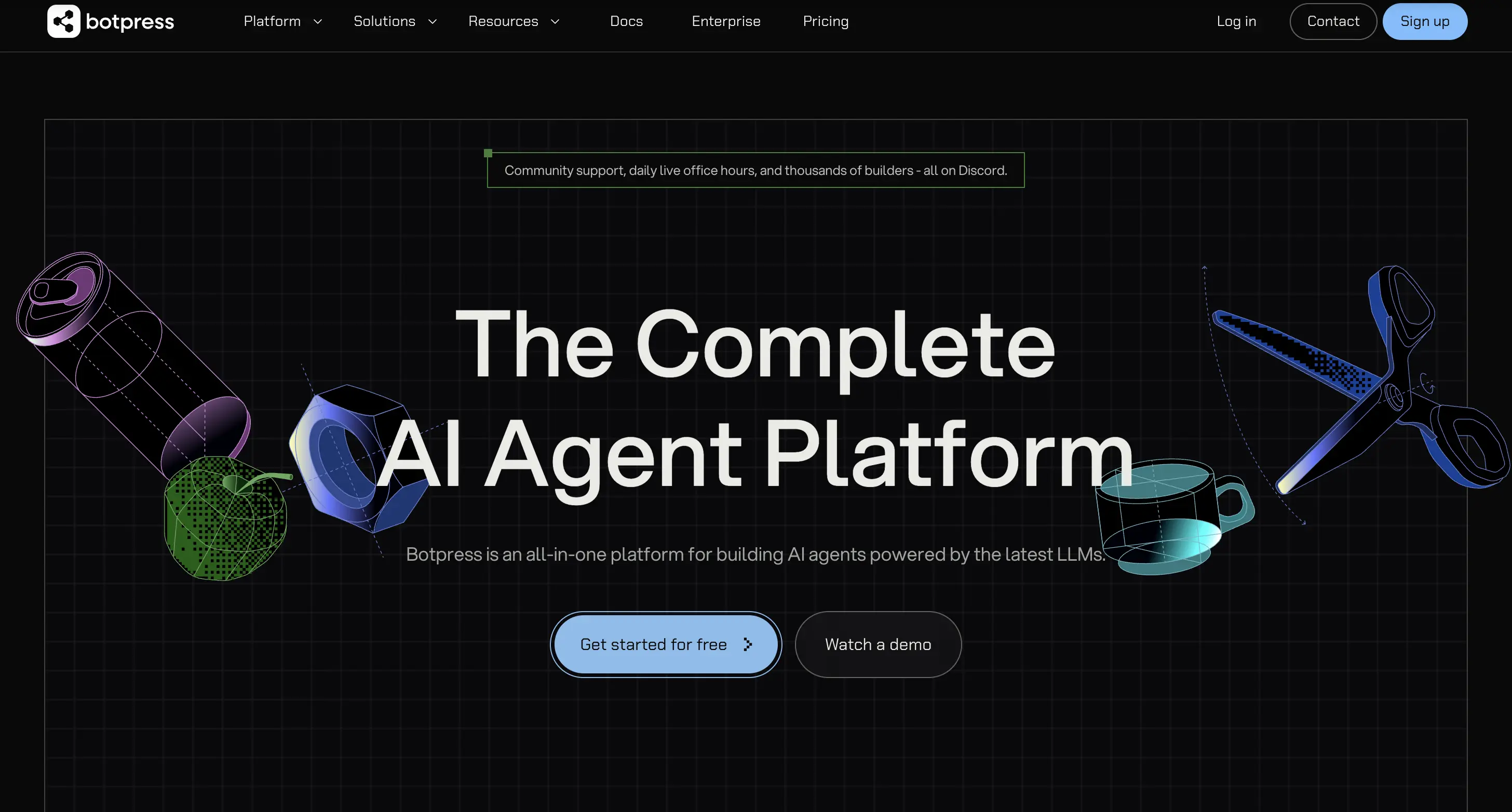
Botpress is a build-your-own chatbot and AI agent platform, and its secret weapon is its versatility that makes it easy to scale. Botpress goes from a basic FAQ bot to a more advanced agent with logic, human handoff, and different workflows, without needing developer resources.
Botpress Pros
Botpress is strong in two key ways: it scales with your storefront as the business grows, and offers flexible building and payment options. As more products, channels, and workflows are added, the bot’s capabilities can be expanded without rebuilding from scratch.
Botpress is LLM-agnostic, so users can choose the language model that best fits their budget, quality, or privacy needs—and switch later as better options appear.
With over 10 years of experience building AI bots, and over 1 million bots built on the platform, Botpress has developed an abundance of learning resources—including Botpress Academy, comprehensive documentation, and YouTube tutorials—to help new users build, deploy, and monitor their Shopify chatbots.
Botpress’ drag-and-drop Studio is great for beginners because users can build and tweak a chatbot fast—no coding needed. The ADK is the build-it-in-code option: developers write the bot’s instructions, connect it to tools like Shopify or a CRM, and make it behave exactly how the business works—ideal for users who want maximum control and have dev resources.
Botpress Cons
Botpress is powerful but complex—building flows, configuring integrations, and troubleshooting issues can quickly overwhelm non-technical teams. What seems like a simple tweak often requires developer help, turning quick updates into time-consuming projects.
Why Botpress stands out
- Pre-built Shopify integration
- Flexible building options
- No mark up on LLM spend
- Extensive learning resources
Botpress Pricing
Botpress uses usage-based pricing and at-cost AI Spend for LLM usage.
2) Gorgias
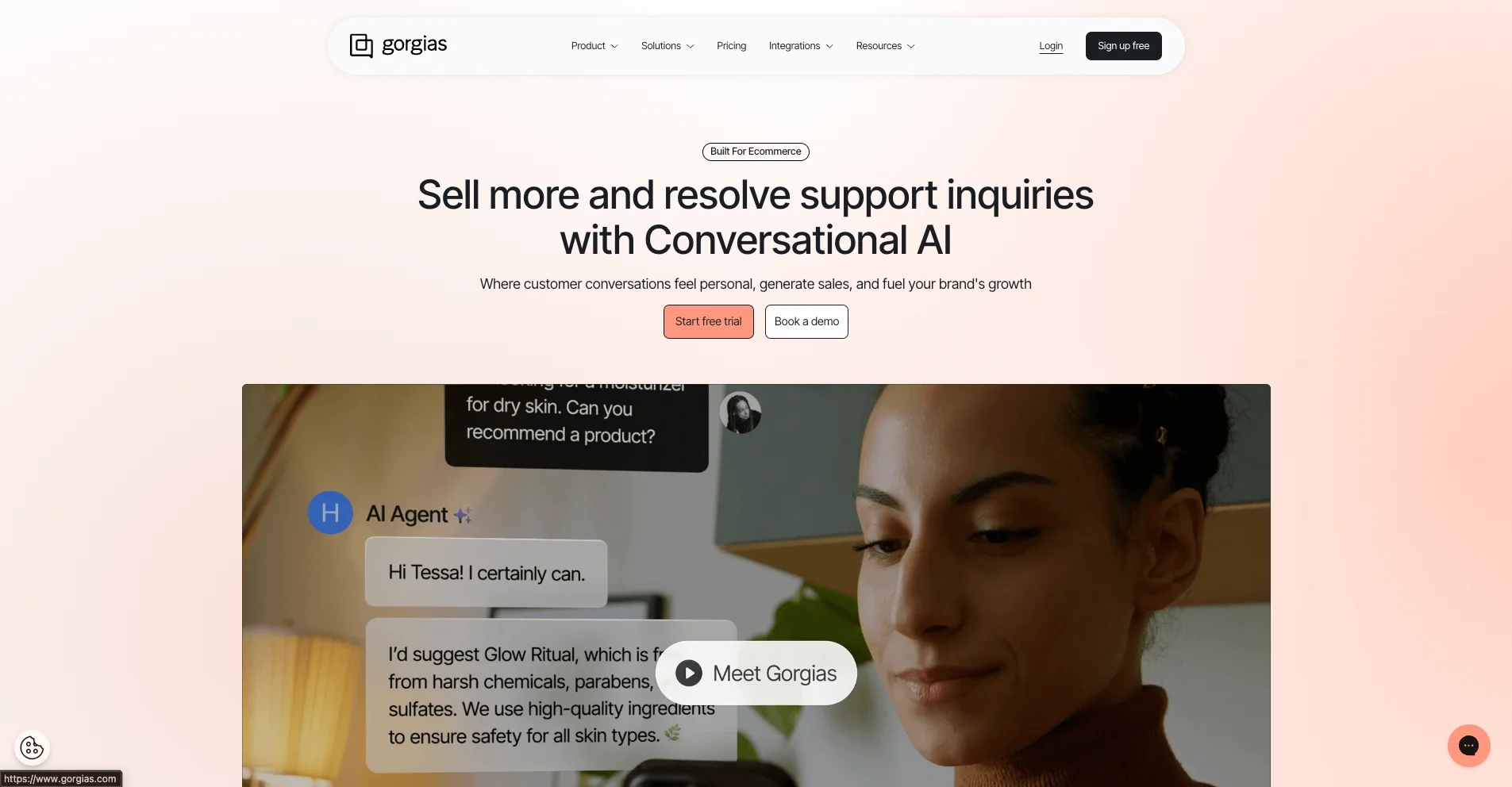
Gorgias is a Shopify-first help desk that includes a storefront chat widget and an AI agent to handle repetitive questions like order tracking and returns. When the Gorgias bot cannot confidently resolve an issue, it hands it off to a representative on the customer support team.
Gorgias Pros
Gorgias is great because it turns every website chat into a support ticket that’s saved, assigned, and tracked. It can auto-tag messages based on what the customer says (like “order status,” “refund,” or “shipping”), route them to the right teammate or queue, and let the support team reply faster with saved answers.
Gorgias Cons
Where Gorgias falls short is its limited customizability—so it’s great for handling support questions faster, but less ideal if users want a highly custom bot for things like guided shopping, complex multi-step flows, or deep custom logic and integrations. The other downside is scaling cost: pricing is tied to ticket volume, so it can get expensive as monthly conversations grow.
Why Gorgias stands out
- Shopify-native support
- Strong support tools
Gorgias Pricing
Gorgias uses a ticket volume pricing model + $1.00 per resolved AI conversation.
3) Rasa
Rasa is an open-source chatbot platform for building custom chatbots from scratch. Their main product is the Rasa framework—a developer toolkit allowing users to host on their own servers. To build a Shopify bot, users can build on Rasa's code-based platform, then embed a chat widget on their storefront that connects to the self-hosted bot.
Rasa Pros
Rasa’s biggest benefit is control: users can run it on their own servers, decide exactly how the bot should respond, and connect it directly to Shopify so it can look up real info—like order status or whether a return is allowed—instead of giving generic replies.
Rasa Cons
Rasa can be frustrating because it requires high technical ability — developers are needed to build, connect, host, and maintain it over time. For Shopify store owners who just want to reduce support tickets or boost sales quickly, this means weeks of development work before any results, plus ongoing technical overhead that pulls focus from actually running the store.
Why Rasa stands out
- Developer-first flexibility
- Strong at multi-turn, messy conversations
Rasa Pricing
Rasa has two pricing tiers: Developer Edition and Pro/platform.
4) Intercom
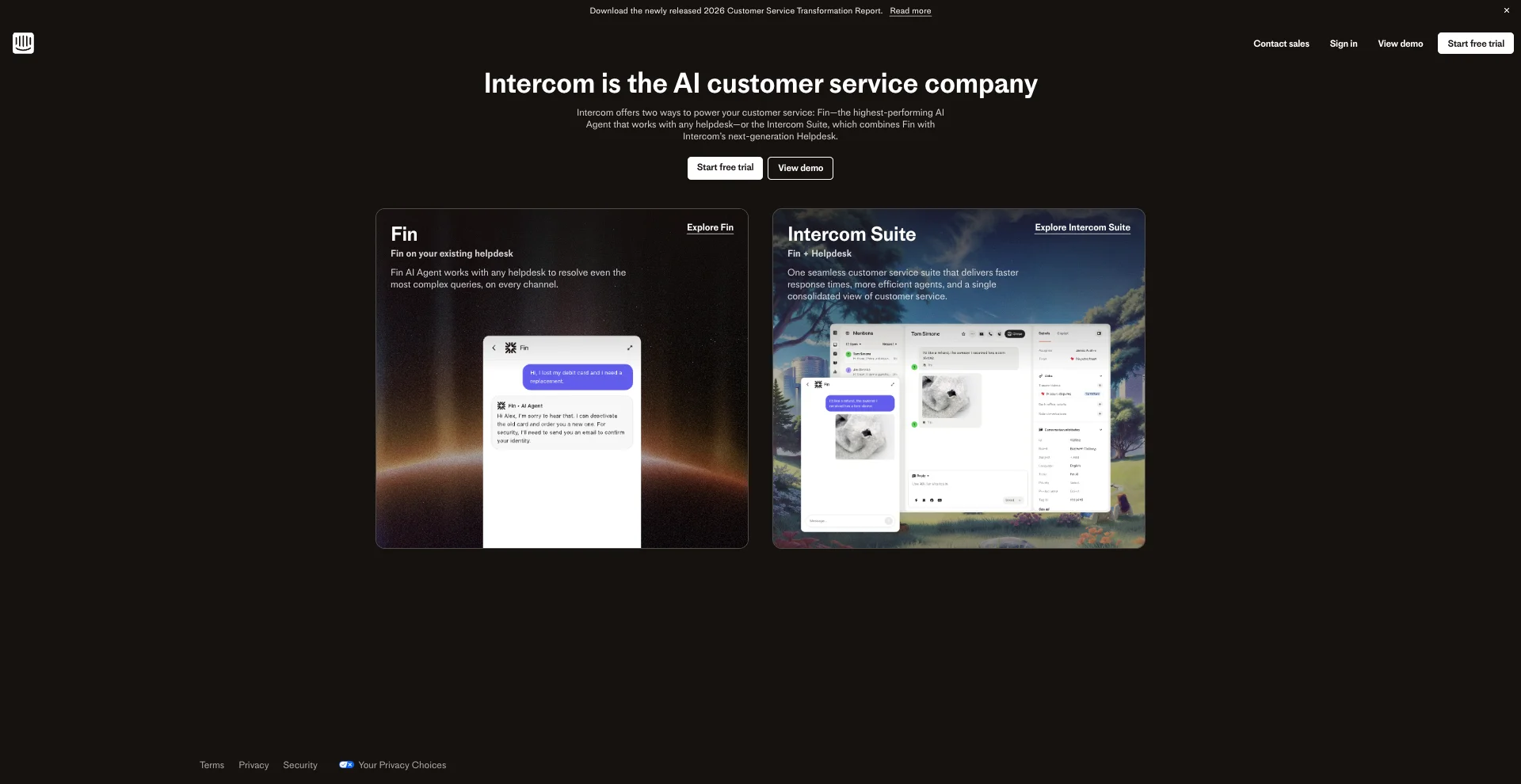
Intercom is a customer service platform that combines live chat, a shared inbox, and an AI agent called Fin. The chat widget sits on the storefront to answer questions in real time, while the inbox lets teams manage conversations across email, chat, and social. Fin handles routine inquiries automatically and escalates trickier issues to human agents when needed—keeping support fast without sacrificing the personal touch.
Intercom Pros
Intercom's biggest benefit is that it acts as an all-in-one support hub—front desk, call center, and knowledge base rolled into one. Chat, email, help articles, and AI work together in a single platform, so teams can resolve issues faster without switching between tools or losing context.
Intercom Cons
A downside to Intercom is that it's built for managing customer messages, not building custom chatbots—so while it can answer "What's your return policy?" or "Do you ship internationally?", it struggles with multi-step workflows like "check if this customer qualifies for a return, then generate a return label, then email them confirmation." Additionally, Intercom bills per teammate seat—so if a team has 5 support agents, that is 5× the base price and that cost jumps every time a team member is hired.
Why Intercom stands out
- Lifecycle-style messaging: chat + proactive outreach in one system
- Great human handoff + team inbox
Intercom Pricing
Intercom’s pricing model uses a “seat” model + 0.99 per resolution.
5) Tidio
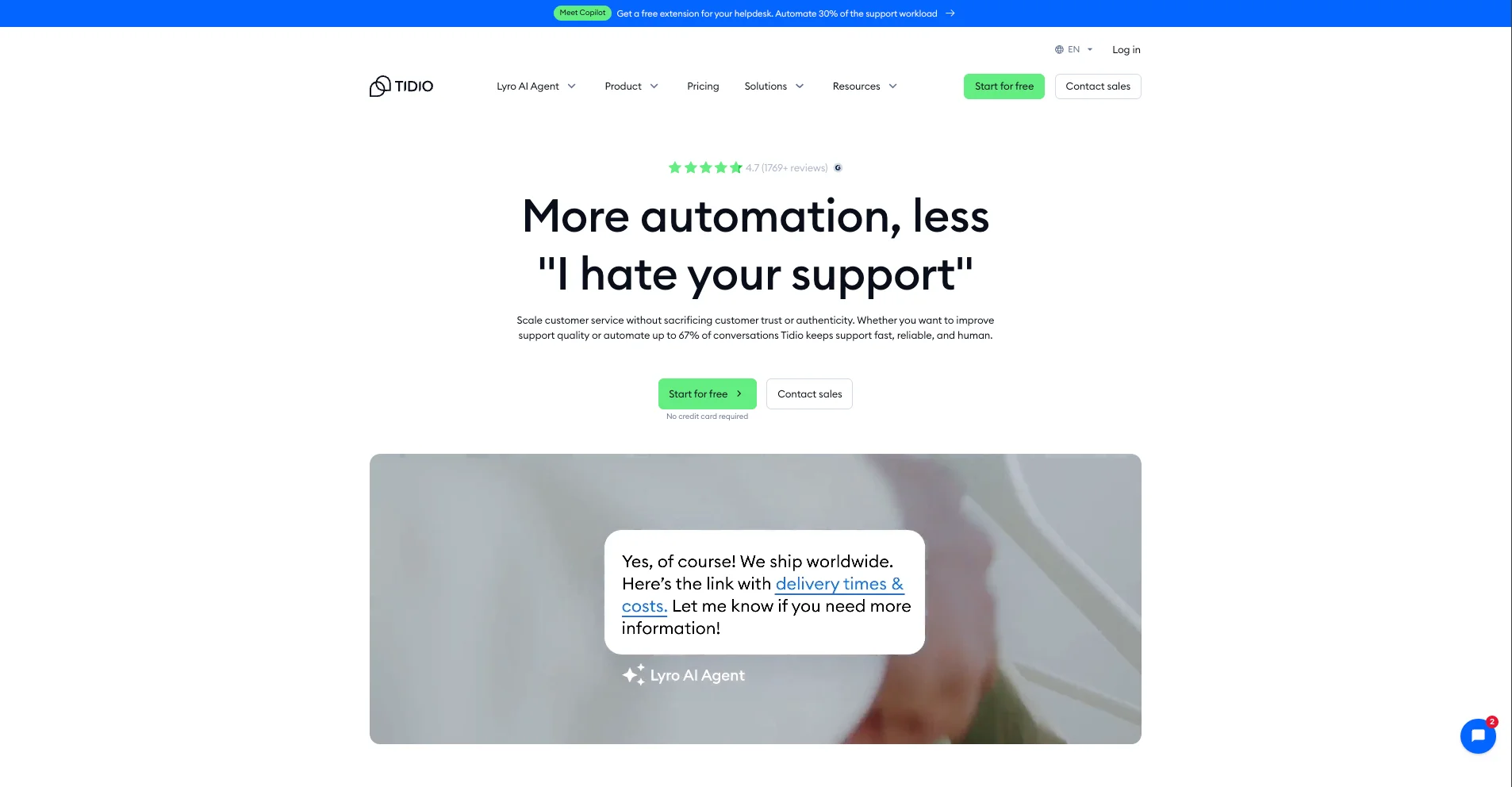
Tidio is a customer service platform with an AI chatbot called Lyro that can be deployed on a Shopify storefront. Lyro learns from the storefront and support resources, then answers common questions automatically—shipping, returns, product details, order tracking. When it can't help, it hands it off to a human agent or creates a ticket. It can also pull information from tools like Calendly or HubSpot, making it more than just a basic FAQ bot.
Tidio Pros
Tidio is great for Shopify because setup is easy—install the app, feed it the store info, and Lyro starts answering questions right away. Users also get live chat and a shared inbox to manage every customer message in one place. For store owners juggling multiple tools, this means less time configuring software and more time focused on sales and fulfillment.
Tidio Cons
The main drawback of Tidio is vendor lock-in: Lyro runs exclusively on Claude (Anthropic's AI model), so users cannot switch to GPT-4, Gemini, or any other model if Claude's responses aren't accurate enough for their products, if performance lags during traffic spikes, or if Anthropic raises prices. Users are stuck with whatever Claude delivers—no alternatives, no fallback options.
Why Tidio stands out
- Installs instantly + answers FAQs immediately.
Tidio Pricing
Tidio’s pricing plan includes a base subscription + billable conversations limit. Its Lyro AI features require an add-on.
6) Ada
Ada is an AI-powered customer service platform that automates support conversations at scale. For Shopify stores, Ada's chat widget integrates directly with users’ store data, so it can pull real order details—shipping status, tracking info, purchase history—and answer customer questions instantly. The platform is built for non-technical teams, with a no-code setup that lets users launch personalized chat experiences without relying on developers.
Ada Pros
Ada excels with enterprise-grade controls—role-based permissions, staged rollouts (test on 10% of customers first), audit trails, and structured handoff rules—plus omnichannel deployment. Users can run the same AI agent across website chat, email, SMS, and phone support for consistent answers everywhere, which matters if teams are managing support across multiple channels beyond just the storefront.
Ada Cons
The biggest downside to Ada is that it's built for enterprise, not small Shopify stores. Setup can take months and often requires a dedicated team —not ideal if users want something quick to launch. Pricing isn't publicly listed and is usage-based, which makes costs harder to predict as chat volume grows. For smaller stores looking for a simple, affordable solution, Ada can feel like overkill.
Why Ada stands out
- Custom enterprise pricing only
- Advanced governance options
Ada Pricing
Ada does not offer any pricing tiers, only custom enterprise pricing.
7) Relevance AI
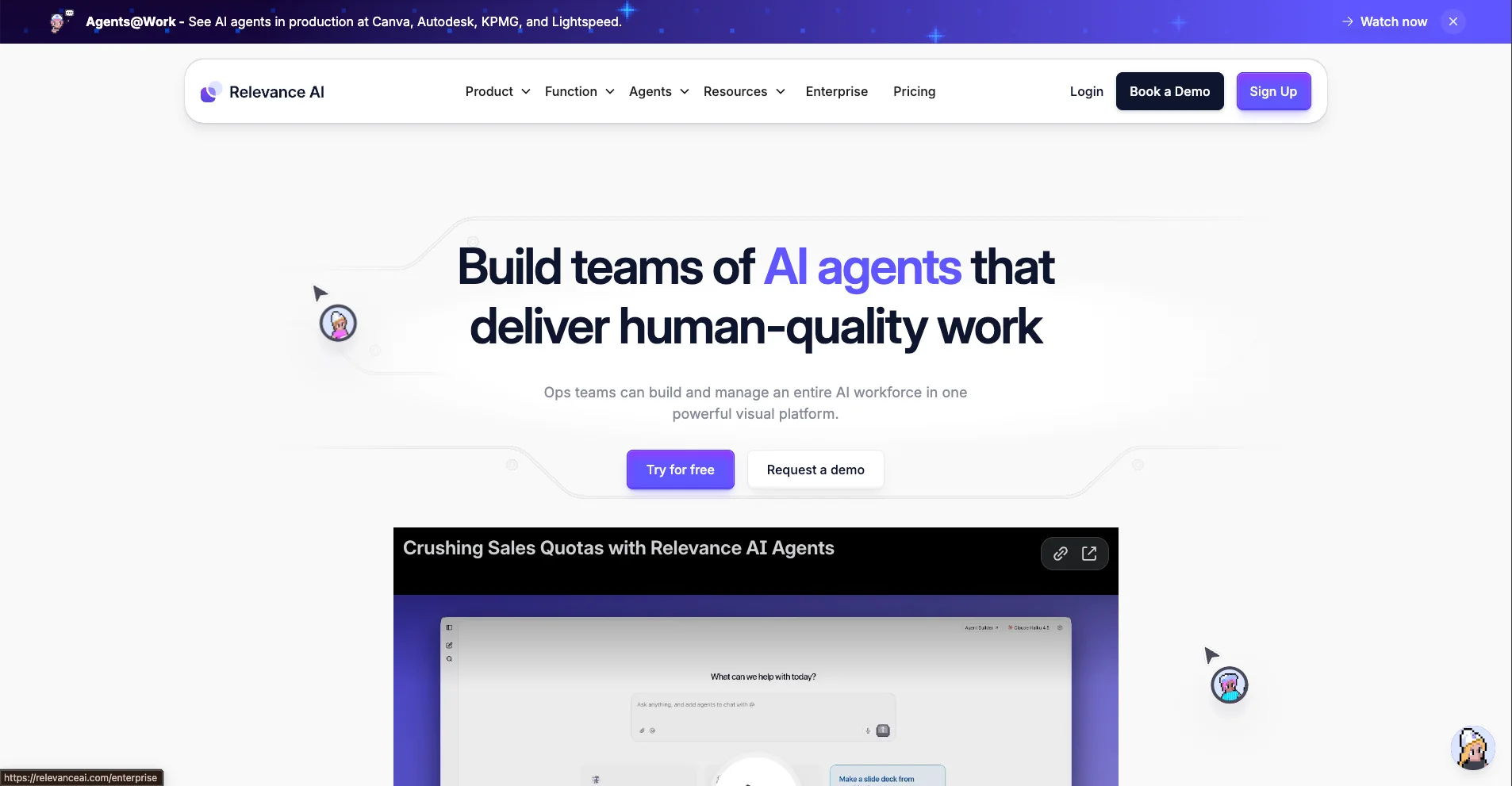
Relevance AI is a platform for building and running AI agents to automate business tasks. Unlike simple FAQ bots, these agents can handle multi-step tasks—like checking order status, updating customer information, and notifying the customer service team.
Relevance AI Pros
A benefit of Relevance AI is its credit-based pricing: users are charged only when an automation runs (for example, when a customer asks for a return, order update, or inventory check). For Shopify store owners, that’s valuable because teams can build more advanced automations without paying a big fixed fee for “unused” capacity— costs scale with real customer activity.
Relevance AI Cons
A drawback to Relevance AI is that it connects to Shopify through third-party tools like Zapier or Make, not directly. This adds failure points (expired tokens, webhook errors), extra costs for multiple platforms, and harder debugging. When "Where's my order?" fails, teams would be troubleshooting across Shopify, their chosen automation tool, and Relevance AI while customers wait. More moving parts mean more potential breakdowns.
Why Relevance AI stands out
- Credit-based pricing
Relevance AI Pricing
Relevance AI uses a credit-based subscription model.
8) Gladly
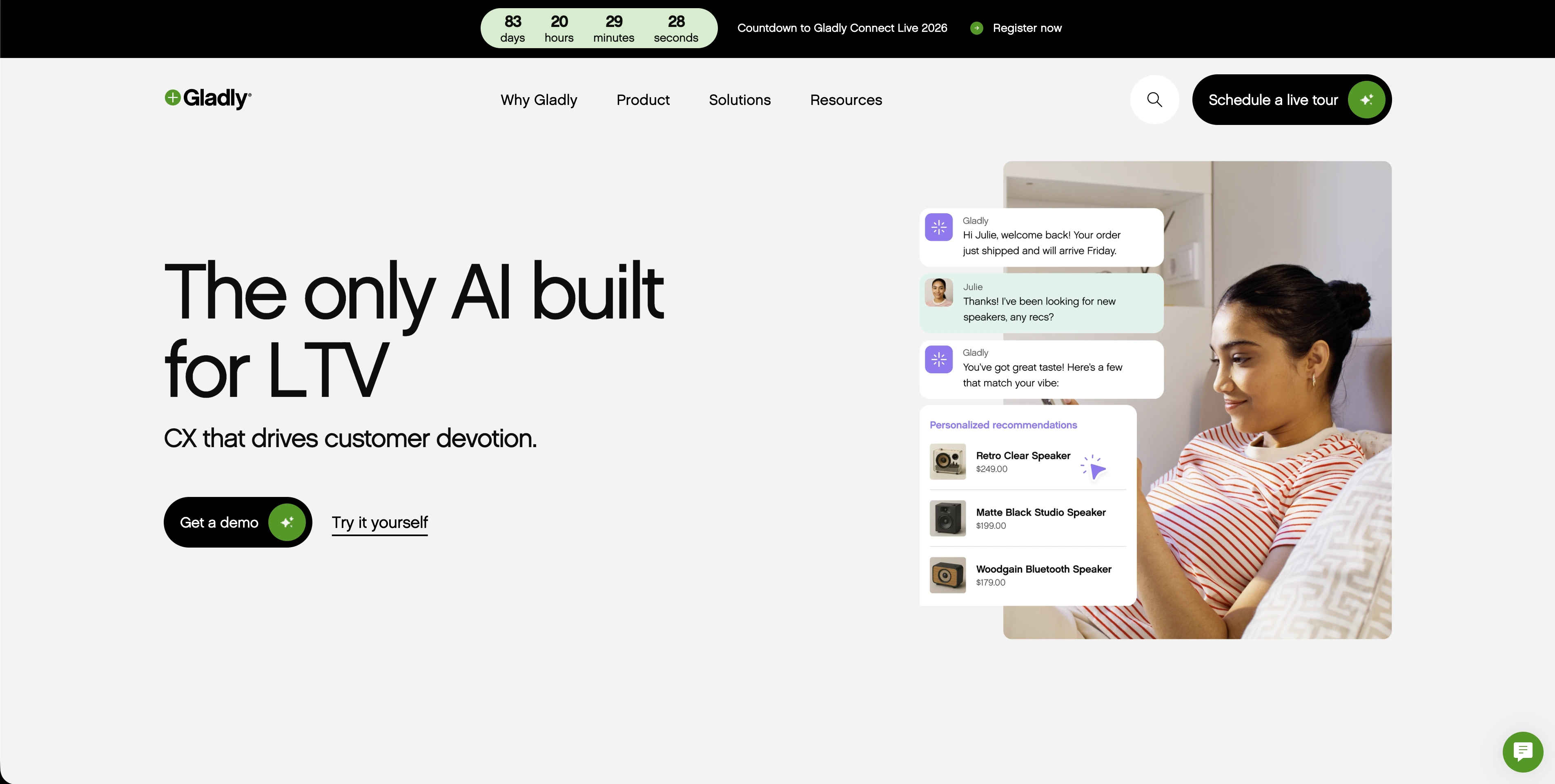
Gladly is an AI-powered customer service platform built for brands that want to deliver a premium support experience. Instead of treating each inquiry as a separate ticket, it organizes everything into one ongoing conversation per customer—so teams always have the full history at their fingertips.
Gladly Pros
The biggest upside to Gladly is that every interaction—whether a customer calls, emails, or chats—feeds into a single conversation thread tied to that person. So when someone reaches out about a delayed order and then follows up by phone two days later, the agent sees the entire history instantly. For Shopify store owners running voice-heavy support teams, this eliminates the awkward "can you explain your issue again?" moment and lets agents resolve problems faster while making customers feel recognized and valued.
Gladly Cons
The biggest drawback of Gladly is that it’s a full customer service platform, not a quick Shopify chat add-on—so it usually takes onboarding, channel setup, and Shopify integration work before it’s running smoothly. For a Shopify store owner, that means more time (and sometimes extra help) to get it live, which can feel like a lot if users just want a lightweight chatbot they can switch on fast.
Why Gladly stands out
- Customer-first support
Gladly Pricing
Gladly doesn't offer set pricing tiers—pricing is custom and available upon request.
9) Zendesk
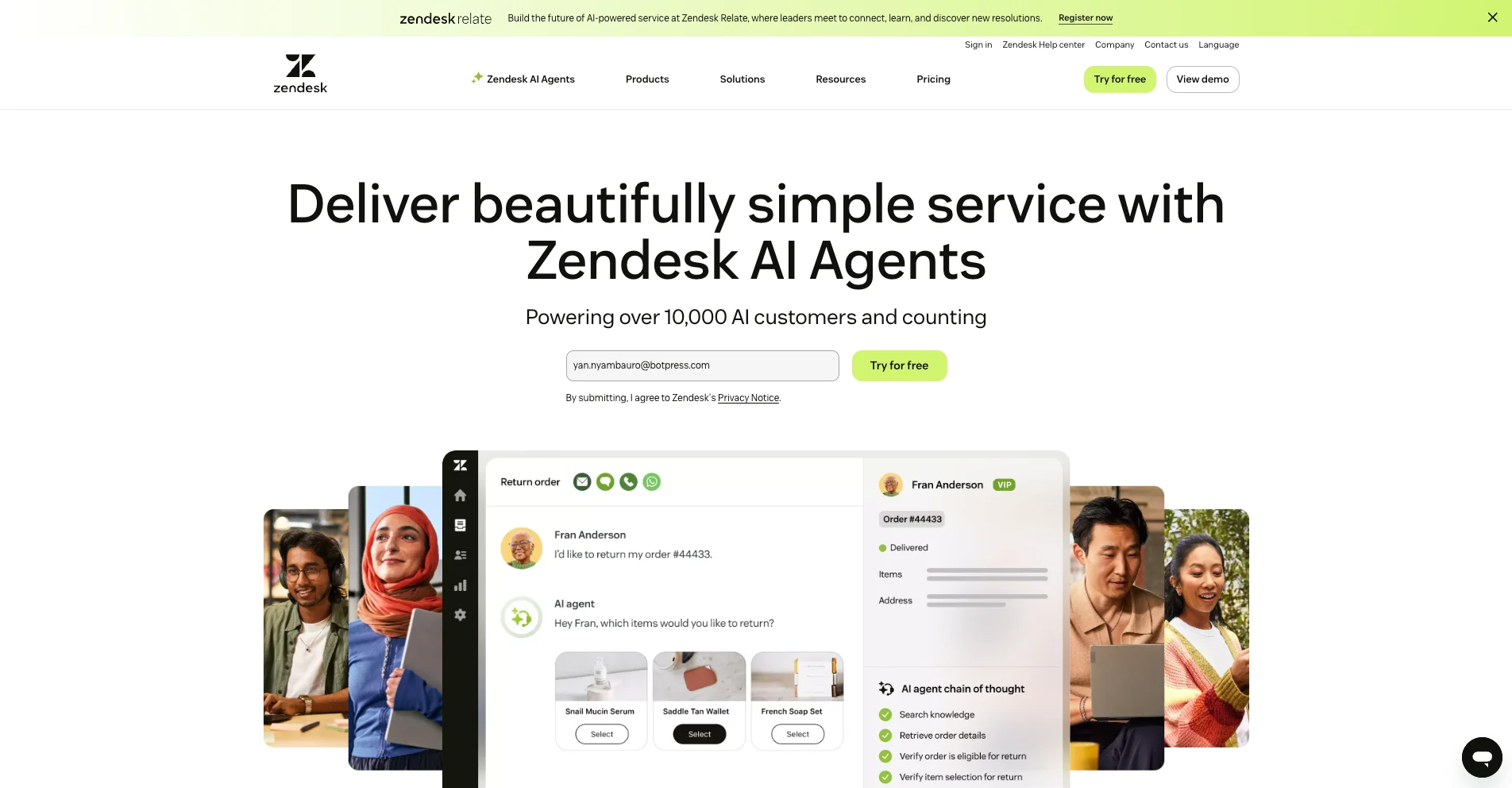
Zendesk is a customer service software company that helps businesses manage and answer customer questions across channels. Its main tool is the Zendesk support platform, which can be connected to the Shopify site using the Web Widget so customers can send queries, and escalate to a human when needed. With the Shopify for Zendesk app, agents can see Shopify orders and customer details inside Zendesk while replying.
Zendesk Pros
The biggest upside to Zendesk is that it gives Shopify stores one place to run support at scale: the store site chat (via Zendesk’s web widget) and other messages land in a shared inbox, can be automatically sorted/assigned, and users can add AI to answer common questions or help agents reply faster. With the Shopify for Zendesk app, agents can see billing/shipping/order info (and even process refunds/cancellations) inside Zendesk, so “Where’s my order?” gets answered quickly and accurately.
Zendesk Cons
Zendesk falls short because it is not an AI-first platform, meaning that getting the AI to handle more than basic questions usually requires extra configuration (and sometimes add-ons/integrations) compared to AI-first chatbot platforms.
Why Zendesk stands out
- Full support platform with routing, automation, and reporting
Zendesk Pricing
Zendesk uses a per agent pricing model.
10) re:amaze
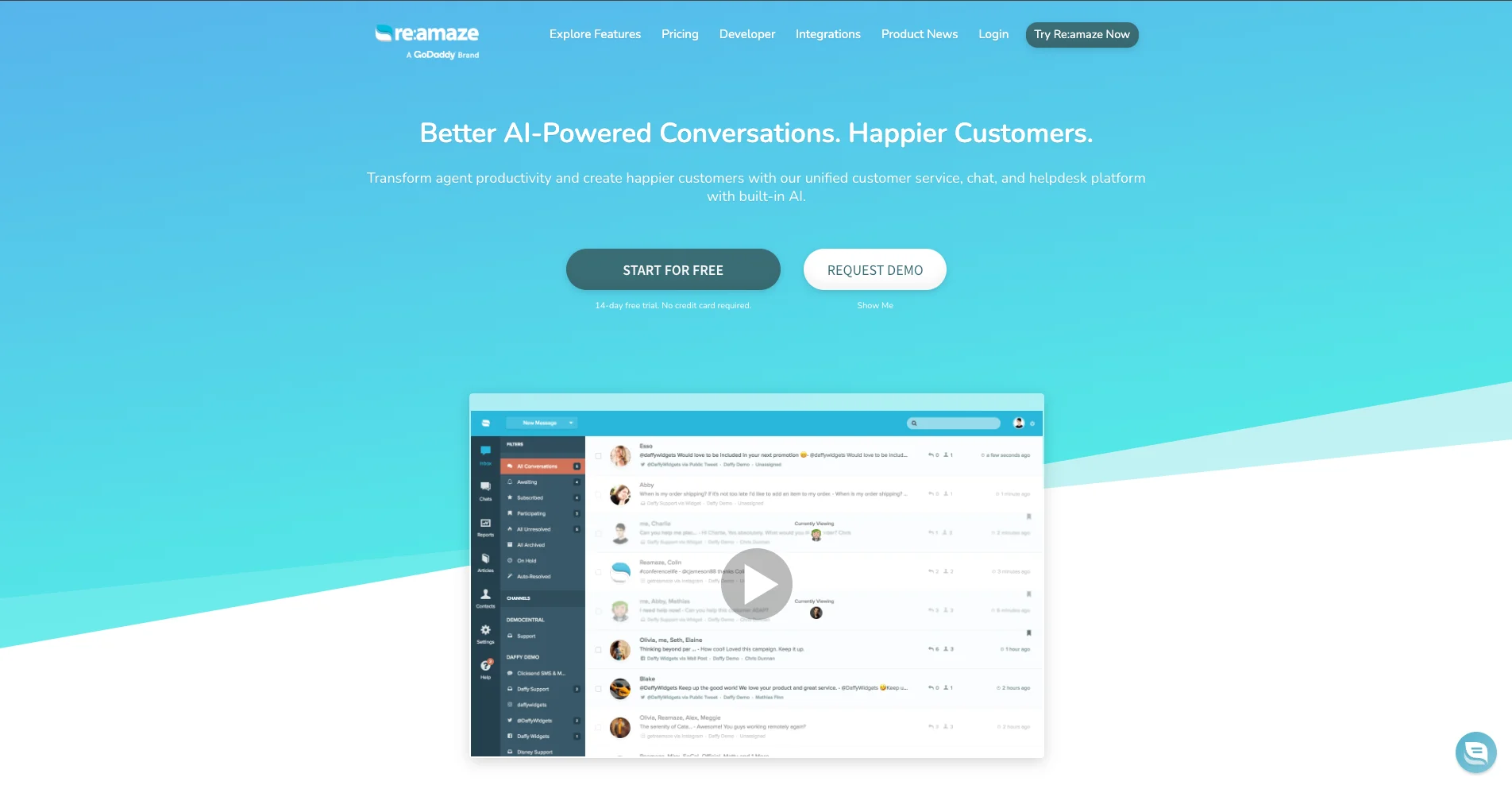
re:amaze is a customer support software company built for online stores. It adds a chat widget to the Shopify storefront and can run AI chatbots—like an FAQ bot and an order bot for "Where's my order?" questions—that hand off to a human when needed, so customers get answers without leaving the storefront.
re:amaze Pros
An upside to Re:amaze is that all Shopify customer conversations live in one unified inbox. Whether customers reach out via email, live chat, social media, or SMS, the team sees everything in one place. That means faster response times, fewer missed messages, and a smoother experience for both customers and the support staff.
re:amaze Cons
The trade-off is that Re:amaze is a full help desk platform, not just a simple chatbot. For users who only want a lightweight bot to answer basic questions on their site, it might feel like overkill. And because pricing is per team member rather than website traffic or conversations, costs can add up quickly as the support team grows.
Why it stands out
- Users can view and manage orders directly within chat.
re:amaze Pricing
Re:amaze uses hybrid pricing: either per-agent seat tiers or flat-rate plans capped by conversation volume, plus custom enterprise pricing.
FAQs
1) Are Shopify chatbots worth it for small stores?
Yes—Shopify chatbots are worth it for any sized company that gets a high volume of repeat questions (shipping, returns, sizing, “where’s my order?”). Small team or big team, repetition is where bots shine.
2) What task should a Shopify chatbot automate first?
The first task a Shopify chatbot should automate is the most repetitive, clearly-defined support request: WISMO (order status), returns, shipping timelines, sizing, and FAQs.
3) Can a chatbot track orders in Shopify?
Yes—a chatbot can track orders in Shopify if it’s connected via integrations/APIs to Shopify order data (and your shipping provider).
4) What’s the difference between Shopify Inbox and an AI chatbot?
Shopify Inbox is mainly a shared inbox where customers message you and your team replies, with quick replies and the ability to share products/discounts. It also has light automation like Instant Answers (including “track my order”) and AI reply suggestions. An AI chatbot is different: it replies automatically first, can handle repetitive questions 24/7, and if connected to Shopify can pull order status/tracking before handing off to a human.
5) Will an AI chatbot replace my support team?
No—an AI chatbot won’t replace your support team, but it will replace the copy-paste part of your support team’s day. Humans still handle edge cases when the bot is unsure, escalate complex issues, and provide the empathy and judgment that AI can't replicate.
6) How do I know if a Shopify chatbot is worth the money?
You can track the ROI of your chatbot by monitoring tickets deflected (hours saved) and revenue assisted (recovered carts / higher AOV) with readable analytics.