
Read Docs
A high-level TypeScript framework for building AI agents as code.

Getting started

Simple to use with a fast, code-first DX

01
Define a minimal conversation
Create `src/conversations/index.ts` and implement your agent’s loop. You can bring in actions, knowledge, or tools as needed.
  
export default new Conversation({
  // Handle messages from a channel (e.g., Webchat)
  channel: "webchat.channel",

  // The main handler runs your agent's AI loop
  handler: async ({ execute }) => {
    await execute({
      instructions: "You are a helpful assistant. Be concise and 
      cite sources when relevant.",
      // You can pass actions (tools) and knowledge bases here:
      // actions: [greet, summarize],
      // knowledge: [productDocs],
    });
  },
});
  
02
Configure your agent
Use `agent.config.ts` to set the agent name, models, state, and integrations
  
import { z } from "zod";

export default defineConfig({
  name: "my-agent",

  // Default models used by the ADK runtime
  defaultModels: {
    autonomous: "cerebras:gpt-oss-120b",
    zai: "cerebras:gpt-oss-120b",
  },

  // Optional bot-level and user-level state
  bot: { state: z.object({}) },
  user: { state: z.object({}) },

  // Integrations like Webchat
  dependencies: {
    integrations: {
      webchat: { version: "[email protected]", enabled: true },
    },
  },
});
  
03
Run locally with hot reload
Use `agent.config.ts` to set the agent name, models, state, and integrations
  
adk dev
# In another terminal, you can chat with your agent:
adk chat
```

You can also add capabilities from the CLI, for example:

```bash
# Add the chat capability to your project
adk install chat
  
Why ADK

Unblocked workflow

Hot reload development server (`adk dev`), local CLI chat, and one-command deploys (`adk deploy`).

Type-safe by design

Hot reload development server (`adk dev`), local CLI chat, and one-command deploys (`adk deploy`).

Code-first authoring

Build agents using TypeScript with clear files for conversations, actions, workflows, triggers, tables, and knowledge.
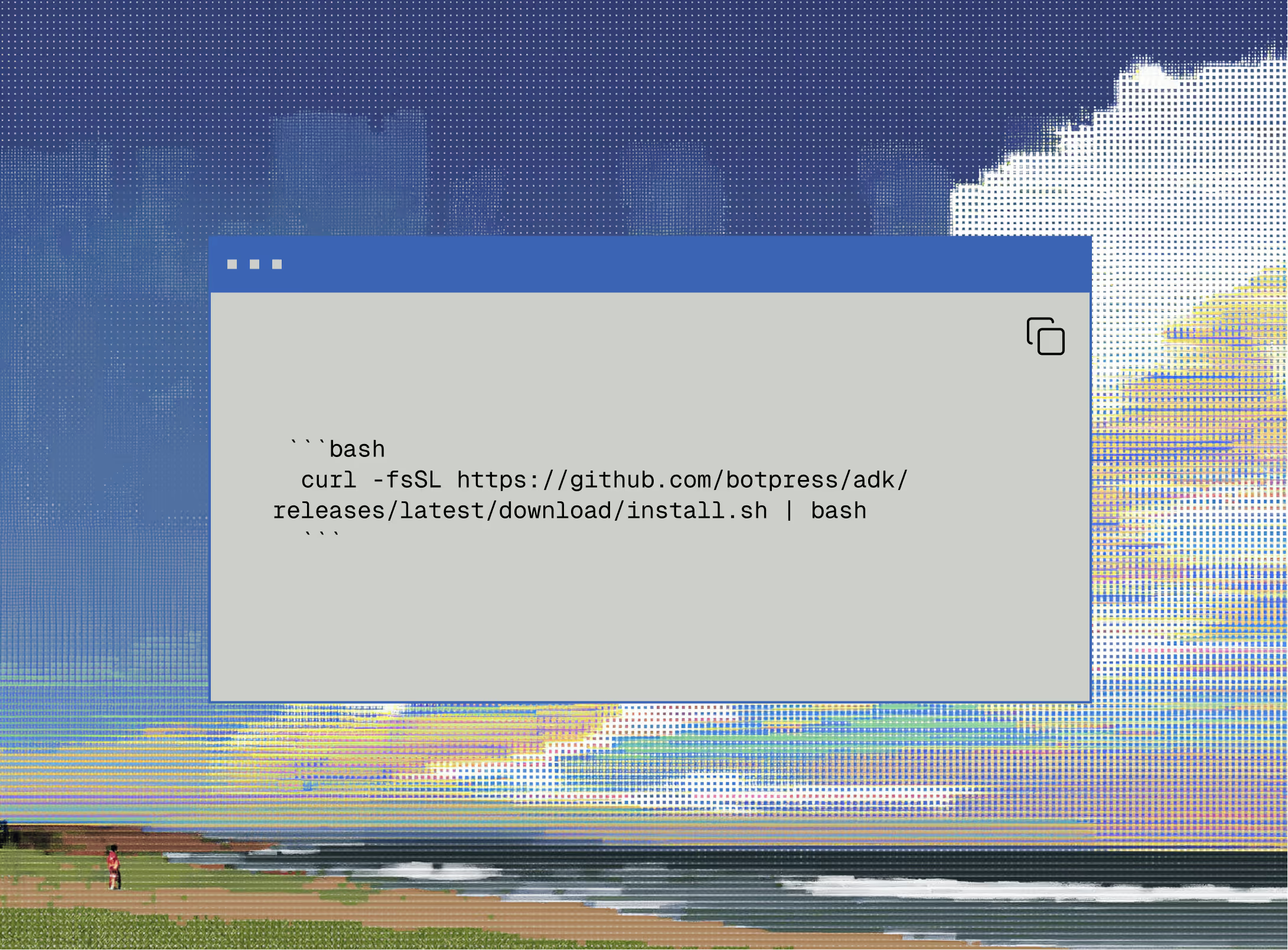
Built-in structure

Build agents using TypeScript with clear files for conversations, actions, workflows, triggers, tables, and knowledge.
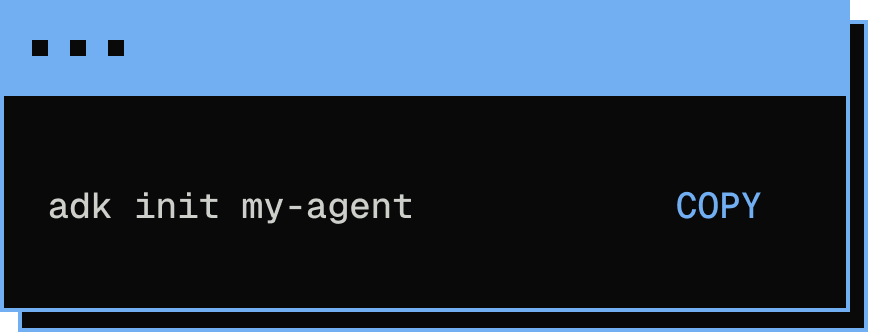
Structure

A new project follows a production-friendly layout

  
src/
├─ actions/        # Define callable functions
├─ conversations/  # Conversation handlers (agent loop)
├─ workflows/      # Long-running, durable processes
├─ triggers/       # Event subscriptions
├─ tables/         # Data storage schemas
└─ knowledge/      # Knowledge base files (RAG)
  
  
export default new Workflow({
  name: "periodic-indexing",
  schedule: "0 */6 * * *", // every 6 hours
  handler: async ({ step }) => {
    await step("reindex-docs", async () => {
      // ...Your indexing logic
    });
  },
});
  
Build an agent