Configuration variables
Configuration variables let you securely store information throughout your bot.
Like bot variables, configuration variables are accessible across all Workflows and conversations. The key difference is that configuration variables are encrypted. This means an Autonomous Node can’t read or display information you store in a configuration variable.
This extra layer of security makes configuration variables great for storing sensitive information, like:
- API Tokens
- Private IP Addresses
- Usernames and passwords
If you need your variable to be available globally but don’t need/want to store it securely, use a bot variable.
Need help getting started with variables? Check out our introduction to variables.
Create a configuration variable
To create a configuration variable:
- In the Studio, select Bot Settings from the bottom-left corner.
- Scroll to the Configuration Variables section:
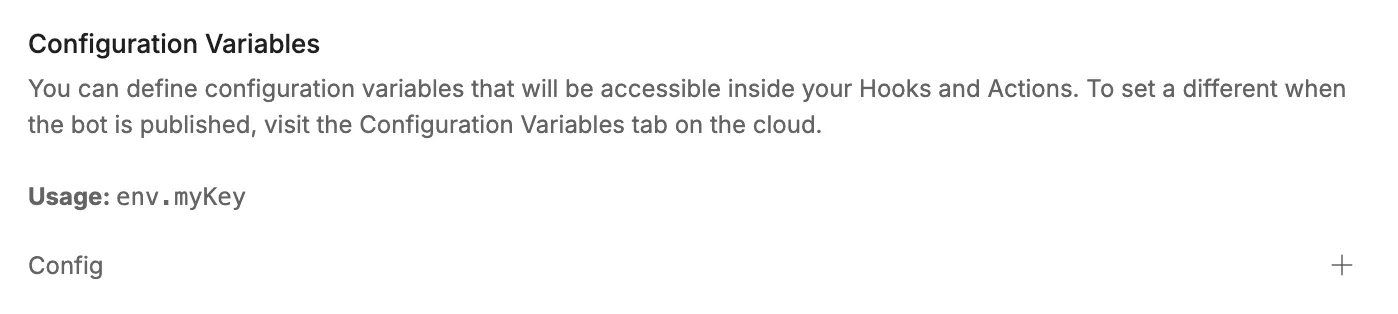
- Select +, then enter a Name and Value for your variable:

Read a configuration variable
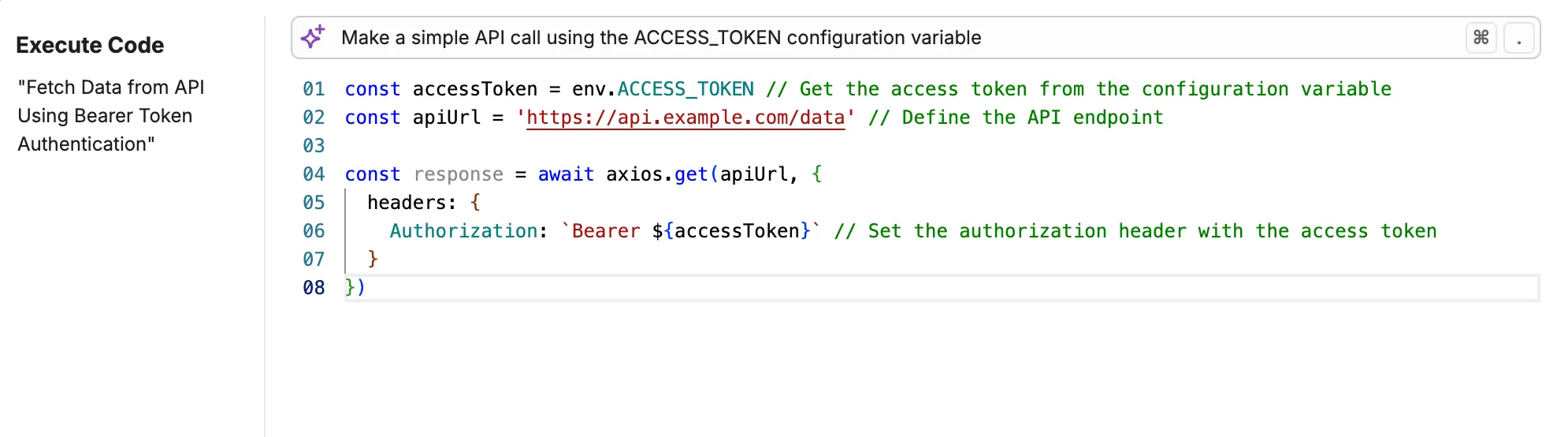
You can use env.variablename to read a configuration variable. For example, in an Execute Code Card: