

Install the ADK CLI, give Cursor ADK knowledge with skills, then let it build your agent from a simple prompt.Documentation Index
Fetch the complete documentation index at: https://botpress.com/docs/llms.txt
Use this file to discover all available pages before exploring further.
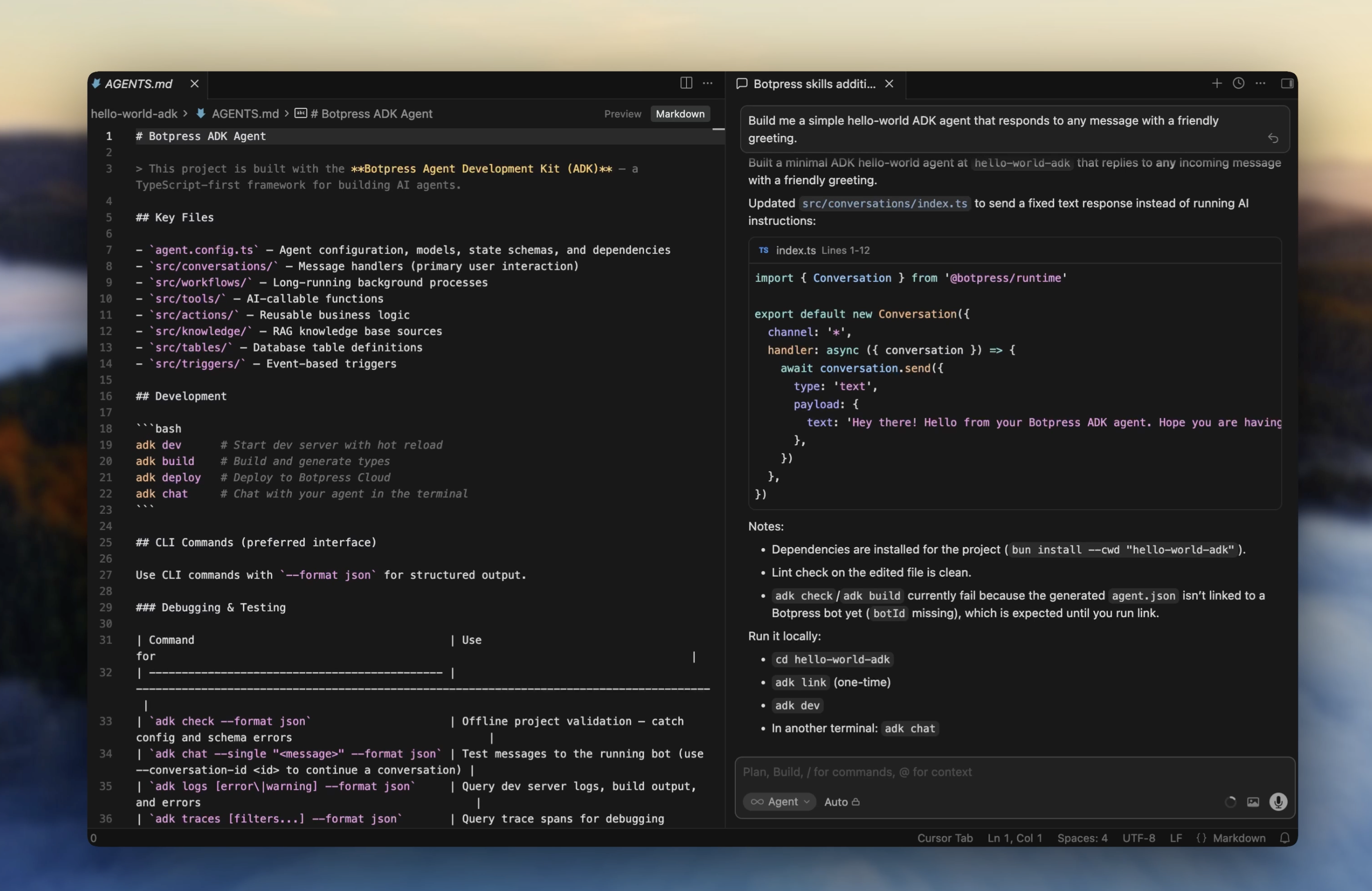
Install the CLI
Install ADK skills
Skills give Cursor deep knowledge of ADK conventions, primitives, and CLI commands:Build your agent
Open your project in Cursor, use the chat panel (Cmd + L), and give it a prompt: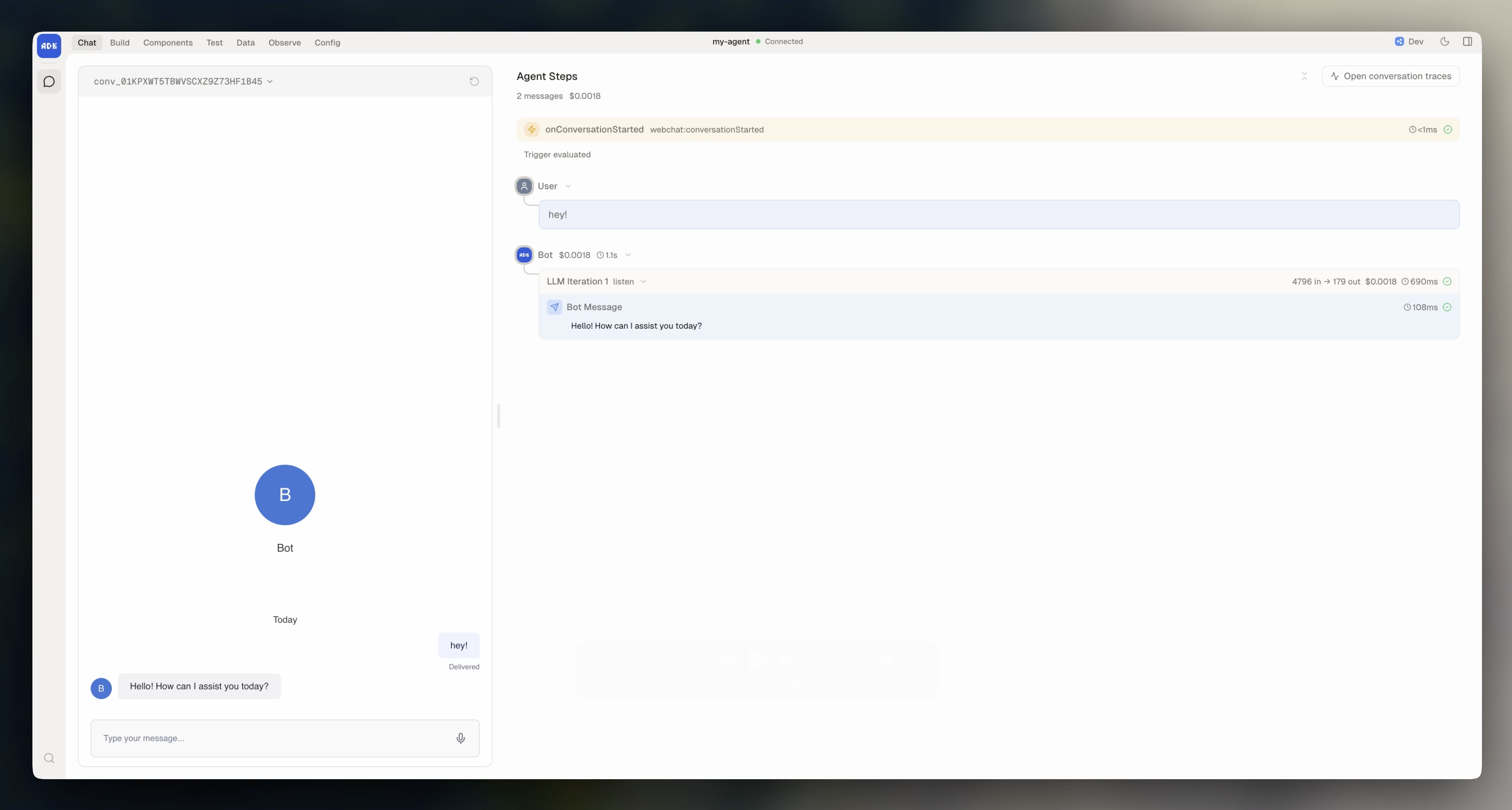
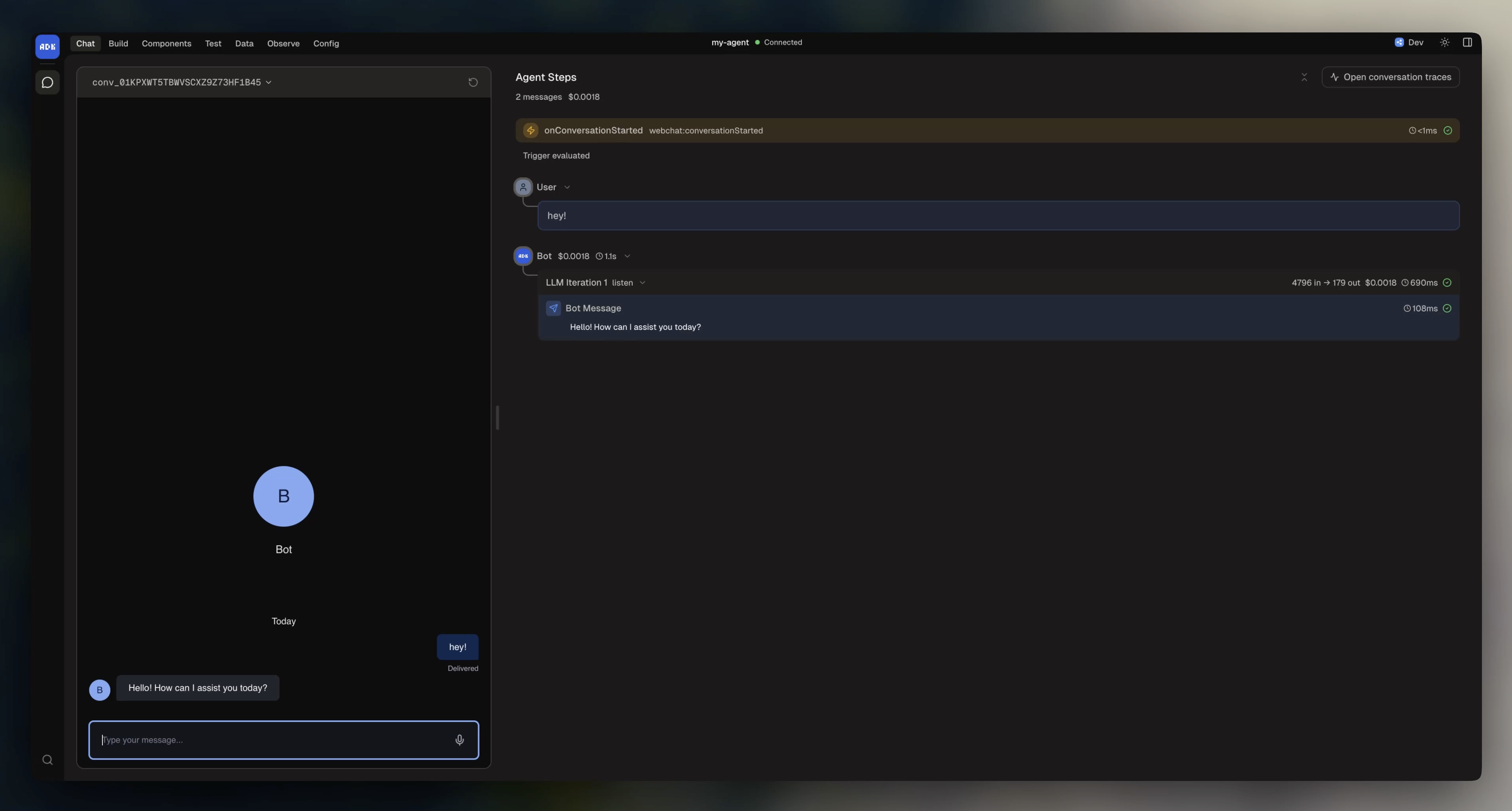
Add more features
Keep prompting Cursor to extend your bot. For example:Deploy your agent
When you’re ready to share your bot, deploy it to Botpress Cloud:Agent configuration
Learn about project structure, models, state, and dependencies.